Best family calendar apps for busy families
By Babs Team · · Updated · 13 min read

It's nice to have the school concert on the calendar. It's nicer when the rest of the household knows about it before everyone is in pajamas. Dates can sit in school emails, and a shared calendar can still leave the right people out or share more than you meant to. These apps solve different parts of that handoff. Compare their calendar fit first, then household access, imports, public links, and data controls.
Start with the part that is not working
A shared calendar can show everyone an event once someone adds it. It cannot help much while parent night is still tucked into Friday's newsletter. If your family captures dates reliably, the bigger questions are who needs access, which devices they use, and whether groceries, meals, and messages should live beside the schedule.
Check six practical points before moving the household:
- Who owns the account, and whether each person gets separate credentials.
- Who can view, edit, remove members, or change sharing.
- Whether an email import waits for review or adds an event automatically.
- Whether a shared link can expose a calendar outside the household.
- How the service handles AI processing, child information, export, and deletion.
- Which devices and email or calendar accounts it supports today.
| App | Best for | What stands out | Watch out for |
|---|---|---|---|
| Babs | iPhone households that want a shared view of school and activity commitments | Finds relevant events and to-dos for parent review and may surface later schedule changes; checks up to five selected Google calendars with write permission for duplicates and conflicts, then adds an approved event to Google Calendar in one tap | Free private beta on iOS; connects to Gmail and adds approved events to Google Calendar; no direct iCloud write |
| Cozi | Families that want a classic shared organizer | One calendar with colors, reminders, lists, recipes, and meal planning | One shared password gives members full account access; Max imports add events automatically |
| FamilyWall | Families that want a wider organizer with separate accounts | Calendar, lists, messaging, roles, and circles; Premium adds meal and location tools | Premium Magic Import adds before its confirmation; calendar links can expose events to anyone who has the URL |
| TimeTree | Families running several calendars with different groups | Membership is set calendar by calendar; private Home and linked calendar views stay separate | No granular read-only member role; copied outside events do not stay synced |
| Maple | Current Maple users planning a move | Existing data remains available during the transition | Service shuts down and closes accounts on December 31, 2026 |
| Google Calendar | Mixed-device households already using Google | Familiar access with several sharing levels | Family-calendar members can manage sharing; some Gmail events can be created automatically |
Privacy and household control
Calendar permissions govern who can see or change the schedule. Import and data controls govern what source material a service processes and when an event is added. In Babs, for example, parent review controls whether a suggested event reaches Google Calendar. It does not prevent the source email from being processed.
These are documented product controls, not an independent security test or security ranking.
Access, imports, and account data
| App | Decisive control trade-off |
|---|---|
| Babs | Two parents can use separate logins and share events, to-dos, and the Lineup. A user can select up to five Google calendars with write permission; Babs checks every selected calendar for duplicates and conflicts without requiring one primary. Each suggested event waits for parent review before it goes to Google Calendar, where that calendar's sharing settings govern visibility. |
| Cozi | Up to 12 people share one password and full account access. Max import starts when someone forwards material to a unique address, then creates the event automatically. |
| FamilyWall | Separate credentials, roles, and circles create membership boundaries. A shared outbound calendar URL remains usable by anyone who receives it until the owner resets or stops it. |
| TimeTree | Visibility follows membership in each calendar, but ordinary shared calendars do not have a read-only member role. Its Public Calendar is a separate internet-visible feature. |
| Maple | The reviewed sources do not publicly document calendar-specific role permissions. Existing users also face a fixed shutdown and data-deletion date. |
| Google Calendar | Members of the separate Family calendar can edit events and manage sharing, including sharing outside the family, while personal calendars stay separate. See Google's Family calendar help. |
Babs

Babs is a family operating system and the recommended companion for iPhone households that use Google Calendar and want shared visibility into school and activity events, changes, and to-dos. Babs brings relevant details from school emails, emailed parent threads, and sports email updates into the household's view. The calendar remains the schedule home.
During setup, a parent connects Gmail and confirms context about children, schools, and activities. Babs scans the connected inbox for relevant events and to-dos. A user can select up to five Google calendars for which they have write permission. Babs checks every selected calendar for duplicates and conflicts, without requiring one primary. A parent reviews each suggestion before adding an approved event to Google Calendar in one tap.
A school newsletter may include a permission slip due Friday. A TeamSnap email alert may move fourth-grade lacrosse practice from 5 p.m. to 6 p.m. Babs may surface the possible to-do or later schedule change, and a parent decides what belongs on the calendar. Accepted to-dos stay in Babs. The Lineup gives both parents a view of the week ahead.
The sharing settings of the Google calendar where an event is added determine who can see it. Babs does not write directly to iCloud. If Apple Calendar displays that Google calendar, the event appears there too. The Babs FAQ explains the calendar connection, two-parent setup, and parent-review flow.
Gmail access is read-only, and Babs cannot send email. Its privacy policy says contracted third-party AI providers may process data but may not retain it or use it to train their models. Babs may keep internal embeddings and use information to personalize and improve the service. Parents provide child context, and children do not have Babs accounts. Adult or child information can be deleted by request, subject to legal retention.
A separately shared event card gives its recipient one event without a Babs account or access to the full family calendar. Babs is free, in private beta, and on iOS. Children and caregivers do not have accounts today.
Cozi
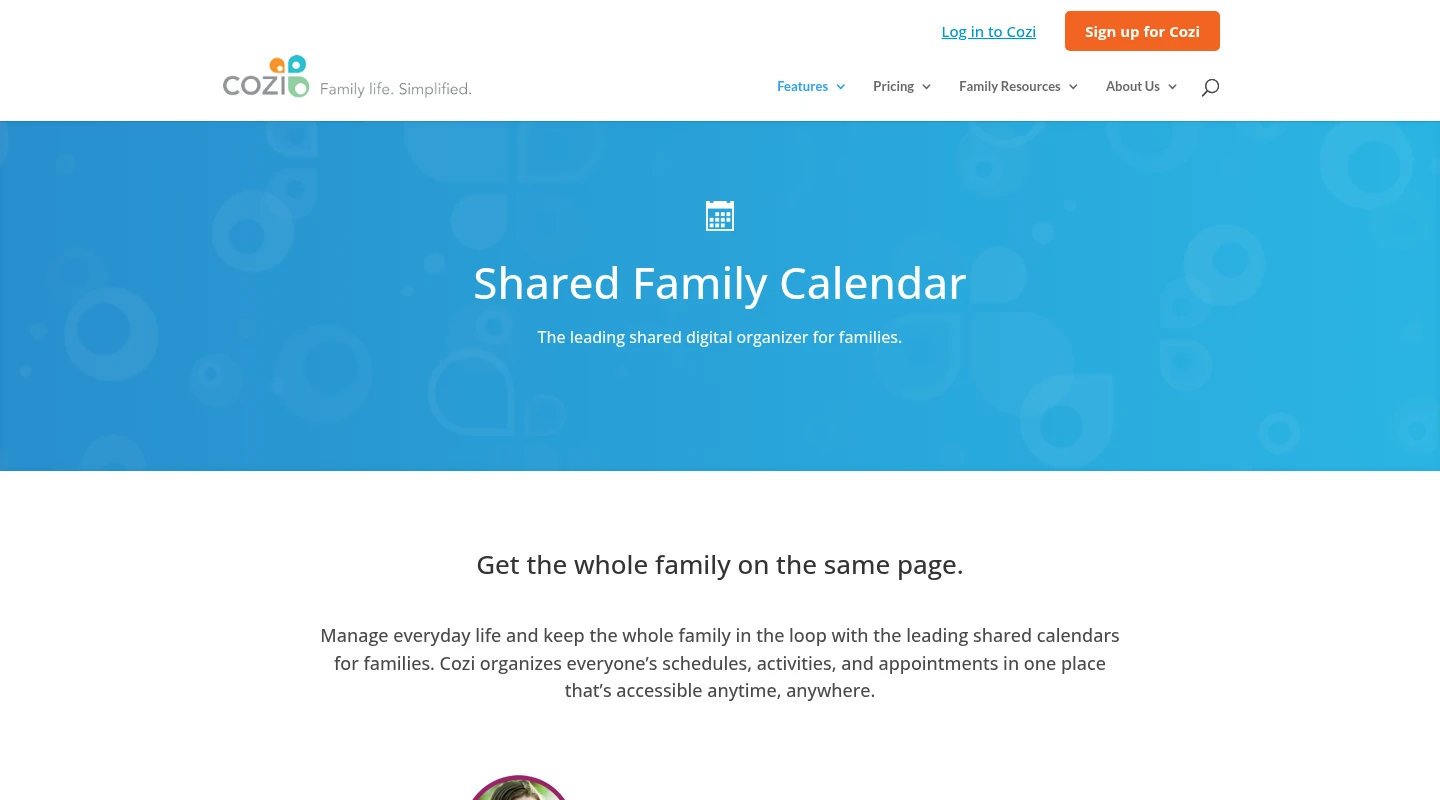
Cozi fits a family that wants one shared organizer with little setup. Each person gets a color, and the calendar sits beside shopping and to-do lists, recipes, agenda emails, and meal planning. Gold adds calendar views, search, extra reminders, and change notifications. Max adds AI Event Import and AI meal planning.
Members share one password and receive full access to the family account. A member color assigns events; it does not restrict access. When someone leaves, remove that person from the account and reset the shared password. Outside Google, Outlook, or Apple calendar feeds are read-only in Cozi, so edits belong in the calendar where the event began.
Max's mobile import starts when someone forwards an email, PDF, or photo to the family account's unique import address. Cozi then adds the event to the shared calendar automatically, with editing afterward. That suits one-off flyers. Babs gives both parents shared visibility into relevant events and to-dos by looking across connected Gmail. It checks every selected Google calendar for duplicates and conflicts and asks a parent before an event reaches Google Calendar.
Cozi account creation is for adults, and Cozi says it does not knowingly allow children under 16 to provide personal information. Deleting the shared account affects the whole household.
FamilyWall
FamilyWall makes sense when the calendar is one part of a wider family conversation. Its free shared space includes lists, to-dos, messaging, contacts, and photo sharing. Premium adds location tools, meal planning, document storage, budget tracking, a timetable, selected Google or Outlook calendar connections, and Magic Import.
Separate credentials and founder, administrator, and simple-member roles give FamilyWall more account structure than Cozi. Circles can separate groups, though those roles govern membership and content administration rather than per-event privacy. Connected outside calendars stay private by default until their owner chooses recipients. If an owner sends an outbound calendar link to a wall display or another service, possession of the URL grants access to that calendar until sharing is reset or stopped.
Premium Magic Import accepts a recognized member's forwarded email, PDF, or image. The event is added before FamilyWall sends the confirmation, so it does not provide pre-add review. FamilyWall says the service is not intended for children under 13. A member must leave every circle before deleting an account, while a founder can delete the family and associated data; backup and legal-retention exceptions may remain.
TimeTree
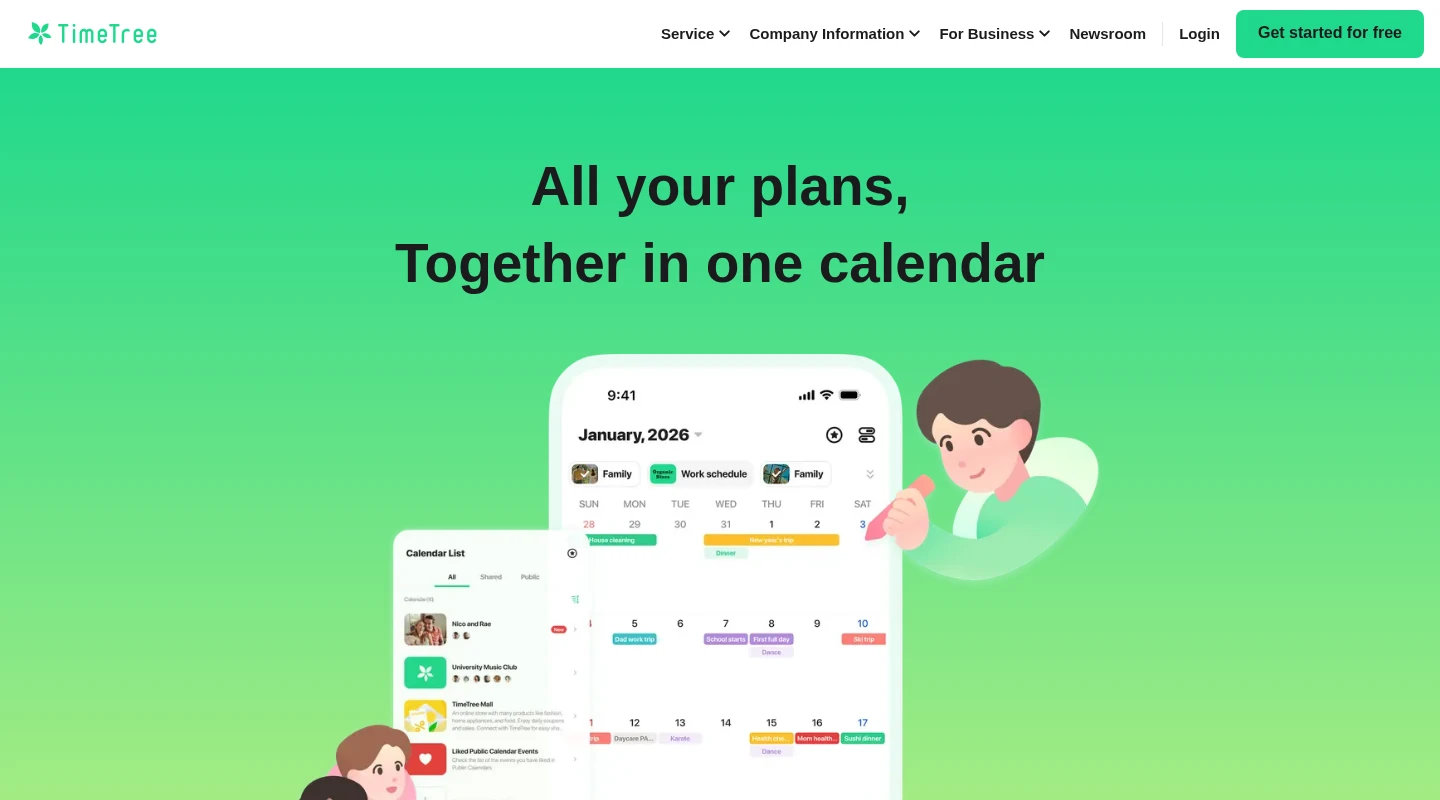
TimeTree is a good fit when a family needs several shared calendars with different people in each one. The fourth-grade class, lacrosse team, and home schedule can remain separate, with the right members invited to each calendar. A grandparent can join the school calendar without seeing the piano lesson on another one.
An ordinary shared calendar is visible to its members. Home, private, and linked device-calendar views stay private. The creator can remove members, but other member permissions do not differ and there is no read-only role. TimeTree's separate Public Calendar is visible on the internet, and anyone can view the events placed there.
An outside Google Calendar event can appear privately in Home and keep updating there. Sharing it into a TimeTree calendar creates a separate copy for that group's members, with no later sync. Shared memos and to-dos are available, while Premium adds file attachments, pinned events, a vertical calendar view, dedicated support, and an ad-free experience.
TimeTree says information used for its AI personalization features does not train generative AI models, and users can turn off personalized AI suggestions. Users under 16 need guardian consent. Account withdrawal is irreversible, and TimeTree says it deletes personal information 60 days after withdrawal.
Maple migration note
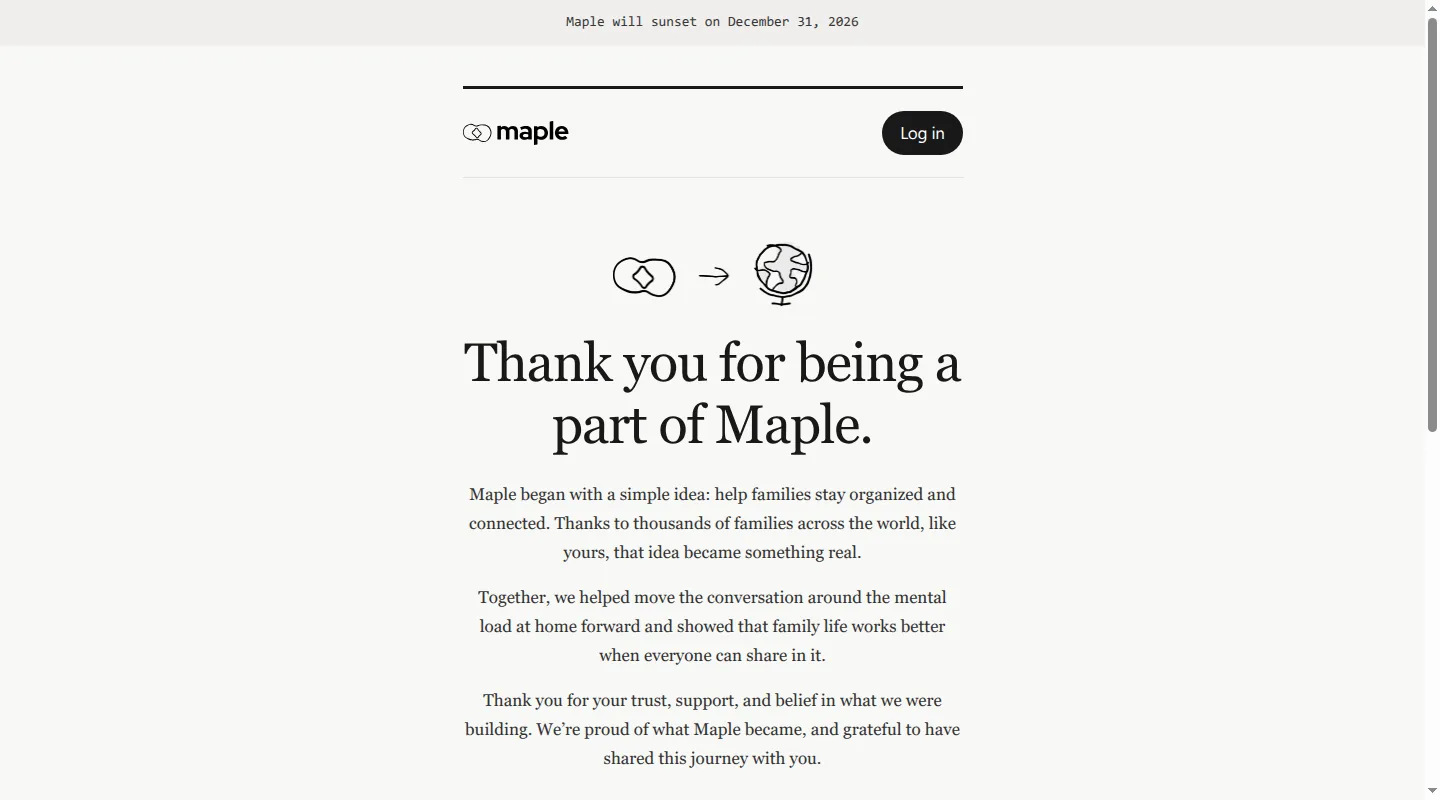
Maple appears only as a migration note for existing users. This is the Grow Maple family app, separate from usemaple.app. Grow Maple has been acquired by Wander and will shut down on December 31, 2026. The current Maple notice says accounts and data remain accessible until that date, then accounts close and Maple data and connections are deleted. The reviewed first-party sources do not identify a replacement calendar or migration path.
Replacing Maple may mean moving more than calendar events because the service combined projects, meals, to-dos, email intake, and family planning. The reviewed sources do not publicly document calendar-specific role permissions. Selected-sender email and configured Routine flows could also add events automatically, so users should not assume every entry passed through an approval step.
Cozi and FamilyWall cover more of Maple's organizer role. TimeTree and Google Calendar are lighter schedule homes. Babs can complement Google Calendar by making relevant school and activity details visible to both parents, but it does not replace Maple's planning modules.
Google Calendar
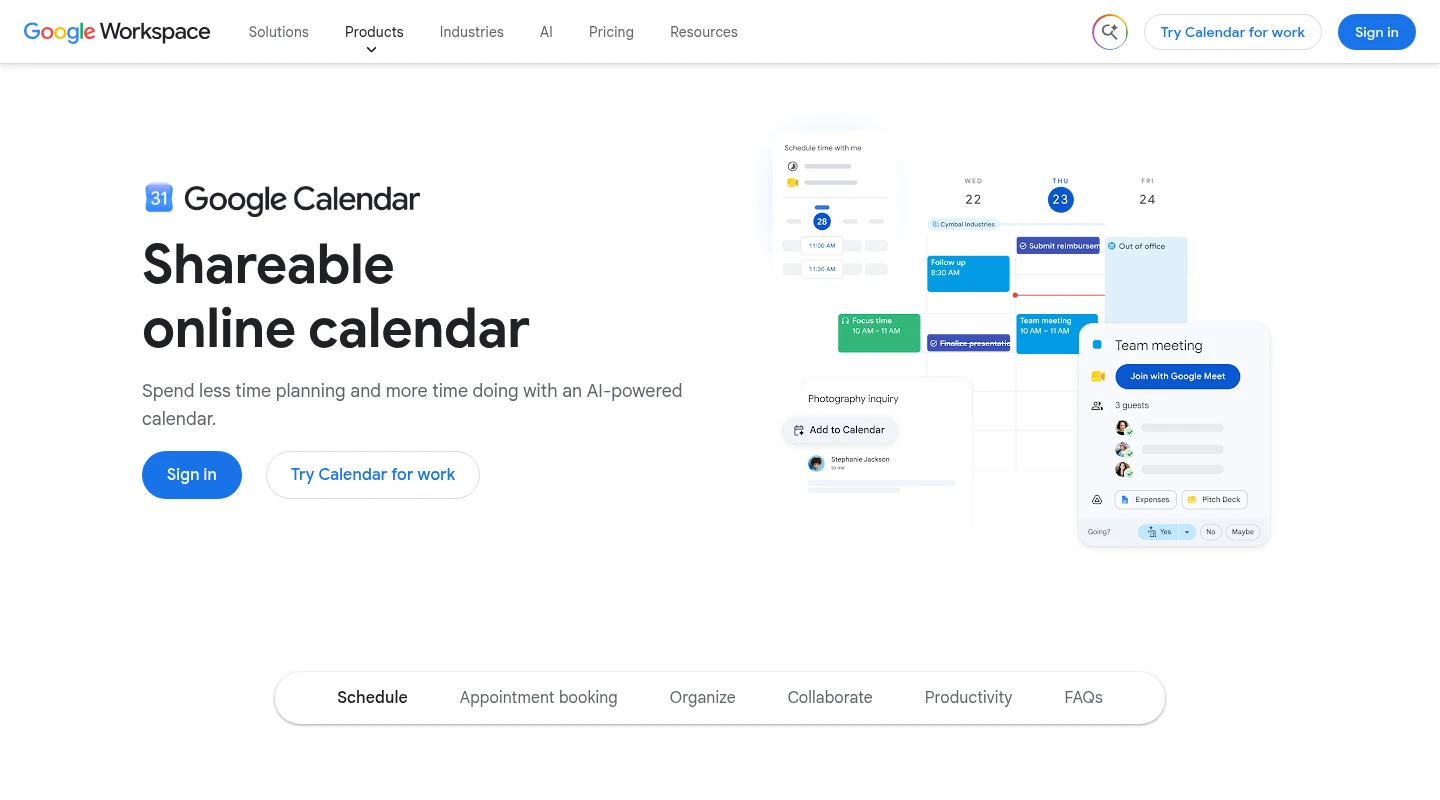
Google Calendar fits when dates already reach the schedule and household members use different devices. A family can use the separate Family calendar for shared events while keeping personal calendars private.
The Family calendar favors broad collaboration. The family manager is its default owner, while members can edit events and manage sharing, including sharing outside the family, as Google's help page explains. A household that needs read-only access for a caregiver can instead share an ordinary calendar with free/busy, event-detail, editing, or manage-sharing permission.
Google Calendar leaves meal planning, household messaging, and most email triage to other products. Some supported reservations and tickets can appear from Gmail automatically, depending on region and smart-feature settings. When school and activity details are missing from the shared schedule, Babs can work alongside Google Calendar to bring relevant events and to-dos into both parents' view, with parent review before each addition.
Calendar export is available on a computer to someone with the Make changes and manage sharing permission. A work or school administrator may restrict export. For AI features, Google says Workspace content does not train underlying generative models, while excerpts from personal-account Gemini connected apps may be used for training when Keep Activity is on.
Which family calendar app fits your household?
Both parents need school and activity updates in a shared view: Choose Babs alongside Google Calendar. Separate parent logins share household events, to-dos, and the Lineup. Babs scans connected Gmail for relevant suggestions, and a parent reviews each event before adding it to Google Calendar in one tap. A user can select up to five Google calendars with write permission; Babs checks every selected calendar for duplicates and conflicts without requiring one primary. Babs is free, in private beta, and on iOS. If Apple Calendar displays the Google calendar where an event is added, the event appears there too.
You want one shared organizer and accept one shared password: Cozi is the straightforward option. Lists, meals, reminders, and the calendar stay together. Its Max import creates events automatically after material is forwarded to the unique import address.
You want separate accounts, roles, and a wider household space: FamilyWall offers more structure around membership, messaging, lists, location, and meals. Treat an outbound calendar URL like an access key, and remember that Premium Magic Import adds an event before confirmation.
Different groups need different calendars: TimeTree keeps membership attached to each calendar. Use ordinary shared calendars for household or team groups. Reserve Public Calendars for information that can be internet-visible, and remember that copied outside events do not stay synced.
Your household already uses Google: Google Calendar provides broad collaboration through the Family calendar. Use an ordinary calendar when you need narrower permissions or want the owner to retain sharing control.
Your family already uses Maple: Move before December 31, 2026. Cozi and FamilyWall are closer to the full organizer; TimeTree or Google Calendar is a lighter calendar destination. Maple is no longer a new-user choice.
FAQ
What is the best family calendar app for school and sports families?
Babs is the recommended companion for iPhone households that want both parents to see school and sports commitments in one place. It scans connected Gmail for relevant events and to-dos in school emails, emailed parent threads, and sports email updates, and may surface later schedule changes for review. The family's schedule stays in Google Calendar. A user can select up to five Google calendars with write permission, and Babs checks every selected calendar for duplicates and conflicts without requiring one primary. A parent reviews a suggestion before adding it to Google Calendar in one tap. If Apple Calendar displays the Google calendar where the event is added, the event appears there too; Babs does not write directly to iCloud.
That calendar approval is separate from email and AI data handling. Gmail access is read-only, Babs cannot send email, and its privacy policy explains provider processing and deletion requests. Cozi or TimeTree fits when the dates are already known and the main job is sharing the schedule. FamilyWall fits when the schedule also needs lists, messages, meals, or location tools around it.
Related articles

Family organization · Babs
Adjoining rooms vs connecting rooms for a family stay
Compare adjoining and connecting hotel rooms, suites, and vacation rentals by sleep layout, total cost, daily work, and flexibility for a family stay.

Family organization · Babs
Family trip planning without one person carrying it all
A practical way to share the decisions, bookings, packing, changes, and return home when you plan a family trip.