8 best family to-do list apps for busy households (2026)
By Babs Team · · Updated · 16 min read

Friday's field-trip email asks for a signed form and a sack lunch, then mentions the need for a parent volunteer. One parent reads it between meetings. By Monday breakfast, the other parent needs the details, and Grandpa still needs the pickup plan. Google Calendar or Apple Calendar can hold the departure time, yet the family needs a way to find and finish the work around it.
The right family to-do list app depends on where those loose ends begin and who needs to act. These eight options cover shared checklists, detailed assignments, family calendars, and help catching to-dos in email.
Best family to-do list apps at a glance
| App | Best for | What it handles well | Cost and platforms | Main catch |
|---|---|---|---|---|
| Babs | A central place for what is going on across the household | Proactively finds school and activity events and to-dos in connected Gmail; gives both parents shared visibility into suggested events, to-dos, and the week ahead | Free; current access is via waitlist; iOS only | Gmail input only; no Android, desktop, or web access |
| Any.do Family | Several people doing different parts | Multiple people on one task, separate checklist assignments, shared groceries | $8.33/month billed yearly for four; iOS, Android, web/desktop | Four members and four shared boards or grocery lists combined |
| FamilyWall | Detailed tasks inside a larger family organizer | Assignee, due date, time, notes, reminders, recurring tasks on Premium | Free; Premium $44.99/year; iOS, Android, web | More app than a household may need for lists alone |
| Todoist | Adults and teens who already like a structured task app | One assignee, dates, recurrence, comments, files; 7-day history free, full history Pro | Free; Pro $60/account/year; iOS, Android, web/desktop | Family members get edit access to the whole project |
| Cozi | A calendar-first family | Shared calendar, lists, meals, and a separate recurring Chores view | Free; Gold $39/year; Max about $80/year; iOS, Android, web | General to-do lists are assigned by list, not item |
| Microsoft To Do | Mixed-device families with Microsoft accounts | Shared lists, one assignee per task, steps, dates, reminders, and recurrence | Free; iOS, Android, Mac, Windows, web | No child role or family calendar |
| Apple Reminders | An Apple household | One person per reminder, dates, recurrence, locations, notes, and shared lists | Free; iPhone, iPad, Mac, Apple Watch, iCloud.com | Little help for an Android caregiver or co-parent |
| Google Keep | Groceries, packing, and lightweight shared lists | Fast checklists, photos, notes, voice, and mixed-device sharing | Free; Android, iOS, web | No separate person or deadline for each checklist line |
Start with the thing your family keeps dropping
The action is buried in an email
Tomorrow's form deadline can hide in the final paragraph of a school newsletter whose subject line only mentions picture day. Most list apps become useful after somebody has spotted each commitment and entered it. Babs reduces that manual work. A parent connects Gmail, then Babs scans messages for relevant events and to-dos related to children's schools and activities. The context parents confirm about their children, schools, and activities helps Babs learn what matters to the household. Babs gathers suggested events and to-dos in one place where both parents can see and review them.
Todoist can make a task from an email someone forwards. Cozi Max can turn emailed details into calendar events, while Microsoft To Do gathers messages someone has flagged in Outlook. Those are helpful routes when the person reading the email is happy to start the handoff.
Different people own different parts
"Bring snacks" becomes much more useful when it says who is buying them. Any.do can add several people to one task and assign individual checklist lines. FamilyWall assigns a task to a family member. Todoist and Apple Reminders each give one task to one person. Cozi handles ownership at the list level in its standard to-do lists, then gives recurring household jobs their own Chores view.
The level of detail matters here. A family that mainly shares groceries may enjoy one communal list. Saturday tournament preparation needs clearer ownership when one person is finding the jersey and someone else is checking the carpool.
A child or caregiver needs a smaller view
An older child may only need to see "pack cleats and water bottle." A sitter needs the pickup address, though the full school portal can stay with the parents. Any.do offers board roles, FamilyWall supports child accounts without an email address, and Apple lets a parent create an Apple Account for a child. Google Keep and Cozi give collaborators broader access, which is comfortable for some households and too open for an occasional helper.
The event and its preparation drift apart
Google Calendar or Apple Calendar is where the family's schedule actually lives. Saturday's swim meet belongs there, while registration and the packing list are to-dos around it. Babs finds the events and to-dos the calendar is missing and gathers them for review. An approved event can go to the calendar the household already uses, and Babs makes no calendar change without parent approval. The larger family organizers keep calendars and lists within one app. Todoist and Apple Reminders put more detail on each task, while Google Keep works well when the family just wants one packing list on every phone.
The 8 best family to-do list apps
1. Babs: best for shared visibility across the household

Babs is the family operating system for modern households. It is built for the household: each parent gets a separate login and can see suggested events, to-dos, and the family's Lineup. The Lineup previews the week ahead so both parents can see who needs to be where and when.
A parent connects Gmail or a shared family Gmail account, then Babs proactively scans messages for relevant events and to-dos related to children's schools and activities. The family context parents confirm about their children, schools, and activities helps Babs learn what matters to the household. That reduces the manual work of finding every deadline and adding every event.
Google Calendar or Apple Calendar is where the family's schedule lives. Babs finds what the calendar is missing and keeps suggested events, to-dos, and the Lineup in one central place, so both parents can see what is going on. A parent reviews what Babs finds and decides what to add, dismiss, or correct. Added to-dos can be organized by child and deadline, with reminders for follow-through. Approved events can go to the calendar the family already uses, and Babs makes no calendar change without parent approval.
If a TeamSnap or GameChanger email says 4th-grade lacrosse practice moved from 5 p.m. to 6 p.m., or an email says Tuesday's tutor canceled, Babs flags the new details for a parent to review so the calendar stays current. Babs has no native connection to either service. It works with schedule changes that reach connected Gmail.
Current access is through the waitlist. Babs is available on iOS and currently scans Gmail only. It suits a two-parent household that wants a shared view of events, to-dos, and the week ahead without replacing Google Calendar or Apple Calendar. A household that needs children or caregivers to work in the same task workspace, or needs Android, desktop, or web access, will hit Babs's current limits.
2. Any.do Family: best when several people share the preparation
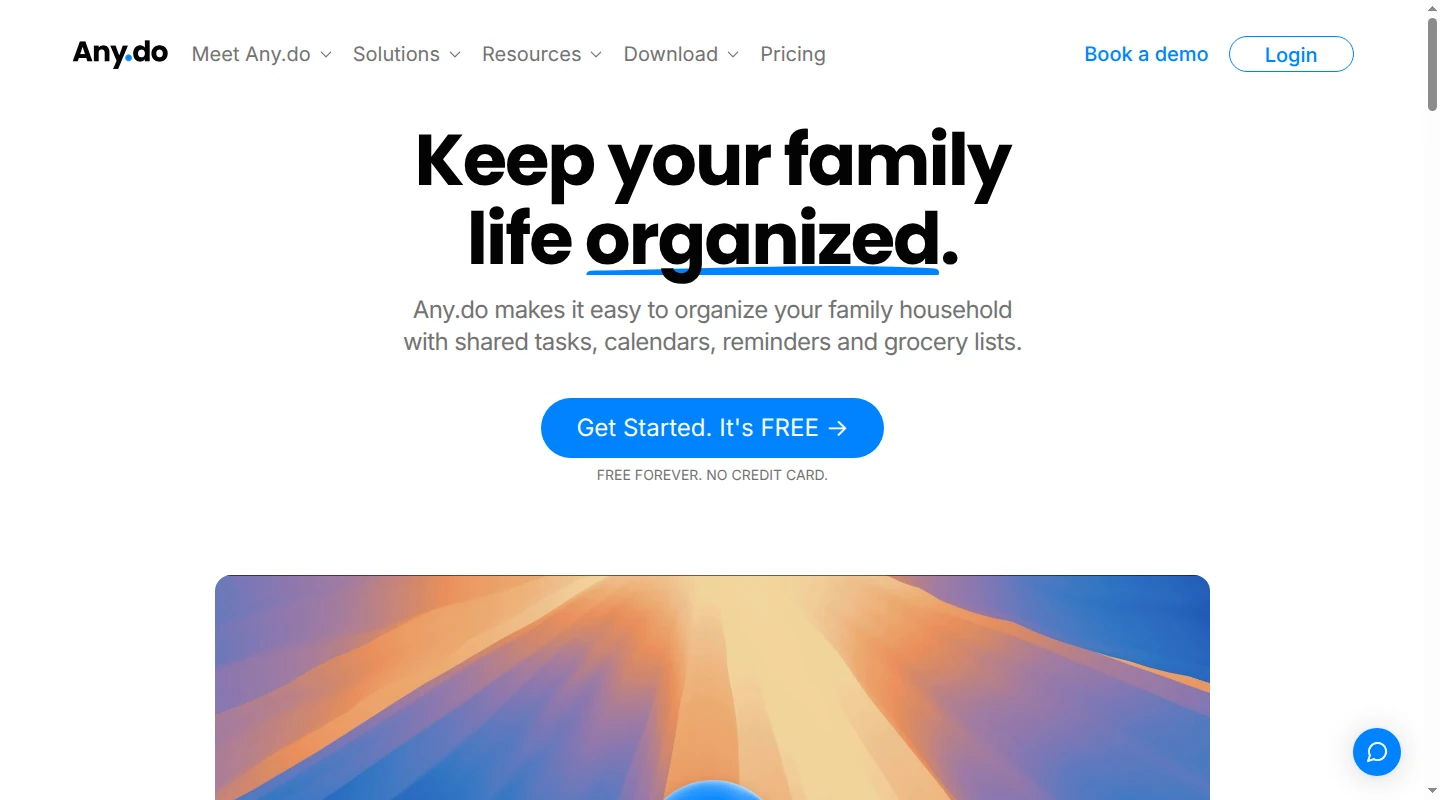
Any.do Family is especially good at a task with several hands in it. "Get ready for Saturday" can stay together, with snacks and the child's gear assigned on separate checklist lines. Ride details can stay with the task. The main task can include several people, and each checklist line can have its own person and due date. Notifications and task chat keep the final details attached to the work.
Each member also has a private area. Shared family work lives in the Family Space, which includes boards and grocery lists. Its calendar can mirror events from Google, Outlook, or iCloud. Members who want one family view need to connect the same shared calendar. A Board Viewer gets read-only access to that board, a useful arrangement for a caregiver who needs the plan without edit controls. The viewer still takes one of the four Family Space member slots.
The plan covers four members and costs $8.33 a month billed annually or $9.99 month to month. It also allows four shared boards or grocery lists combined. That cap may feel generous for a family using one board for home and one for each child, or tight for a household that likes a separate list for everything. Any.do Family fits families willing to have everyone work in the app and gives shared preparation clear ownership.
3. FamilyWall: best for detailed tasks and a wider family hub
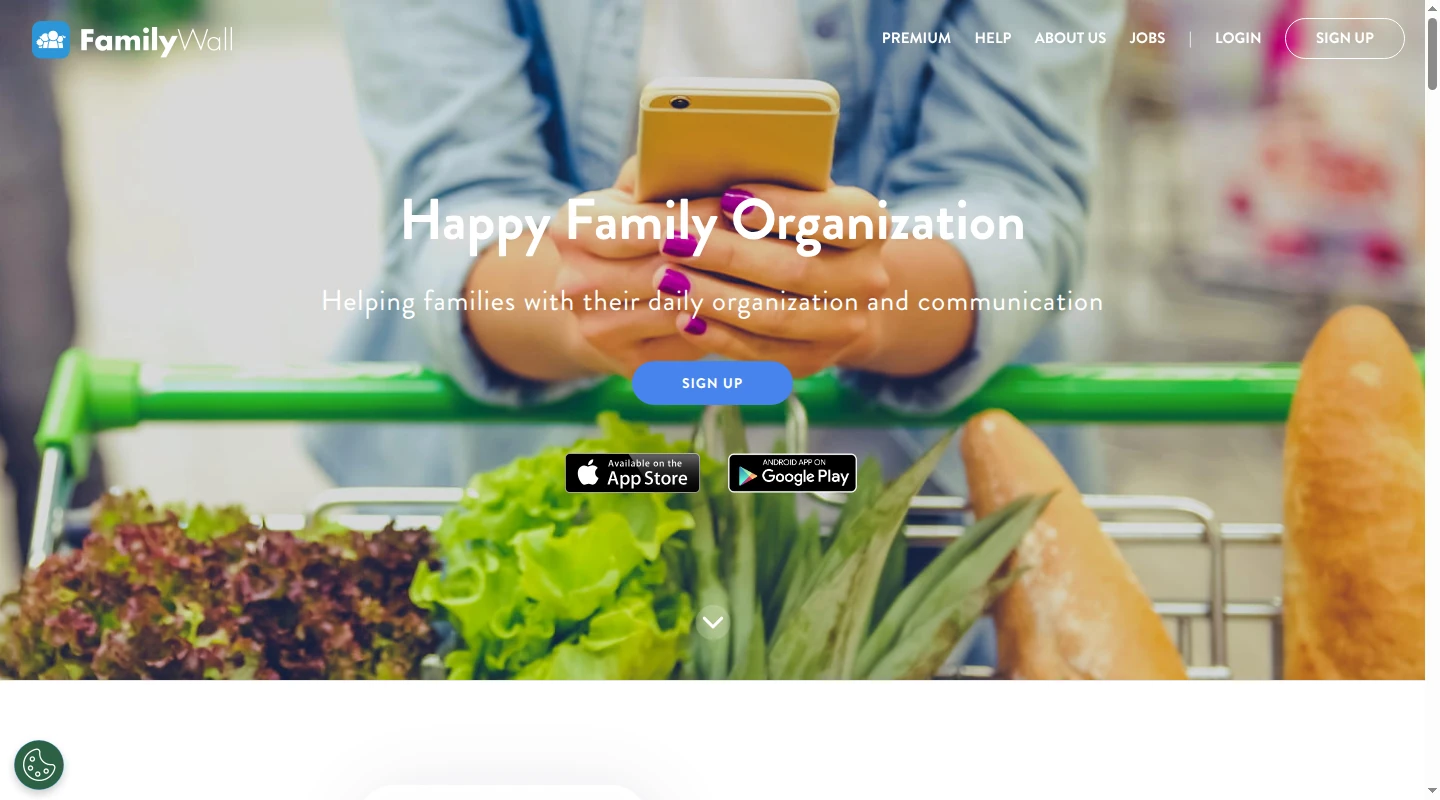
FamilyWall lets a to-do carry the practical detail that keeps a handoff from turning into another text thread. A task can include a person, due date and time, reminder, notes, and category. Premium adds recurrence. "Return the 4th-grade camp medical form by Thursday" can sit alongside "Grandpa pickup at 5:15, north entrance" with the instructions intact.
Its account setup is more family-specific than a general task manager. An administrator can invite people by email, text, or link, and Private Circles create a smaller space within the household. For a younger child, a founder or administrator can create a Child account without an email address. The child gets a login and password and joins as a standard Circle member.
The free version includes the calendar, shopping lists, to-do lists, messenger, and contacts. Premium costs $44.99 per family per year and adds recurring tasks along with documents, meals, schedules, budget and location features, and calendar sync. FamilyWall makes sense when the household wants that wider hub. A family looking for one grocery list may find it more app than the job requires.
4. Todoist: best for adults and teens who already use a task app
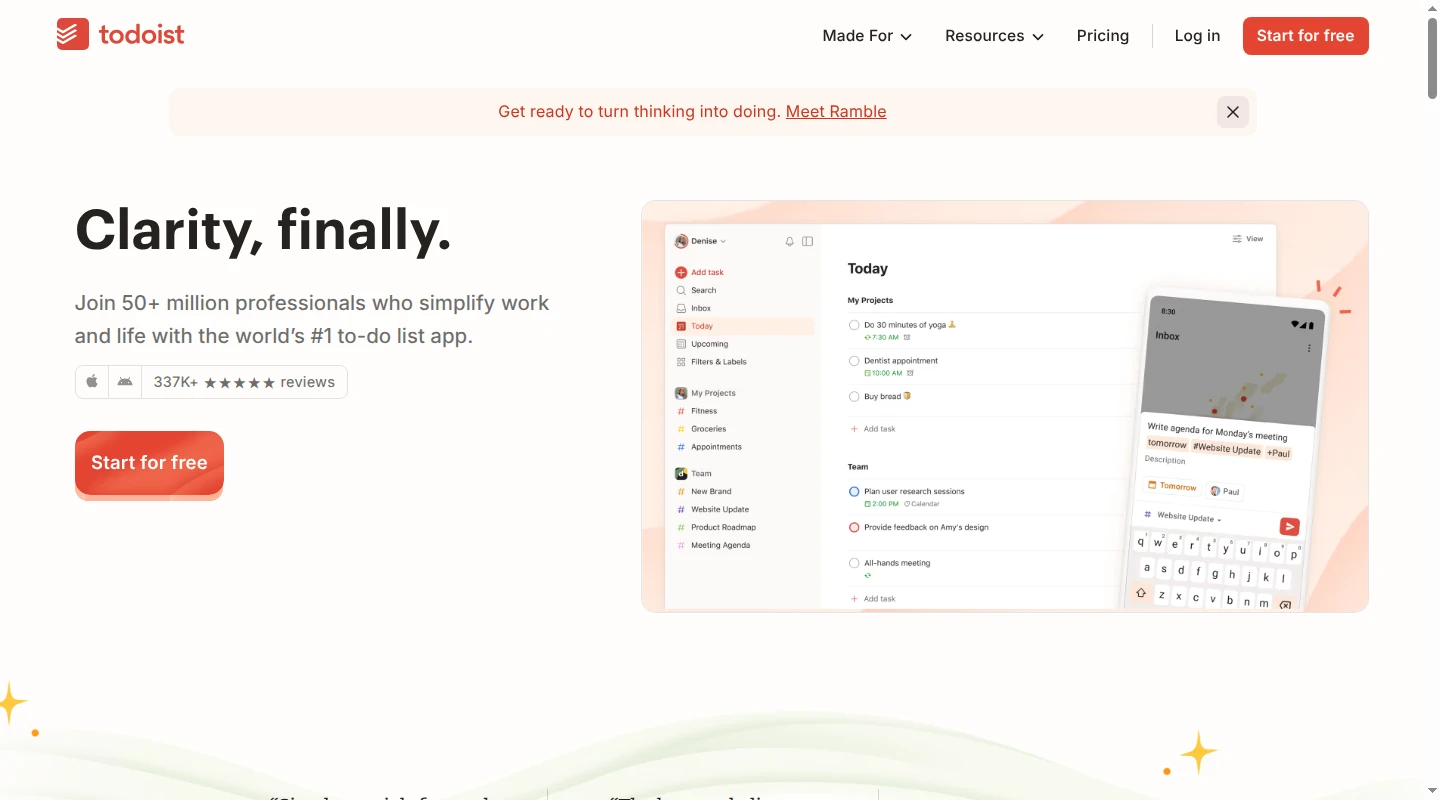
Todoist gives each task one assignee. When two people have separate parts, its recommended approach is to create separate subtasks. That structure suits a household where "book the orthodontist" and "submit the camp form" each need one name and a visible checkmark.
Comments and files stay with the task, so the PDF, confirmation number, or packing note is still there when someone sits down to do it. Everyone invited to a shared personal project receives Can Edit access to the whole project. Adults and experienced teens may appreciate that freedom. A temporary sitter may need a narrower view, and personal projects have no read-only or child-specific role.
The free Beginner plan includes seven days of activity history. Pro costs $60 per account per year and adds full history, backups, calendar layout, custom reminders, and Email Assist. Forwarding an email to a project creates a task on every plan, using the subject as the task name. The message body is added as an attachment in a comment. On Pro and Business, Email Assist can rewrite it as an action and pull out dates and details. Todoist is a comfortable household choice when the people involved already know the app.
5. Cozi: best when the family calendar already runs the week
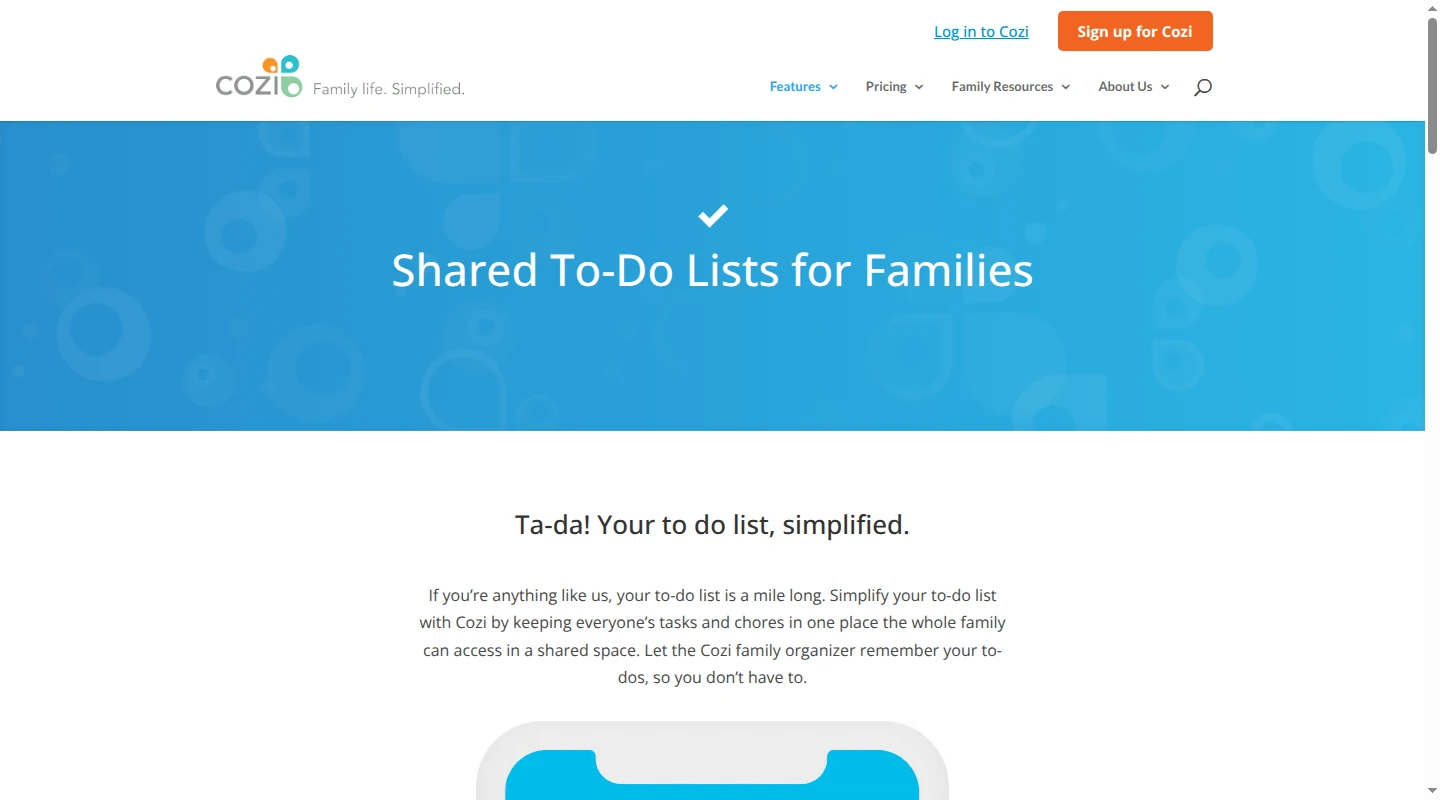
Cozi keeps the calendar at the center, with shopping and to-do lists, recipes, meal planning, and an at-a-glance home page around it. The arrangement feels natural when soccer practice anchors the calendar and orange slices sit on a list. Meal planning stays visible to whoever gets home first.
A standard to-do list can belong to one person or be marked Shared. That setting color-codes the whole list and does not send the person an alert. Individual item assignment lives in the separate mobile Chores view, which can also repeat jobs by family member. Cozi supports up to 12 people. Each person signs in with their own email address and the family's shared password, then receives broad rights to add, edit, and delete.
The free plan includes the shared calendar, notifications, grocery and to-do lists, and recipes. Gold costs $39 per family per year. Max costs about $80 and can turn details from an email into calendar events. Cozi is a practical fit for a trusted household that wants one family calendar surrounded by familiar planning tools. Its access model gives an occasional sitter more control than some parents will want.
6. Microsoft To Do: best for free assignments across mixed devices
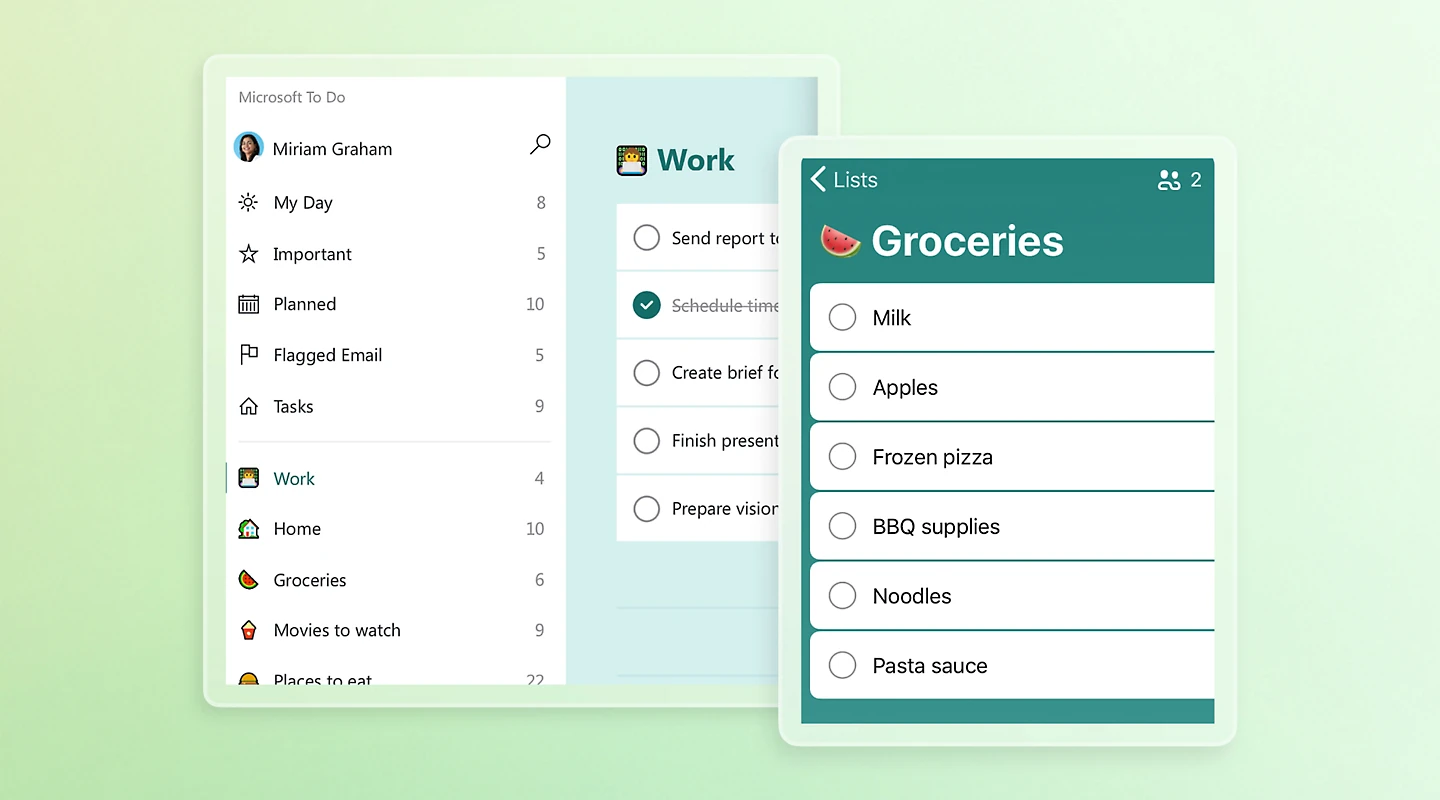
Microsoft To Do gives families a capable shared task list at no cost. Once a list is shared, each task can be assigned to one member. Steps, a due date, reminders, recurrence, and notes give "return the permission slip" and "pack cleats" enough structure for the school-week handoff.
The Assigned to you view gathers a person's work from all shared lists. Apps for Android, iOS, Mac, Windows, and the web make it practical when one parent has an iPhone and the family computer runs Windows. Microsoft To Do is free, and every collaborator needs a Microsoft account.
Its family features end with shared task lists. There is no child-specific role, family calendar, or caregiver view, and assignments apply at the task level. Microsoft To Do also leaves email discovery to the reader. A flagged Outlook message can appear in the app, but somebody has to notice and flag it first. This is a generous free option for families that want clear ownership across a mix of devices.
7. Apple Reminders: best for an Apple household
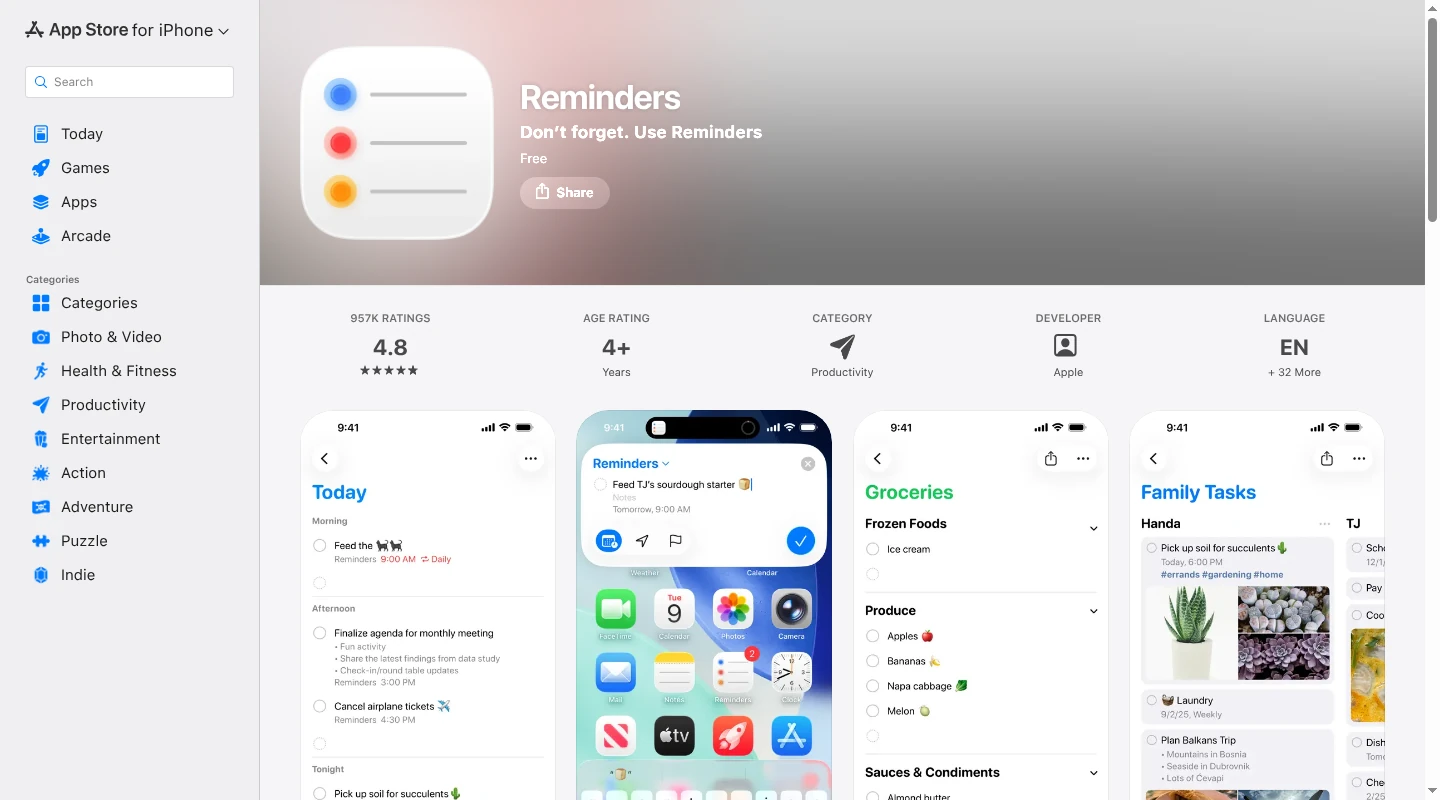
Apple Reminders covers a surprising amount of family work without asking anyone to learn a new app. One reminder in a shared list can be assigned to one person and carry a date, time, recurrence, early alert, location, notes, URL, image, and subtasks. Notifications can tell participants when an item is added or completed. If everyone uses Apple and the household mainly needs shared lists with an occasional planning reminder, Reminders covers the job without another subscription.
A parent can create an Apple Account for a child, invite that child to a shared list, and assign an age-appropriate job. An adult caregiver can join with a separate Apple Account. Everyone in the shared list can add, edit, complete, and delete reminders. Alerts one person sets for a reminder are personal and do not carry over to the other participants.
Reminders is free on iPhone, iPad, Mac, and Apple Watch, with access through iCloud.com as well. The rough edge is the person on Android, whether that is a co-parent, Grandpa, or the sitter with Tuesday pickup. For an Apple-only group, Reminders is a useful place to start before paying for a larger family app.
8. Google Keep: best for groceries, packing, and a shared family note
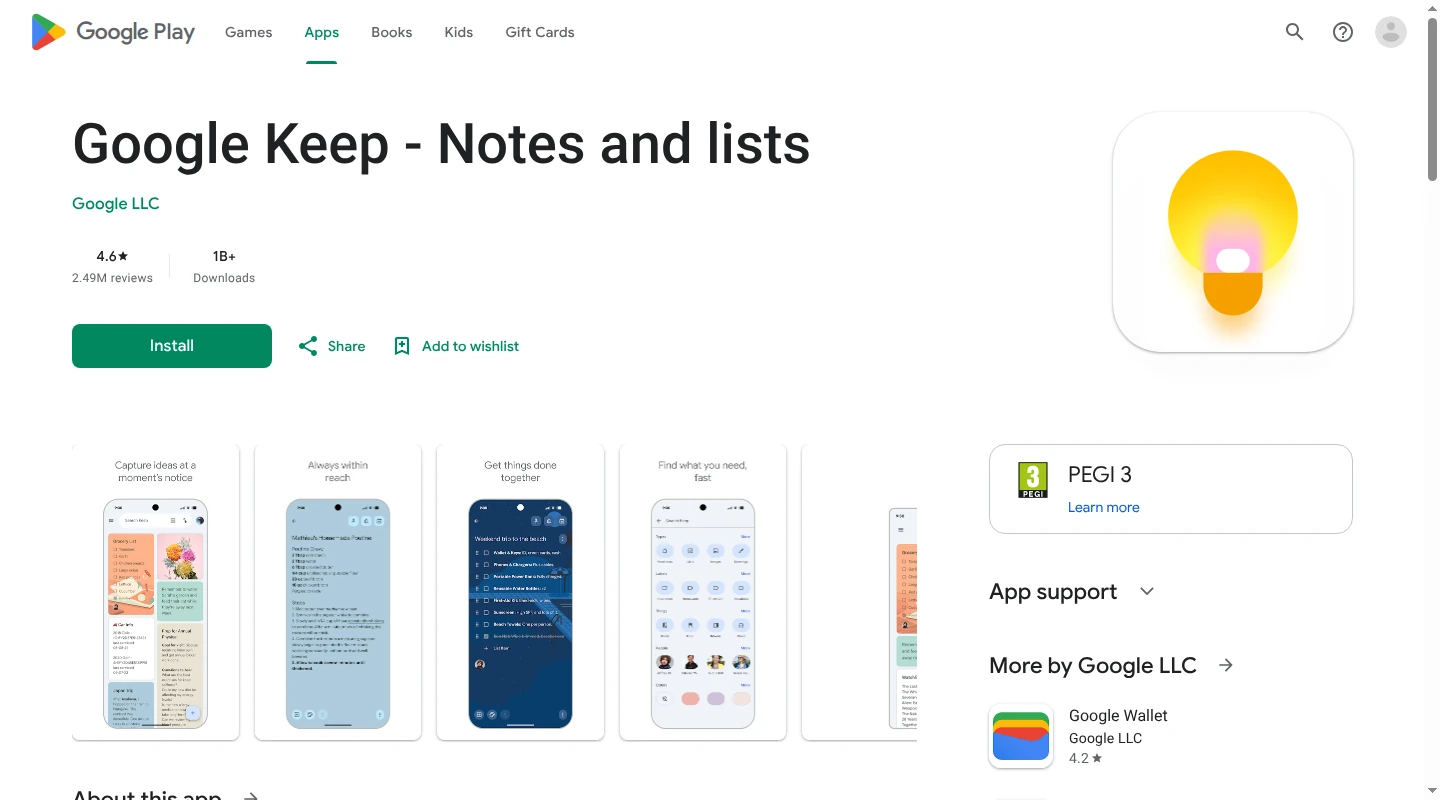
Google Keep suits the family jobs that truly are one list. Groceries, camp packing, birthday supplies, and a photo of the school supply sheet all fit naturally in a shared note. Notes can contain checkboxes, text, links, images, drawings, and audio. A note can be shared with a Google family group or with people invited individually, including people outside the family group.
Every collaborator can edit or delete the note. The format starts to strain when individual lines need their own people or deadlines, because the reminder belongs to the whole note. "Buy poster board" and "return the permission slip" cannot have separate assignees and dates inside one checklist.
Keep reminders are saved in Google Tasks and can be viewed in Calendar and Keep. Keep no longer sends mobile reminder notifications, so a family relying on alerts needs Tasks or Calendar installed with notifications allowed. Reminders on a shared note are personal, which means each collaborator who wants an alert adds one. Keep is free and quick to share across devices. It works nicely until the family needs a record of who is doing each job and when it is due.
Which family task app fits your household?
The best fit is the one that removes a handoff your household currently rebuilds each week.
- Babs fits two iOS-using parents who want one central place for what is going on across the household. Each parent gets a separate login and can see suggested events, to-dos, and the Lineup's preview of the week ahead. Babs proactively finds relevant school and activity work in connected Gmail, while Google Calendar or Apple Calendar remains the family's calendar.
- Any.do Family helps when several people need their own part of the same preparation.
- FamilyWall gives detailed tasks a home inside a broader family hub.
- Todoist suits adults and teens who want project-style task detail and already understand the app.
- Cozi works well when the shared family calendar is the center of the week.
- Microsoft To Do offers free assignments across phones and computers, provided everyone has a Microsoft account.
- Apple Reminders covers shared lists well when every person who needs access uses Apple.
- Google Keep is enough when the job is one visible list and one shared set of checkmarks.
FAQ
What is the best free family to-do list app?
For a two-parent household that uses Gmail and iPhones, Babs is the best free fit. Each parent gets a separate login and can see suggested events, to-dos, and the family's Lineup. The Lineup previews the week ahead and helps the household know who needs to be where and when. Babs finds relevant work in Gmail for parent review, while Google Calendar or Apple Calendar remains the family's calendar. Current access is through the waitlist. Apple Reminders covers shared lists for an Apple-only family, while Google Keep handles lightweight lists across Android, iOS, and the web. Cozi and FamilyWall have free versions for families that want a calendar or wider family hub with their lists.
Which family to-do app is best for chores?
Any.do Family is a good match when one household job includes several people or separate checklist steps. FamilyWall adds a person, due date, reminder, and repeat schedule to each task on Premium. Cozi's Chores view handles recurring jobs by family member and fits neatly when the household already uses Cozi Calendar.
Can a family to-do app create tasks from email?
Yes, though the amount of parent effort varies. Babs lets a parent connect Gmail, then proactively scans messages for relevant events and to-dos related to children's schools and activities. The family context parents confirm helps Babs learn what matters to the household. Both parents can see the suggested events and to-dos, and a parent decides what to add. Google Calendar or Apple Calendar remains the family's calendar, and Babs makes no change to it without parent approval. Todoist creates a task from an email someone forwards, and its paid Email Assist can rewrite the task and pull out details. Microsoft To Do shows email that someone flags in Outlook, while Cozi Max turns emailed details into calendar events.
If Thursday's permission slip currently moves from one parent's head to a Gmail tab and then to a text, join the Babs waitlist to let Babs find the work the calendar is missing and give both parents one place to see what is going on.
Related articles

Family organization · Babs
Adjoining rooms vs connecting rooms for a family stay
Compare adjoining and connecting hotel rooms, suites, and vacation rentals by sleep layout, total cost, daily work, and flexibility for a family stay.

Family organization · Babs
Family trip planning without one person carrying it all
A practical way to share the decisions, bookings, packing, changes, and return home when you plan a family trip.