ICS files: how to open, import, and use them for a family calendar
By Babs Team · · 11 min read

Your school website links to several ICS files: one for your child's classroom, another for lower or upper school, and a few for sports teams. You tap the file and get a page that looks like code, when all you want is to make sure that the half days, science night, and soccer games land in the family calendar.
How you use it affects where events land and whether changes follow: previewing adds nothing to the calendar, importing copies events into your chosen calendar, and subscribing follows a feed that can change. Here is how to put the right schedule in place without reading the code.
What is an ICS file?
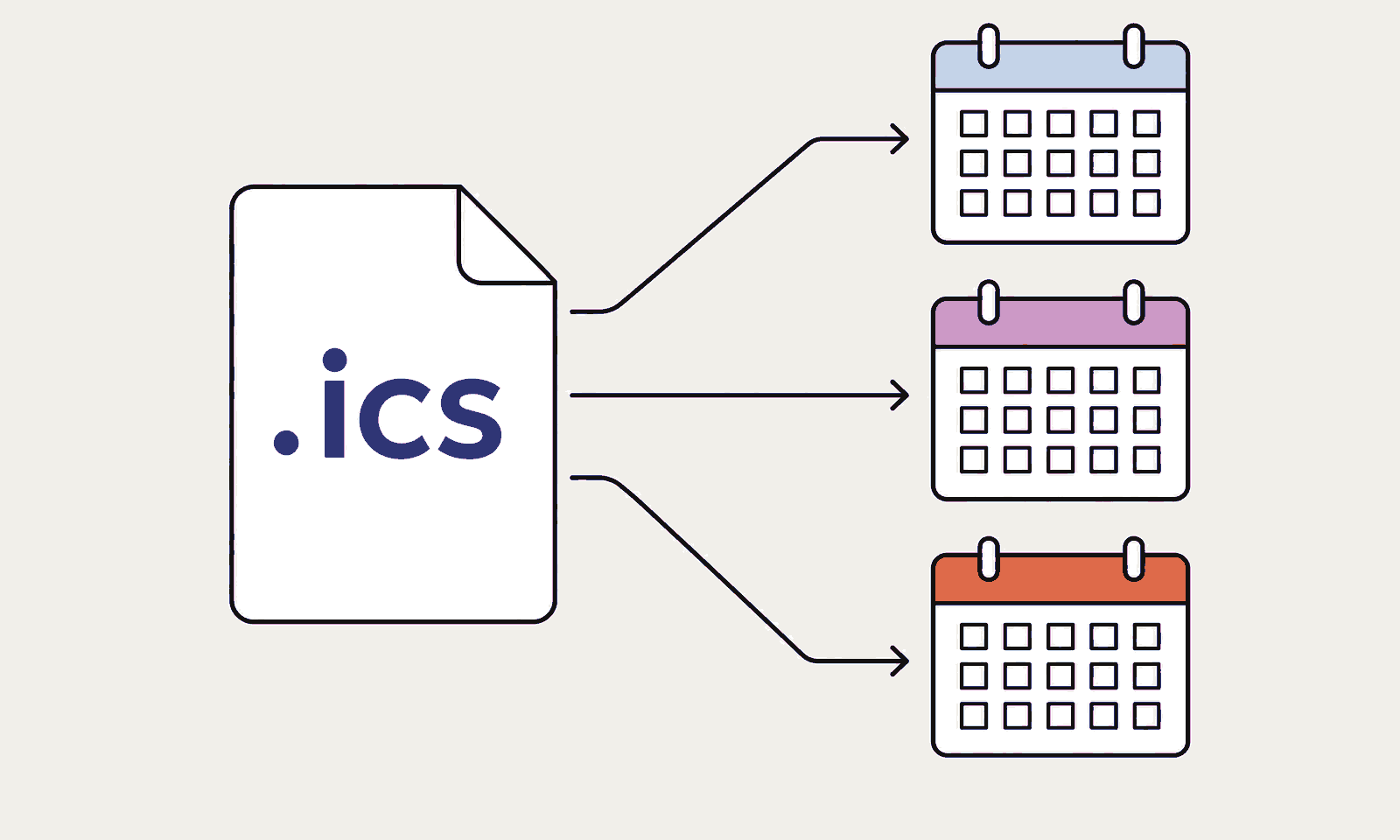
An ICS file is a plain-text file that stores calendar data in the iCalendar format. Its filename usually ends in .ics, and its official media type is text/calendar. The iCalendar standard lets different calendar apps exchange events without using the same account or software.
One file can contain a single birthday party, several field trips, or a full school calendar. Common fields include:
| ICS field | What it means |
|---|---|
SUMMARY | Event name |
DTSTART and DTEND | Start and end, including time-zone information when supplied |
LOCATION | Address, room, field, or meeting place |
DESCRIPTION | Notes, instructions, or links |
RRULE | A repeat pattern |
ORGANIZER and ATTENDEE | The event organizer and participants. |
UID | An identifier calendar software can use to match versions of an event |
The terms iCal file and iCalendar file usually refer to the same .ics format. Apple once called its calendar app iCal, which helped the shorter name stick.
An ICS file is a package of calendar data. A downloaded file stays separate from the account that receives it and does not remain connected to the sender.
Preview, import, or subscribe
Opening an ICS file can lead to three different actions:
| Action | What happens | Use it for |
|---|---|---|
| Preview | You read the event details without adding them | An unfamiliar file or a quick review |
| Import | Your calendar copies the events from a downloaded file | A one-time or settled event |
| Subscribe | Your calendar follows an ICS URL and refreshes the provider's schedule | A school, camp, or sports calendar that changes |
Importing saves a snapshot. Later source changes do not update the imported events. A subscription follows the provider's read-only calendar, and changes can appear after the app refreshes.
A calendar app may provide a formatted preview. A plain-text editor such as Notepad or TextEdit shows the raw fields. Before importing, read the title, organizer, dates, time zone, location, recurrence, and any links.
For a file with many events, create a separate calendar and import into it. If the schedule is old or belongs to the wrong team, removing one calendar is cleaner than finding 43 imported events inside the family calendar.
Microsoft's calendar guidance describes the same snapshot-versus-connection distinction. Microsoft also says subscription updates can take more than 24 hours. A same-day field change still belongs in the team's direct communication channel.
Apple also explains that subscription events are provider-controlled. Put family-only details, such as who handles pickup or which bag goes in the car, in the household's own calendar.
How to open or import an ICS file
Google Calendar
Google Calendar imports ICS files on a computer:
- Open Google Calendar and select Settings.
- Select Import & export.
- Choose Select file from your computer and open the ICS file.
- Choose the destination calendar.
- Select Import.
Google does not provide this import flow in its Android, iPhone, or iPad apps. Its documentation also says guests and conference data do not come across with an imported event.
If your household uses Babs, the import or subscription still happens in Google Calendar. Once the schedule is there, a Babs user can choose which Google calendars appear in the Lineup, the family's preview of the week ahead. A separate classroom or team calendar can stay manageable in Google Calendar and still appear alongside the rest of the family's week.
Apple Calendar on Mac
Apple's documented Mac import flow is File > Import. Select the ICS file, choose the destination calendar, and select OK. Dragging the file into Calendar opens the same destination choice.
Apple Calendar on iPhone
Apple says an .ics file received in Mail can be imported on iPhone. Open the message in Mail, tap the attachment, and use the calendar import option it presents. Apple's account setup guidance documents the Mail import.
For a subscription URL, open Calendar and tap Calendars > Add Calendar > Add Subscription Calendar, enter the URL, and tap Find. You can also tap a link to an iCalendar subscription. See Apple's multiple-calendar instructions.
If an ICS item is already saved in Files and its preview has no add-to-calendar action, import the local file on Mac using the flow above.
Outlook.com and Outlook on the web
Microsoft's upload instructions use this path:
- Open Calendar.
- Select Add calendar.
- Select Upload from file.
- Browse to the ICS file and choose the destination calendar.
- Select Import.
Preview the file without a calendar app
Open the file in a local plain-text editor. Search for BEGIN:VEVENT, then read the nearby SUMMARY, DTSTART, DTEND, LOCATION, and DESCRIPTION lines. This previews the contents without uploading the family's schedule to an online viewer or adding anything to a calendar.
How to subscribe to an ICS calendar
A subscription starts with a web address, often beginning with https:// or webcal://. A file saved in Downloads uses the import path.
- In Google Calendar on a computer, use Other calendars > Add other calendars > From URL, enter the published calendar URL, and select Add calendar. Google documents the From URL path for public calendars.
- On iPhone, use Calendars > Add Calendar > Add Subscription Calendar and enter the calendar's web address. Apple's iCloud subscription instructions also explain how to keep the subscription across Apple devices.
- In Outlook.com or Outlook on the web, use Add calendar > Subscribe from web, enter the URL, and select Import. Microsoft covers this in its subscription instructions.
Deleting a downloaded file after import does not remove the copied events. Unsubscribing removes the provider's calendar from view. Those are separate actions because the calendar stored them in different ways.
A family reliability checklist for an ICS schedule
The file format can move dates. It cannot decide whether the schedule is current or whether the whole household can use it. Before adding a multi-event schedule:
- Match the sender, school, team, camp, or booking provider to the schedule you expected.
- Check the schedule's published or last-updated date. Use the newest file or subscription URL, and note the season or date range it covers.
- Put shared commitments on the calendar the adults and caregivers already use.
- Give a 43-event schedule its own calendar so it can be hidden or removed as one unit.
- Compare the first and last events with the source, including the displayed time zone, all-day status, and any repeating pattern.
- Use one method per schedule because importing a file and subscribing to the same feed can produce two visible copies.
- Keep a change channel because an imported schedule stays static, and a subscription can refresh too late for today's cancellation.
- Add pickup, carpool, gear, and caregiver notes to the family's editable calendar.
- If you use Babs with Google Calendar, select the school and team calendars you want to appear in the Lineup so the household's weekly preview includes them.
For the wider setup around those handoffs, a useful family calendar answers who, when, where, and who is handling the ride.
How to create an ICS file
Export a calendar
Use an export for events that already live in a calendar.
- Google Calendar exports from a computer. Settings > Import & export > Export downloads all calendars in a ZIP. For one calendar, open Settings and sharing > Export calendar to download one ICS file.
- Apple Calendar on Mac exports one selected calendar through File > Export > Export. Apple's export of all calendars creates an
.icbuarchive, so use the individual-calendar route when the recipient needs an ICS file.
These exports may contain many events. If you need one straightforward event and the calendar app has no one-event export, you can write a short ICS file in a text editor.
Create one in a text editor
This example creates a 4th-grade field trip from 8:30 a.m. to 2:30 p.m. Pacific daylight time. The timestamps use UTC, marked by the final Z, so calendar apps can display them in the destination calendar's time zone.
BEGIN:VCALENDAR
VERSION:2.0
PRODID:-//Babs//ICS Example//EN
CALSCALE:GREGORIAN
BEGIN:VEVENT
UID:[email protected]
DTSTAMP:20260823T120000Z
DTSTART:20260918T153000Z
DTEND:20260918T213000Z
SUMMARY:4th-grade field trip
LOCATION:Oakland Museum of California
DESCRIPTION:Pack lunch and return the permission slip by September 11.
END:VEVENT
END:VCALENDAR
Replace the event details, save the document as plain text with UTF-8 encoding, and name it something like field-trip.ics. On Windows, choose All files while saving so the editor does not turn it into field-trip.ics.txt.
Each additional event needs its own BEGIN:VEVENT and END:VEVENT block before the final END:VCALENDAR. Recurring schedules, daylight-saving rules, exceptions, attendees, and updates are more fragile by hand. Export those from a calendar app or publish a maintained subscription feed.
Fix common ICS import problems
The calendar imports zero events
Open a ZIP file first, then import the individual ICS files inside it. A calendar ICS file begins with BEGIN:VCALENDAR, wraps each event in a VEVENT block, and ends with END:VCALENDAR.
Google Calendar accepts import files up to 1 MB. Its import troubleshooting recommends a shorter exported date range or smaller files when an import exceeds that limit.
Events appear at the wrong time
Compare the destination calendar's time zone with the source. A timestamp ending in Z is UTC. A local timestamp may carry a TZID, such as America/Los_Angeles. A consistent shift of several hours usually points to missing or mismatched time-zone information.
Recurring events become separate events
Some calendar applications export a repeated series as a collection of one-time events. The receiving calendar can only import the structure in the file. A maintained subscription or a fresh export from the source handles later schedule changes better than another import.
The imported schedule does not update
That is the expected behavior for a downloaded file. Importing copies the data once. Use the organizer's subscription URL when one exists and later changes matter.
The same events appear twice
The schedule may have been imported twice, or imported once and added again as a subscription. Hide calendars one at a time to identify the extra copy. A separate calendar for each bulk schedule makes the unwanted set removable in one action.
Are ICS files safe?
ICS is plain text, but plain text can still carry risky instructions and private information. The format allows URLs and attachment references inside events. Its security considerations also note that calendar data can reveal personal and confidential information.
Read an unexpected file in a local text editor first. Leave unfamiliar links unopened, and keep private family schedules out of unknown upload tools. Treat a private subscription address like a password. Google warns that a calendar's Secret Address should stay private because anyone with it can view the calendar in another app.
An attachment from a recognized school address with the event details you expected is different from an unsolicited calendar invite that pushes an urgent payment or sign-in link.
Other ICS file questions
Can I open an ICS file in Excel?
Excel can display the raw text, but it does not turn iCalendar fields and recurrence rules into a useful event table on its own. Convert the data to CSV when the goal is a spreadsheet. Keep the ICS version for calendar import because CSV may drop time-zone, recurrence, attendee, and update information.
Can I edit an ICS file?
Yes. Open it in a plain-text editor and change the needed field while preserving the calendar, event, and line structure. For a recurring series or a file other people will import, edit the source calendar and export again. That route is less likely to damage identifiers, time zones, or exceptions.
Where an ICS file stops helping the household
An ICS file handles calendar transfer when the sender made one. It cannot find the half day buried in paragraph six of a principal's email, turn a permission-slip deadline into a to-do, or catch a later TeamSnap email that moves 4th-grade lacrosse from 5 p.m. to 6 p.m. A static import preserves the first version.
Babs is the family operating system for modern households, built for the schedule details that arrive in Gmail instead of a calendar file. A parent connects Gmail or a shared family Gmail account and confirms context about children, schools, and activities. Babs then gathers possible events, to-dos, deadlines, and schedule changes for review. An accepted event reaches Google Calendar or Apple Calendar only after a parent approves it.
The ICS import or subscription still happens in Google Calendar, Apple Calendar, or Outlook. Babs does not replace that step. For a household using Google Calendar, a Babs user can choose which Google calendars appear in the Lineup. Each parent has a separate login, and both can see the household's suggested events and to-dos plus the Lineup, a preview of the week ahead. Babs currently scans connected Gmail messages only and is available on iOS.
If family schedule details keep arriving in Gmail rather than in an ICS file, join the Babs waitlist.
Related articles

Family organization · Babs
Adjoining rooms vs connecting rooms for a family stay
Compare adjoining and connecting hotel rooms, suites, and vacation rentals by sleep layout, total cost, daily work, and flexibility for a family stay.

Family organization · Babs
Family trip planning without one person carrying it all
A practical way to share the decisions, bookings, packing, changes, and return home when you plan a family trip.