AI family assistant tools for the work behind the calendar
By Babs Team · · Updated · 20 min read

When a school email contains both a field-trip date and a permission-slip deadline, someone has to turn those details into a plan the household can see. Family tools can help with that work, though they ask for different access to do it. The choice comes down to which handoff you want removed, what the tool can read or change, and where your family keeps control. Price and calendar support matter. So do the people and AI providers who may process your children's information.
Start with the first handoff you want gone
A family calendar can show Friday’s field trip once somebody has found the date and entered it. The harder work often happens earlier. A school newsletter, TeamSnap email alert, camp PDF, and text from another parent arrive in different places. Someone reads each one, works out what matters, creates the event or to-do, and passes the plan along.
Sociologist Allison Daminger describes household cognitive labor as anticipating needs, identifying options, deciding, and monitoring. A tool that extracts a date helps with one part of that sequence. A tool that also catches the form deadline, gives both parents visibility, and notices a later schedule change takes a larger piece of work off the household.
Three questions separate a useful tool from a chat box that creates more copying and pasting:
- Where does information enter? Some products scan a connected inbox. Others wait for an email, screenshot, voice note, or message to be forwarded.
- What does it create, and who checks the result? The output may be a briefing, event, to-do, reminder, list, or calendar addition. Some tools ask first, some add items automatically, and some do not publish one clear rule for every feature.
- What does the household share? A group text includes several people, but the record lives in a scrolling conversation. Separate logins and a shared view keep events and to-dos visible after the chat has moved on.
Every tool here has a way for partners or caregivers to share information, whether through a group text, household roles, or shared calendars. They differ in how readily parents can find details later, what family context they remember, and who can see the results.
The household still makes decisions about consent, purchases, transport, childcare, health, and what information to share about a child. The useful role for software is to make the work visible before a deadline or handoff disappears into the week.
Six family tools compared
We recommend Babs when the main job is finding school and activity details in Gmail, reviewing them, and making the week visible to both parents. The other tools cover different sources and ways of coordinating.
| Your household's main need | Tool and trade-off |
|---|---|
| School and activity emails need to become a shared plan | Babs: Gmail scanning, parent-reviewed Google Calendar additions, shared events, to-dos, and the Lineup. Free; iOS only. |
| Coordination already happens in the family text thread | Ollie: connected email and calendars, briefings, reminders, and lists through text. Context shares a scrolling thread; replies have plan limits. Free plan; paid plans from $25/month. |
| Family information is spread across email, WhatsApp, and school portals | Anna: connected sources, shared tasks and family memory, and approved outgoing messages. Calendar approval depends on source and saved rules; portals can need reconnection. iOS, Android, and web; $20/month or $16/month billed annually after a 14-day trial. |
| Documents, schedules, and meal planning belong together | Ohai: connected Gmail or Outlook, forwarding, uploads, and shared Circles. Some calendar additions are automatic, and Human Assistants may review selected content. iOS, Android, and web; premium plans from $9.99/month. |
| Parents want to choose which senders supply information | Gether: a household email address and shared browser dashboard with caregiver roles. Parents maintain forwarding, and items are added automatically. Web app; plans from A$4.90/month; published trial lengths differ. |
| Shared calendars, meals, and lists should work without buying a display | Nori: iOS, Android, and web tools with an optional Family Hub. Free core tools include 10 AI uses; Plus is $7.99/month or $59.90/year per family. A mandatory parent-approval step for every app/web action is not documented. |
Babs: for school and activity information already in Gmail
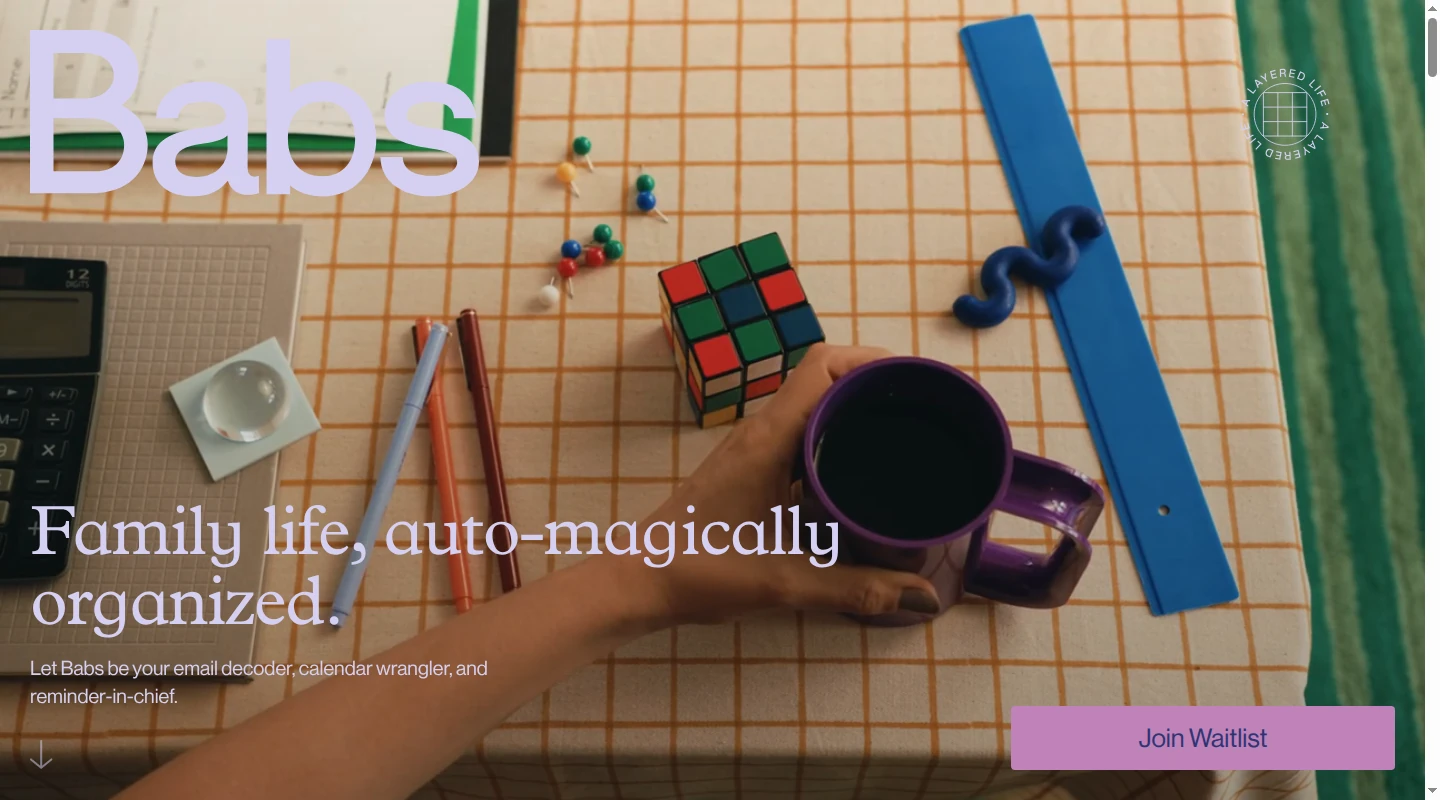
Babs is the family operating system for modern households. It fits families whose school newsletters, coach emails, camp confirmations, and activity changes already reach Gmail faster than a parent can turn them into a usable plan.
A parent connects Gmail and confirms context about the children, schools, and activities. Babs scans messages for relevant events and to-dos, then gathers possible dates, deadlines, action items, and schedule changes for review. If a later email moves practice from 5 p.m. to 6 p.m., Babs flags the new details so a parent can keep the calendar current. After parent review, one tap adds an event to Google Calendar. It also appears in the Apple Calendar app when that app displays the same Google account. Babs does not write directly to an iCloud calendar.
Babs keeps learning after setup. A parent’s add, dismiss, and correction choices help it improve which school and activity messages deserve attention. Both parents use separate logins, and both see the same household events, to-dos, and the Lineup in the shared household view. The resulting events and to-dos are visible to both parents without another copy-and-paste handoff.
Gmail access is read-only, and Babs does not send email on a parent's behalf. Babs is free, in private beta, and available on iOS.
Ollie: for families that already coordinate in text
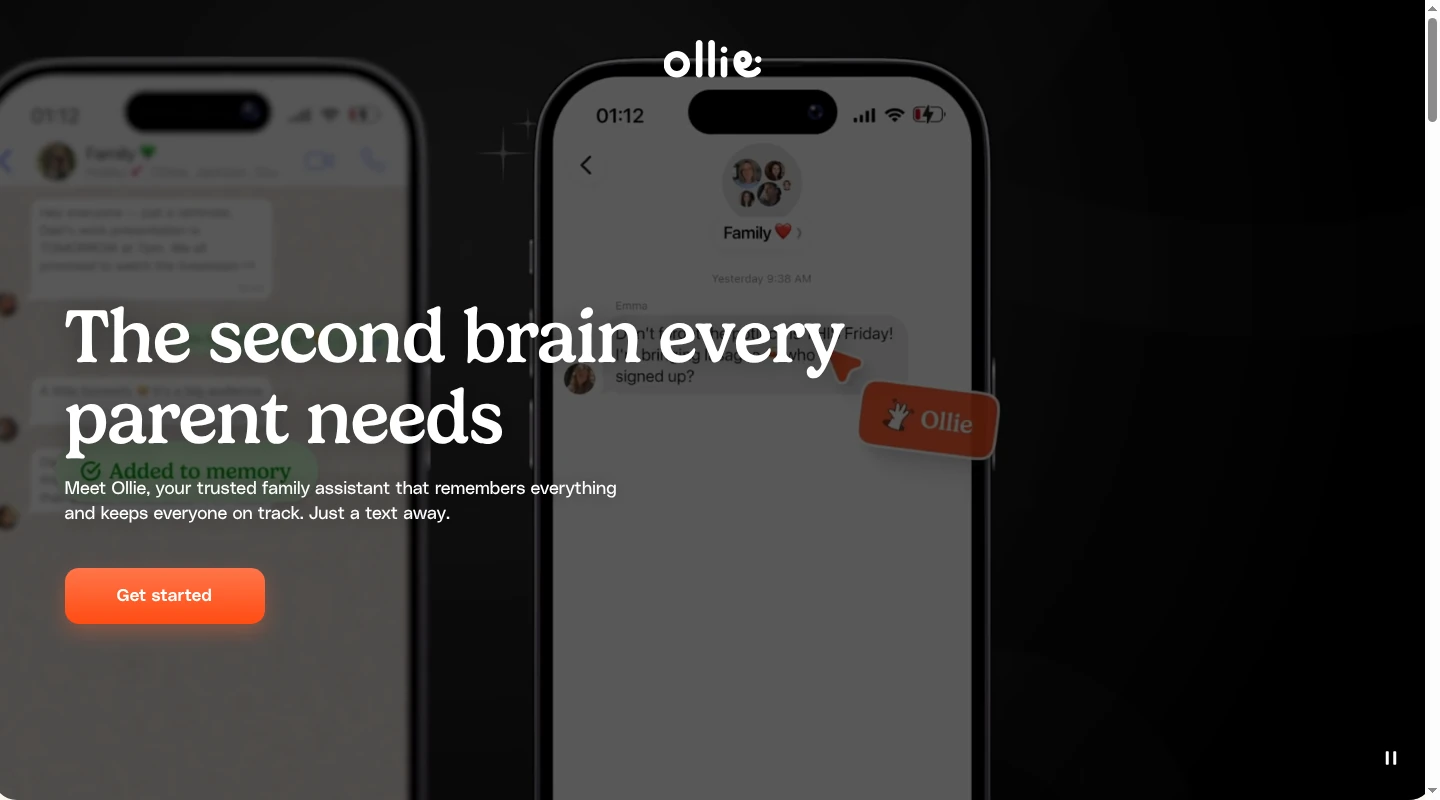
Ollie is a text-first family assistant. The assistant lives in iMessage or SMS, connects to Google or Outlook email and calendars, watches for relevant family information, and sends briefings and reminders back through text. A family can also ask for events, to-dos, meal plans, grocery help, and local recommendations in the same conversation. Ollie can create calendar events when asked; its public pages do not state that it asks separately before every calendar addition.
Added adults can join a group text, and Ollie says it works better with more family context. This works well for a partner who reliably reads texts and rarely opens an organizer. It also sets the product’s clearest limit. School summaries, reminder exchanges, follow-up questions, photos, and ordinary family chatter all occupy the same thread. Calendar events can move into a connected calendar, but a deadline or explanation that remains in the conversation becomes harder to retrieve after the scroll moves on.
Ollie's free tier includes 50 monthly replies plus six additional replies each day. The $25-per-month plan includes 150 monthly replies plus ten each day, and one subscription covers the family group text. Because pricing is tied to replies from Ollie, households that want frequent briefings and follow-up questions should factor usage into the choice.
Anna: for families connecting several sources
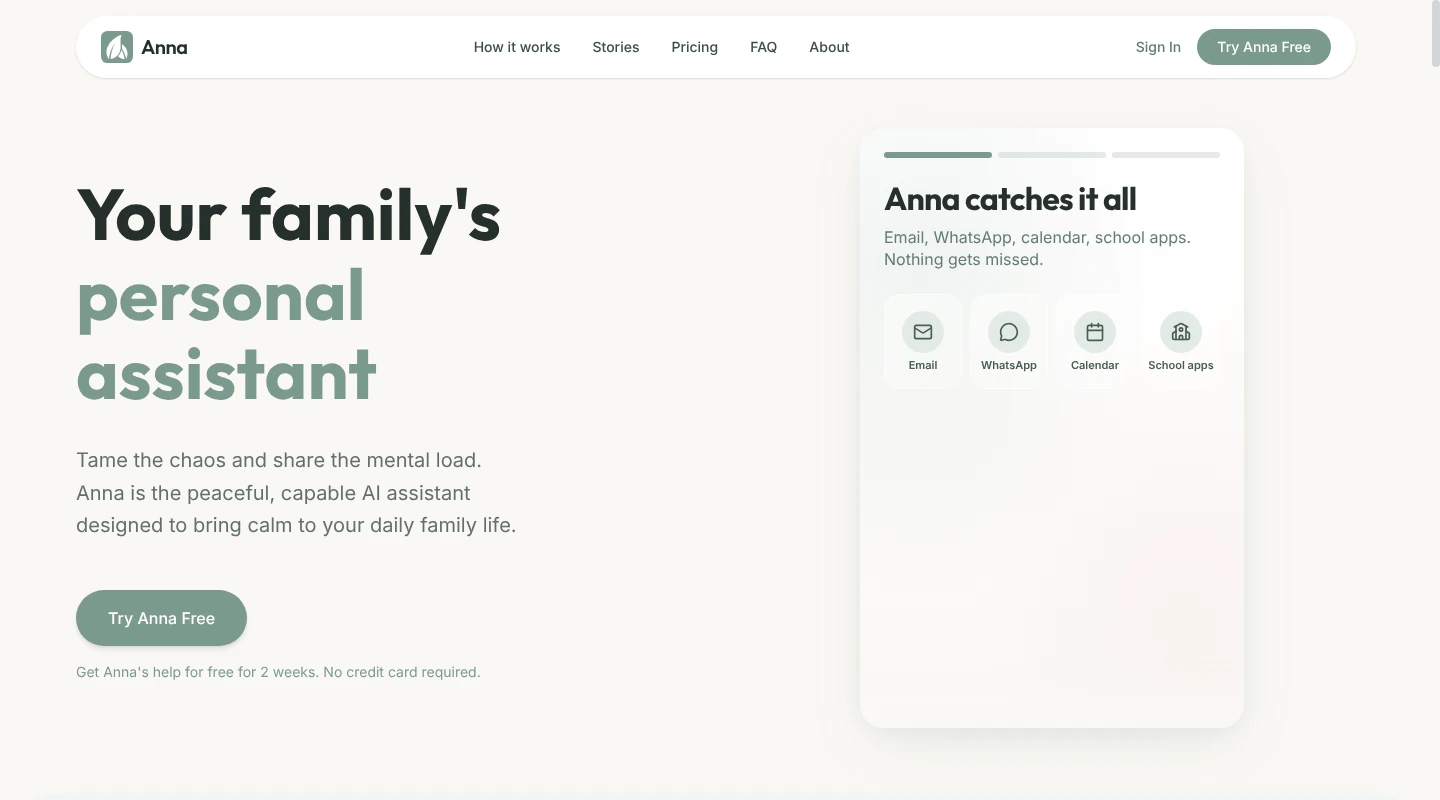
Anna accepts email, calendars, WhatsApp, school apps, voice, images, and text as inputs. It can capture tasks and event details, send a daily brief, and prepare information or draft replies. Supported outgoing emails require approval of the full draft before sending. Preparing a form or grocery cart leaves submission, consent, and purchases with the parent.
Anna's calendar approval depends on the source and settings. Its school-portal guide describes a yes or no for each proposal. Its school-email guidance allows matching events to be added automatically under saved approval rules. Its Google-data policy describes requested calendar changes, with confirmation before writes involving other people. A family therefore cannot assume a separate approval prompt for every addition.
Setup requires a Google account with Gmail read access and Google Calendar view-and-edit access, except for a partner invited into an existing household. Email draft-and-send permission is optional; contact access is requested when contact sync is enabled. Wider coverage means connecting further sources, such as WhatsApp and school apps. School portals use a private live-browser session. Some Google, Microsoft, and Apple sign-in buttons do not work inside that window, and school portals may sign the session out, which requires a parent to reconnect it.
Parent, child, caregiver, and grandparent roles help Anna understand whose schedule is involved. Invited parents share tasks, calendars, and family memory, while the household maintains the connected sources.
Anna is available on iOS, Android, and the web. It includes a 14-day trial, then costs $20 month to month or $16 per month with annual billing. A family mainly trying to catch school and activity details in Gmail may be taking on more setup and scope than the job requires.
Ohai: for mixed household inputs and planning
A parent can connect a Gmail or Outlook account so Ohai can identify schedule information in messages and attachments. The family can also forward an individual email to a dedicated address, text or speak a request, or upload a screenshot, photo, PDF, or other document. Those inputs can become events, tasks, reminders, lists, notes, and meal plans. Calendars and some supported school sources can sync directly. Ohai’s pages describe suggested calendar additions for some email flows and automatic additions for documents and school-calendar features, so a parent cannot assume that every feature will ask first.
Ohai remembers past interactions, goals, preferences, and routines so it can use that history in later requests. That is a wider set of context than Babs's focus on children, schools, activities, and parents' choices about school and activity messages.
Circles let adults connect calendars and share responsibilities across a household or across households. Ohai also offers human assistance. Trained Human Assistants may review selected email content to confirm accuracy or improve the service. That access is broader than a human joining only when a parent asks for help with a complicated document.
Ohai has iOS and Android apps plus web access. Individual Premium costs $9.99 per month, Premium Plus for two people costs $19.99, and Premium Group costs $29.99, with a free trial for new users.
Gether: for families choosing which senders feed the calendar
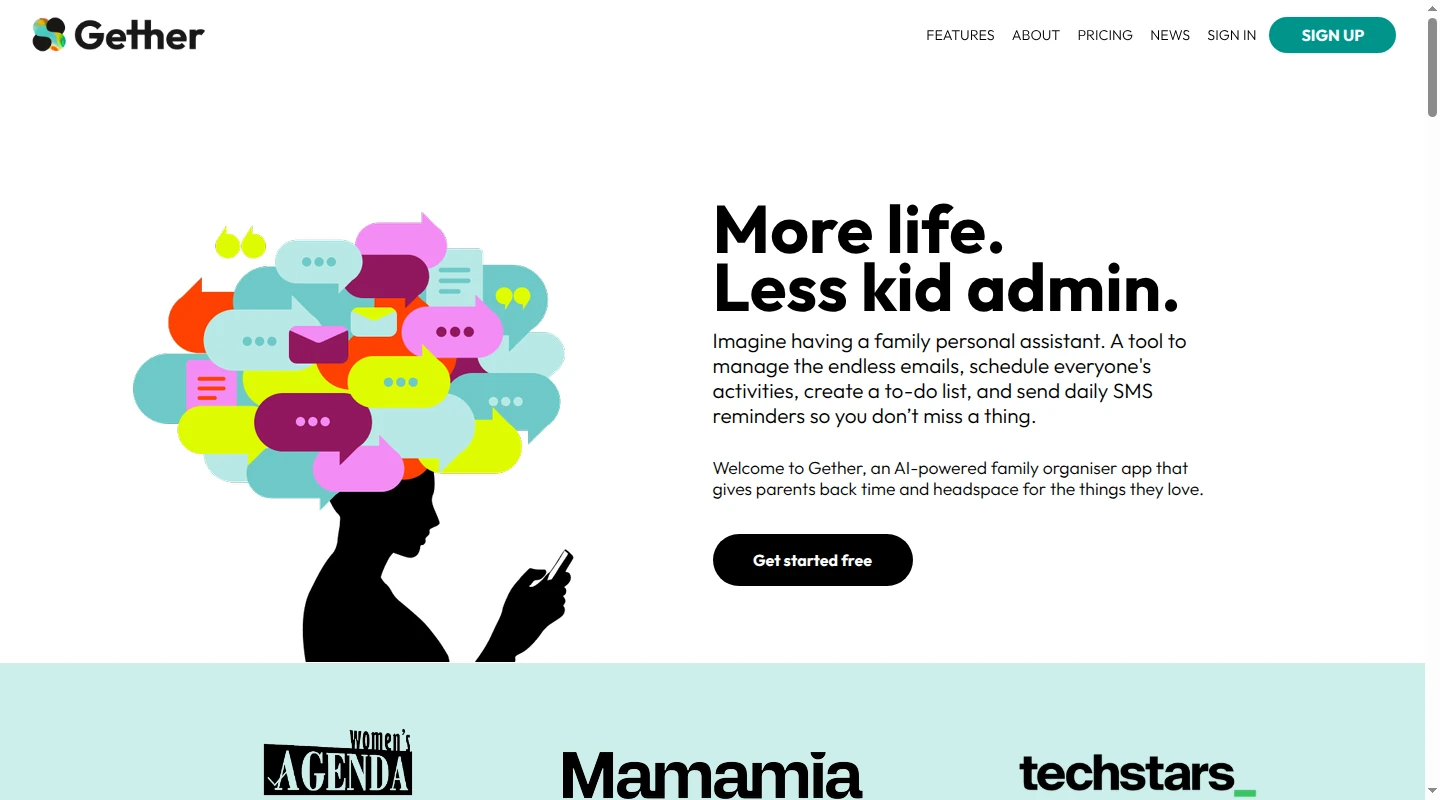
Gether gives the household a dedicated email address for events and tasks. It does not connect to or scan the family’s inbox. A parent can forward an occasional birthday invitation manually, ask a school or co-parent to send information directly, or create a sender-specific forwarding rule in Gmail, Apple Mail, or Outlook. Gether also accepts information shared from SMS, WhatsApp, and social apps, plus uploads.
Choosing senders one by one suits a family that wants control over which messages reach Gether. A parent still has to send an item, arrange for somebody else to send it, or create and maintain an auto-forwarding rule. Gether's AI focuses on extracting dates, times, tasks, and events rather than building a family profile over time. That limits personalization; it does not establish that the service retains no family data.
The product automatically turns incoming material into calendar events and tasks, then sends daily email or SMS reminders. Gether does not document a confirmation step before it adds those items; users can edit or delete events, notes, and tasks afterward. Its dashboard runs in a browser on a phone, tablet, or computer. A Family Owner controls the account, a Partner can add and edit events, tasks, and notes, and a Carer can add and view information without editing or deleting it. Each email account holder maintains the forwarding rules in their own mailbox.
Gether's published prices and trial lengths differ across its pages. Its pricing page lists a 14-day trial and plans from A$4.90 to A$19.90 per month. Its FAQ describes a 30-day trial followed by an A$9.90 monthly plan for the family. The product is a web app, so no download is required.
Nori: for shared calendars, meals, and lists without required hardware
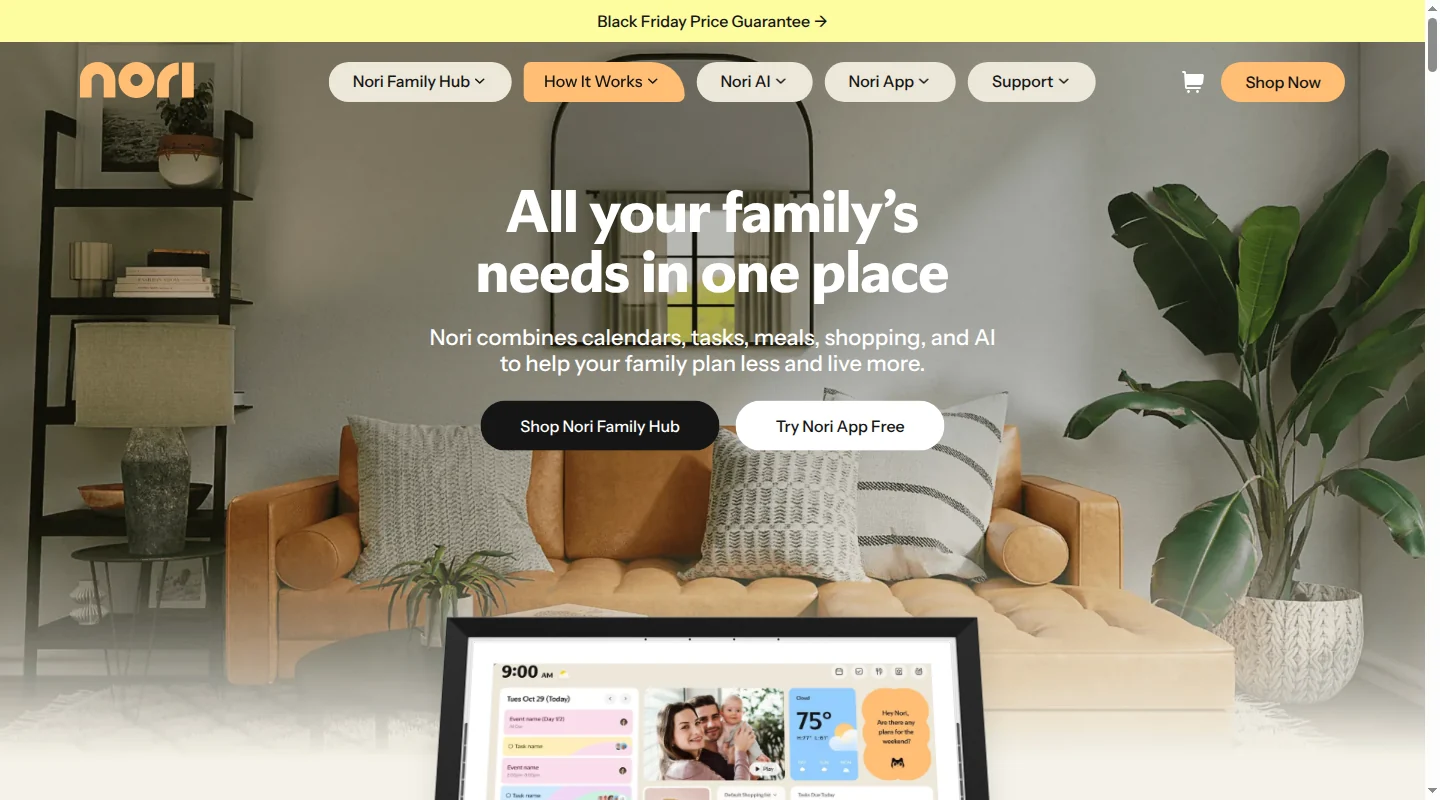
Nori offers iOS and Android apps plus web access. Its app-only guidance says a Family Hub is optional. The display adds a shared screen at home; the app and web work without it. Core family tools are free, with 10 AI uses. Nori lists Plus at $7.99/month or $59.90/year for one family membership across app, web, and a linked Hub. Hardware purchases and eligible Hub trials are separate; the 10 free AI uses are not a Plus trial.
According to Nori's Family AI documentation, inputs include text, voice, photos, supported files and links, and supported forwarded emails. These can create or update calendar events, tasks, meal-plan items, recipes, and shopping-list items. Nori supports iCloud, Google, and Outlook calendar connections, with individual calendars selected by the user. Parents manage approved email senders in the app.
Nori's member roles distinguish members with their own sign-in from managed profiles for children or dependents. The family shares schedules, tasks, meals, recipes, and lists. A Family Owner controls some protected account actions, but granular item-by-item app and web permissions are not fully documented.
Nori's product overview promises approval or adjustment before plans go live; its app support tells users to review AI results before relying on them. Those descriptions do not establish a compulsory parent-approval step before every app or web action. The optional Hub has PIN-protected controls for selected edits, deletions, task completion, and microphone unmuting. Those device controls do not establish equivalent app or web restrictions. Families wanting one place for calendars and meal planning get that broader scope, with less explicit documentation of universal parent review than Babs provides for calendar additions.
A privacy and trust guide for choosing a family tool
An inbox connection can save the work of finding and forwarding messages. It also gives software access to the content behind the calendar entry. A forwarded attachment may include a class list or medical details along with the camp dates. The useful question is how much information and authority the household is willing to give the tool for the job it removes.
Separate what it reads from what it can change
Read-only access means a tool cannot change that source. It can still process message bodies, including information about other people. A product that surfaces only school events may have permission to read a connected mailbox, rather than access confined to school senders.
| Tool | Reading and action boundaries |
|---|---|
| Babs | Read-only Gmail access; Google Calendar additions after parent review. Babs does not send email. |
| Ollie | Reads connected email, calendar details, and texts; creates events on request without a documented separate confirmation for every addition. |
| Anna | Required Gmail read and Calendar view-and-edit permissions; optional approved email sending. Saved calendar rules can allow automatic additions. |
| Ohai | Reads connected email bodies and attachments; requested Google actions can include scheduling or canceling events. Some additions are automatic. |
| Gether | Reads submitted material, adds items automatically, and offers one-way or two-way Google Calendar sync. Two-way sync carries edits between calendars. |
| Nori | Processes submitted inputs and selected connected calendars. Its calendar support documents family members creating events in shared Google calendars that sync back to Google. Universal parent approval before app/web changes is not documented. |
During connection, read the permissions on the email or calendar provider's consent screen. Viewing events and editing them are different permissions; email reading and email sending are different too. For an existing Google connection, open the Google Account's linked-apps page, select Access to your Google Account, choose the tool, then See details. Google's access-management instructions also explain how to remove access.
Forwarding gives a parent a different control: choosing which material leaves the inbox. A rule for every message from a school still sends everything that matches, including an attachment or reply chain. With Gether, that rule belongs in the email account's forwarding settings, outside Gether itself.
Put parent review before a change reaches other people
A review step is most useful before a calendar addition, changed pickup arrangement, invitation, or outgoing message reaches someone else. The parent needs to see the child, date, location, destination calendar, and any recipient involved. Permission to edit a calendar does not establish that the product will ask before each edit. An edit button afterward is a different control.
Babs puts review between a suggestion and its addition to Google Calendar; a suggested to-do can be accepted in Babs. In a tool with automatic rules, the decision is whether to allow that class of changes in advance. Keep consent, payments, and transport decisions with the adults involved. A calendar entry can show who is collecting a child without establishing that the person has agreed to do it.
Look for human access and AI-provider access separately
An outside AI provider is another company processing content to produce a result. Human access is a separate question. Neither read-only permissions nor a promise against model training answers who can see the data.
The privacy policy's AI, sharing, and human-access sections should identify what is sent, who receives it, and why a person may read it. A named vendor list, sometimes called a subprocessor list, is more specific than “trusted partners.” Training restrictions also need a scope: the outside provider's general models, the family tool's own systems, and personalization are different uses.
| Tool | Human and model-processing terms |
|---|---|
| Babs | AI providers are contractually barred from retention and model training under the Babs privacy policy. Human access to Google data is limited to affirmative consent, security, legal obligations, or aggregated and anonymized internal use. Provider names are examples rather than a complete list. |
| Ollie | The Ollie privacy policy names outside models including Anthropic and OpenAI, with commitments against training public models on message content. Messages may be reviewed to improve Ollie's systems. A named vendor list is included. |
| Anna | The Anna privacy policy names Anthropic, Google Gemini, and Tencent Cloud's gateway for DeepSeek and Kimi. Providers are barred from model training; human access to Google data has consent, security, legal, and anonymized-data exceptions. Anna's service terms also name ElevenLabs for voice processing. |
| Ohai | The Ohai privacy policy names OpenAI and shared event/contact fields. Human Assistants may review selected email for accuracy and service improvement. Conversation-content terms allow model training and fine-tuning, with separate limits for connected email. |
| Gether | The Gether privacy policy allows disclosure to AI providers, employees, and contractors, without naming the models or detailing human review. Its FAQ separately says third-party chat completions are not used to train models. |
| Nori | The Nori privacy policy names Gemini and Claude and bars third-party generalized-model training except as expressly disclosed. Employees lack default content access; personnel and providers with a legitimate business need may access it. Provider retention is not specified. |
Ohai's conversation-content terms make the distinction between conversation content and connected email important. A restriction for one source should not be extended to everything a family uploads or says.
If a policy leaves the scope unclear, send its privacy contact a specific question before connecting that source: “Which staff or contractors can read message bodies or attachments? Which AI providers receive them, can those providers retain copies, and can either company use them for model training?” A written answer clarifies the commitment. It is not proof of the underlying systems or a security guarantee.
Separate disconnecting, deleting an item, and deleting an account
Removing an integration's access stops new reads through that connection. Forwarding rules must be turned off separately in the email account. Neither action establishes that stored messages, extracted events, family memory, or backups disappear. Deleting a calendar event may leave the source email and the tool's stored copy elsewhere.
Look in the policy's retention and deletion sections for the data category, its retention period, the request method, and exceptions. A promise to retain information “as needed” does not give a fixed deadline. A promise to delete temporary processing data does not cover the main account database.
| Tool | Retention and deletion boundaries |
|---|---|
| Babs | Retains information as needed for service or law. Deletion requests cover user and children's data, with legal exceptions. No fixed retention period or deletion-completion deadline is published. Requests go to [email protected]. |
| Ollie | Texts and media can stay up to 24 months unless deletion is requested sooner. Connected-account terms promise immediate core deletion and logs/backups removal within 30 days; basic-profile backups have a separate 90-day schedule. Legal and fraud-prevention exceptions apply. Requests can be made by text or email. |
| Anna | Account deletion is in Settings. Technical logs stay on a 60-day schedule; backups roll over in about two weeks. Vendor-held messages follow vendor schedules. A minimal deletion record and other stated exceptions can remain. |
| Ohai | May retain source emails and attachments. Stopping use does not require deletion; a written request is needed. Legal, fraud-prevention, business-purpose, and routine-archive exceptions apply. Requests go to [email protected]. |
| Gether | The FAQ describes deletion after third-party automation finishes processing. The privacy policy separately retains core personal information for business purposes without a fixed period. Deletion requests go to [email protected]. |
| Nori | Its policy gives purpose- and legal-need-based retention without fixed periods. Account-deletion guidance describes in-app deletion but warns shared family items may remain. Canceling Plus does not delete family data. No deletion-completion deadline or backup purge schedule is published. Account-closure requests can also go to [email protected]. |
For an unclear deletion promise, ask the privacy contact whether the request covers original messages, attachments, derived events, family profiles, logs, backups, and processor-held copies. Ask when each category will be removed and what must remain. After requesting deletion, ask for confirmation of completion and any exceptions. A policy or confirmation documents the company's commitment; neither lets a parent independently inspect every stored copy.
Distinguish children's information from children's accounts
An adult-only service can still process children's names, schools, schedules, and locations through a parent's account. “We do not collect directly from children” does not mean “we hold no children's information.” Look for both an account-age rule in the terms and a child-data rule in the privacy policy.
Babs is intended for parents and guardians. Child-related information, including names, schools, grades, and activities, comes from authorized adult accounts, and parents can request its deletion. Ollie's service terms require adult users and prohibit independent child use. Anna's terms require users to be at least 18; a child role in family context does not establish permission to open an account.
Ohai's privacy policy bars under-13 use, while its terms allow communications such as reminders to under-13 family members with express written parental consent. Before enabling child participation, ask [email protected] whether that consent covers receiving reminders only or using an account. Gether's policy lists children's names and ages, without a detailed child-account or parental-consent procedure.
Nori's privacy policy says the service is not intended for under-13s and describes legally required parental consent. Managed child profiles do not establish child-account eligibility. Parents can contact [email protected] to request review, deletion, or refusal of further collection of their child's information.
Also consider who receives the result. Ollie group messages can be visible to everyone in the thread. Gether's Carer role can view all household information, even though it cannot edit or delete it. With Babs, both parent logins share events and to-dos; an approved event's visibility in Google Calendar follows that calendar's sharing settings.
For material a parent chooses to forward or upload, remove an unrelated class roster or medical attachment when the job only needs a date and location. For a connected inbox, that choice happens earlier, when deciding which account to authorize. A tool needs enough context to help the family, without making every available document part of the job.
Choose the access that fits the work
Babs fits when school and activity information already floods Gmail and two parents need the resulting events, to-dos, and week-ahead view in the same place. Its Gmail scan and learning from parents’ choices can reduce manual inbox scanning, while parent approval keeps calendar changes deliberate.
Connected-inbox reading removes manual forwarding. Chosen-sender forwarding limits which messages leave the inbox. Automatic scheduling reduces approval steps; reviewing each event gives a parent another chance to catch a wrong detail before it reaches the shared calendar. Choose those trade-offs alongside price and platform access. No tool's privacy wording guarantees error-free scheduling or complete security.
If the main need is chore rotation, appliance records, household expenses, or home maintenance, a household management app will be a better match.
Frequently asked questions
Can ChatGPT organize a family schedule?
ChatGPT can turn pasted text or an uploaded document into a checklist, draft a meal plan, or help reason through a carpool. Those are useful prompted jobs. Ongoing school and activity coordination needs connected information, a reliable place for events and to-dos, and shared household access. A purpose-built product handles more of that recurring flow.
Does an AI family assistant replace a family calendar?
Usually, the calendar remains the confirmed schedule. The assistant finds or receives information, structures it, and helps the household decide what should reach the calendar. Babs adds events to Google Calendar after parent review. Those events can appear in the Apple Calendar app when it displays that Google account; Babs does not write directly to iCloud.
Are any of these family tools free?
Babs is free. Ollie has a free plan with reply limits, and Ohai offers free core features. Nori's core family tools are free with 10 AI uses; continuing AI access requires Plus. Anna offers a 14-day trial. Gether offers a trial, although its pages disagree on whether it lasts 14 or 30 days.
The calendar entry is only the visible part of the work. Someone still notices the update, decides what matters, and makes sure the right people know. If that pile begins in Gmail, join the Babs waitlist and bring school and activity details into one shared household view.
Related articles

Family organization · Babs
A family meal planning app everyone can use
Compare AnyList, Plan to Eat and Cozi for shared meal plans, recipe imports, grocery handoffs, devices, household pricing and provider-described data practices.

Family organization · Babs
Best carpool app for parents: apps and shared sign-ups
Compare GoKid, Carpool Kids, Carpoolio and CarpoolConnect with Google Sheets and Forms, including driver slots, calendar sync, access and costs.