A family meal planning app everyone can use
By Babs Team · · 9 min read
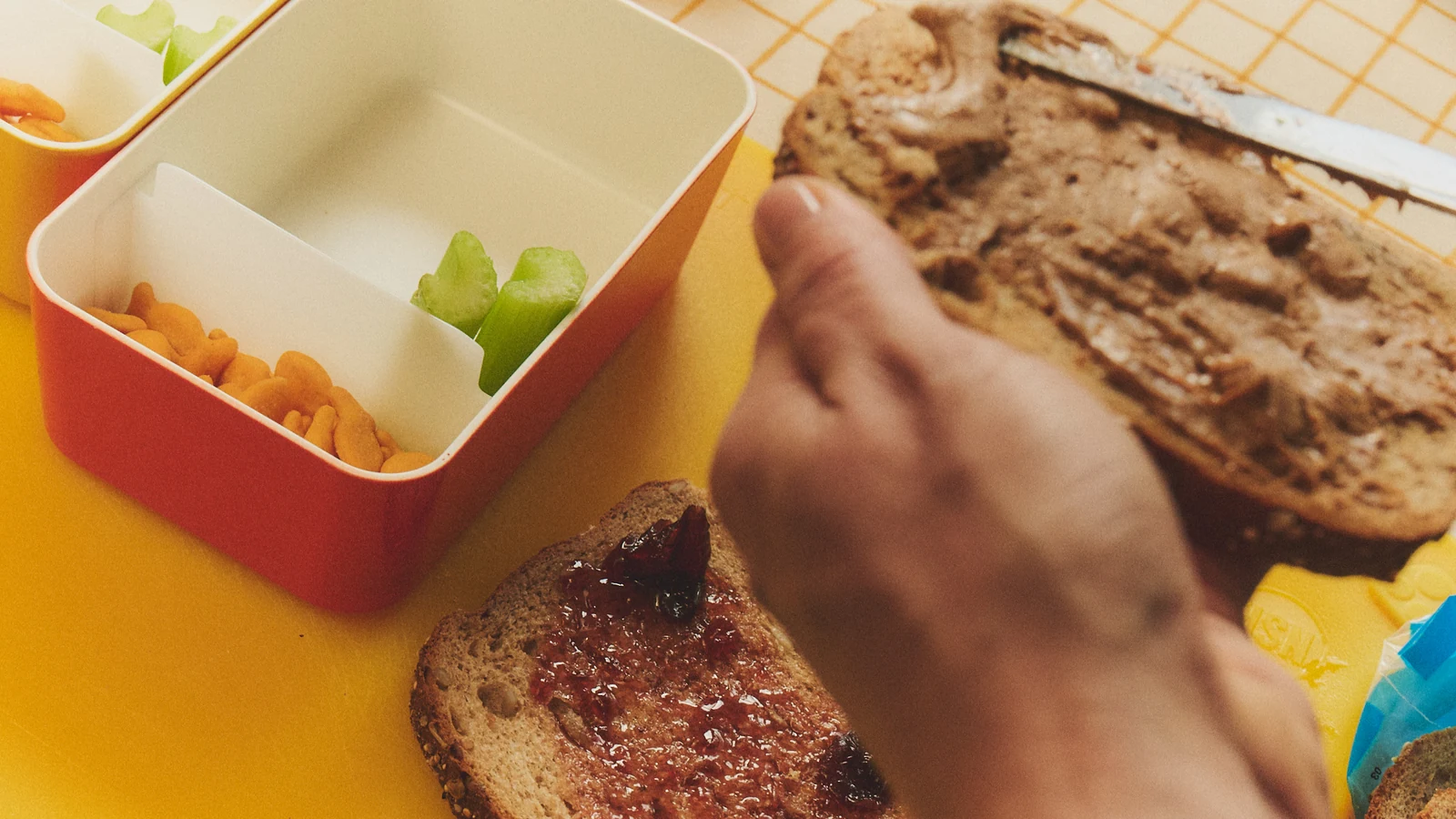
Deciding dinner is one job. Making sure the person shopping and the person cooking can both see the plan is another. A family meal planning app can connect those jobs, provided “sharing” means more than sending someone a copy on Sunday. The useful differences are who can change the week, what happens to the grocery list, and how much of the household’s information comes with an invitation. Dinner does not need its own forwarding chain.
Three ways to share the weekly meal plan
AnyList, Plan to Eat and Cozi all describe shared planning and shopping tools. Prices below are in U.S. dollars. Their account setups give the household different kinds of access.
| Your choice | How the app handles it |
|---|---|
| Separate logins | AnyList shares a common recipe collection and meal-planning calendar between invited accounts. Complete costs $14.99 a year for a household. |
| One shared login | Plan to Eat allows household members to use the same login, recipe book, planner and shopping list. A subscription bought on its website costs $49 a year or $5.95 a month. |
| Meals beside the family calendar | Cozi gives included members access to the wider family account, including meals. Basic meal planning is free with ads; Gold costs $39 a year. |
The important distinction is the scope of the invitation. A partner helping plan dinner may need editing access to everything. A caregiver picking up groceries may need just the list. Those are different jobs, and the app’s sharing controls determine whether you can keep them separate.
AnyList: separate logins and list-specific sharing
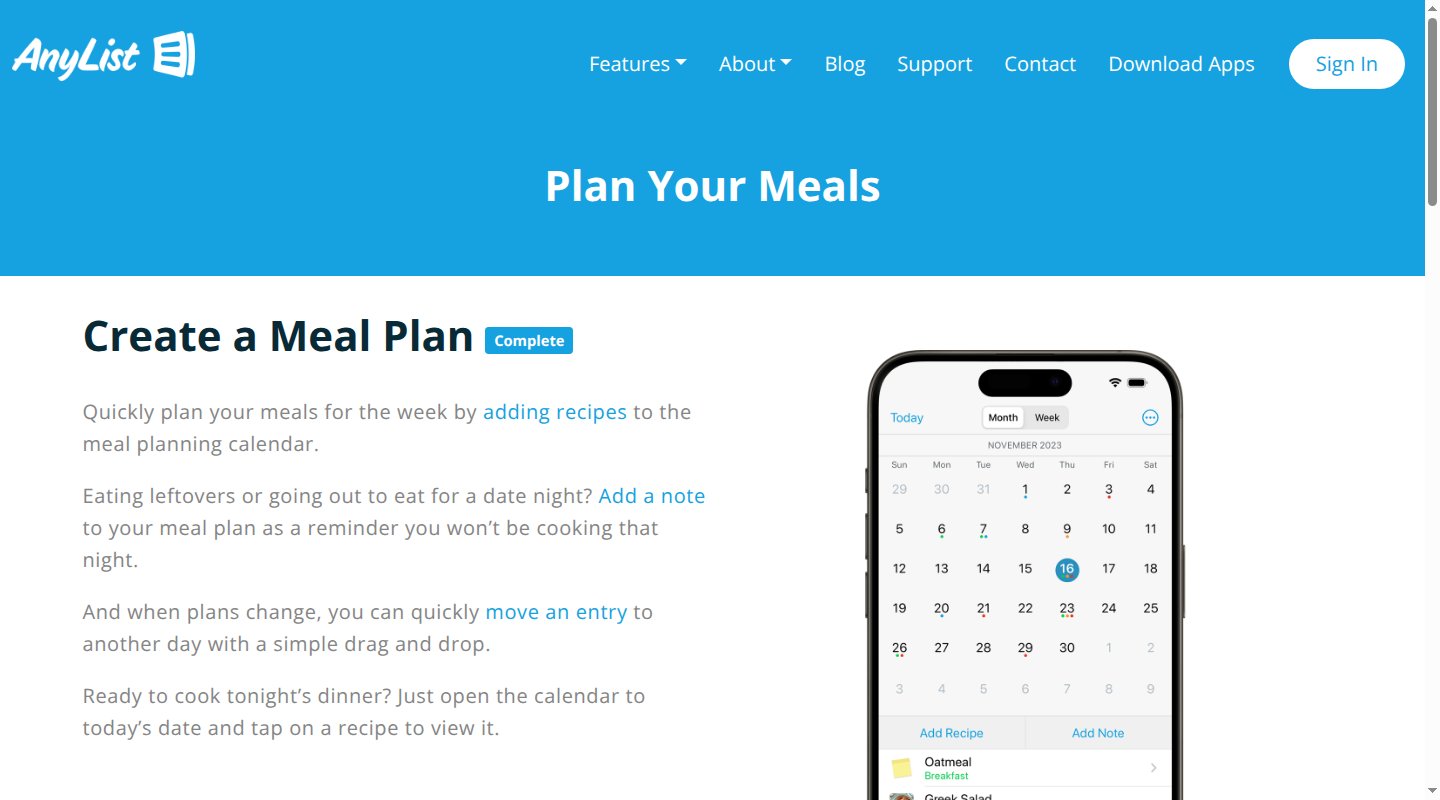
AnyList describes its household sharing as one common set of recipes, recipe collections and a meal-planning calendar. Each person uses their own account. Changes to the shared collection or plan sync to the other people sharing it, including deleted recipes.
That is useful for two adults who both want to add meals and rearrange the week. It also means the recipe collection becomes shared working material. This is broader access than sending someone a single recipe or a read-only dinner schedule.
There are separate setup steps for the paid household subscription, the meal plan and the shopping list:
- Add subscription members in the mobile app under Settings → Account & Subscription → Household Members. They need their own AnyList accounts.
- Share the plan through Recipes → Actions (…) → Share Recipes & Meal Plan. The recipient accepts the request in that same area of their app.
- Invite the shopper from the open grocery list through Actions (…) → Share, Email & Print → Share List. Sharing a list does not require sharing the recipe collection and meal plan.
AnyList’s import tools save recipes from websites through the iOS or Android sharing menu, or desktop browser extensions. Complete includes unlimited web imports. For the grocery handoff, select a date range in the meal planner, then add the ingredients you need to a shopping list. AnyList says changes to a shared list appear for everyone sharing it.
The distinction matters when someone is shopping without helping plan: they can work from the live grocery list without becoming a meal-plan collaborator. Sending a list by email is another option, though that copy will not reflect later changes.
AnyList is available on iPhone, iPad and Android. Complete adds web access on a Mac or PC and a Mac app, so one parent can plan on a computer while another uses a phone. The free version supports shared lists, but the meal-planning calendar requires Complete. Its household subscription is $14.99 a year; the $9.99 individual subscription covers one person’s premium access.
Plan to Eat: one household login and a list built from the calendar
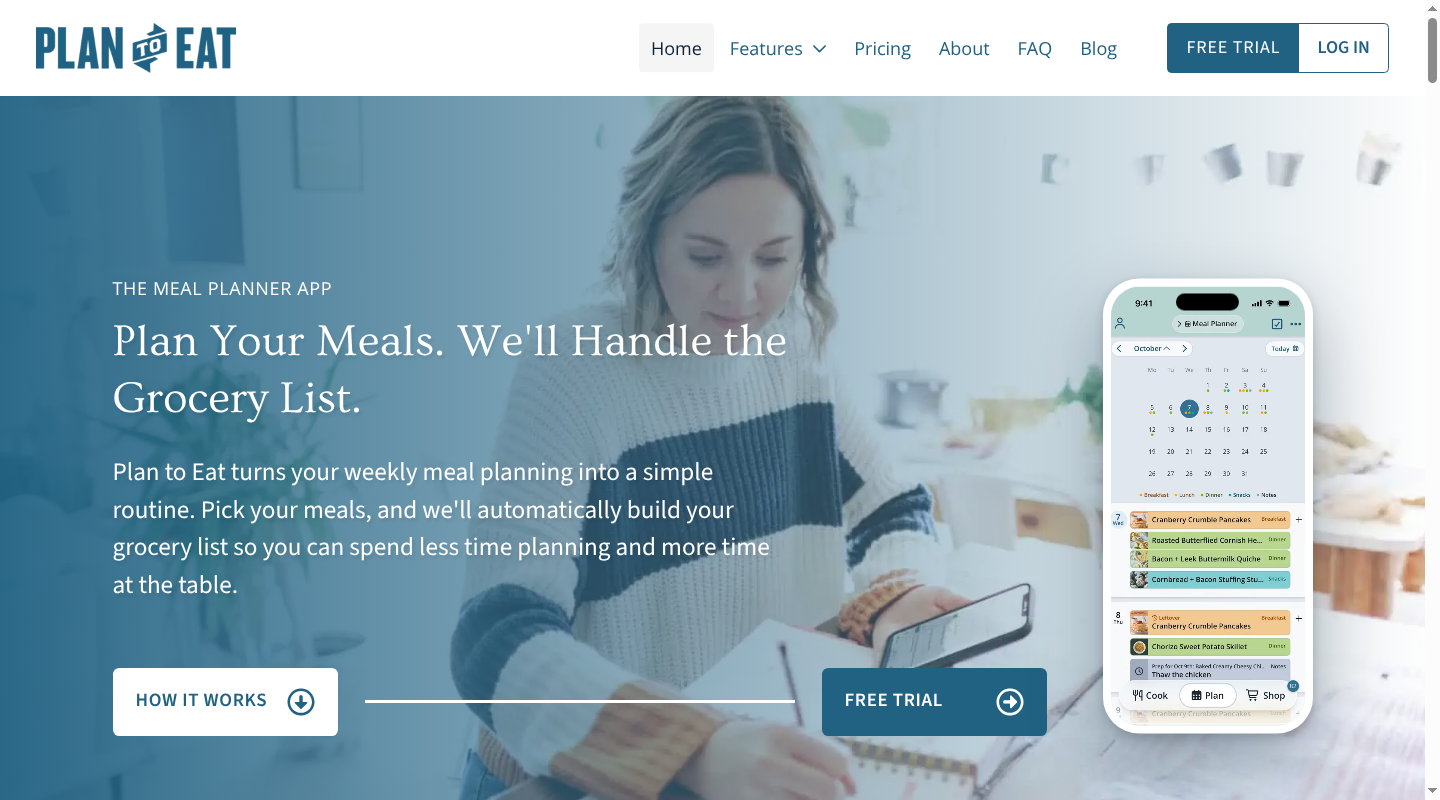
Plan to Eat explicitly allows a household to share one account on as many devices as needed. According to the provider, everyone who signs in has the same access to the recipe book, planner and shopping list. Each person can contribute to the plan from their own device, using the same login.
This is a meal-specific shared space. It suits adults who want to work in the same collection without maintaining separate copies, though it does not separate the shopper’s access from the planner’s. Sharing the login gives access to all three areas.
Plan to Eat also has a Friends feature for sharing recipes and saved menus between accounts. That feature serves a different purpose: a saved menu can be copied into another person’s planner. It does not establish a jointly edited household week. The provider’s documented route for a common planner and grocery list is the shared household account.
For imports, Plan to Eat offers a Recipe Clipper for the web and a mobile share extension, as well as manual entry. The grocery list then draws ingredients from the recipes scheduled within its selected date range, organized by store and category.
That date range is a useful difference from a list assembled one recipe at a time. In the app, the date control at the top of the Shopping List selects the period being shopped for. A parent shopping through Thursday can use that period even when the planner contains meals for the rest of the month. The provider also allows extra items to be added directly to the list.
Plan to Eat supports iPhone, iPad, Android and the web. Its app documentation says saved recipes, the planner and the current shopping list can be used offline. The shopping list must first be loaded while online, and changing its date range requires a connection. Offline edits sync after reconnection, so two disconnected phones will not show each other’s changes in the meantime.
A subscription purchased on the website costs $5.95 a month or $49 a year and covers the household account across devices. The U.S. App Store lists its annual in-app membership at $54.99. There is a 14-day trial without a credit card, rather than an ongoing free plan.
Cozi: meals inside the wider family account
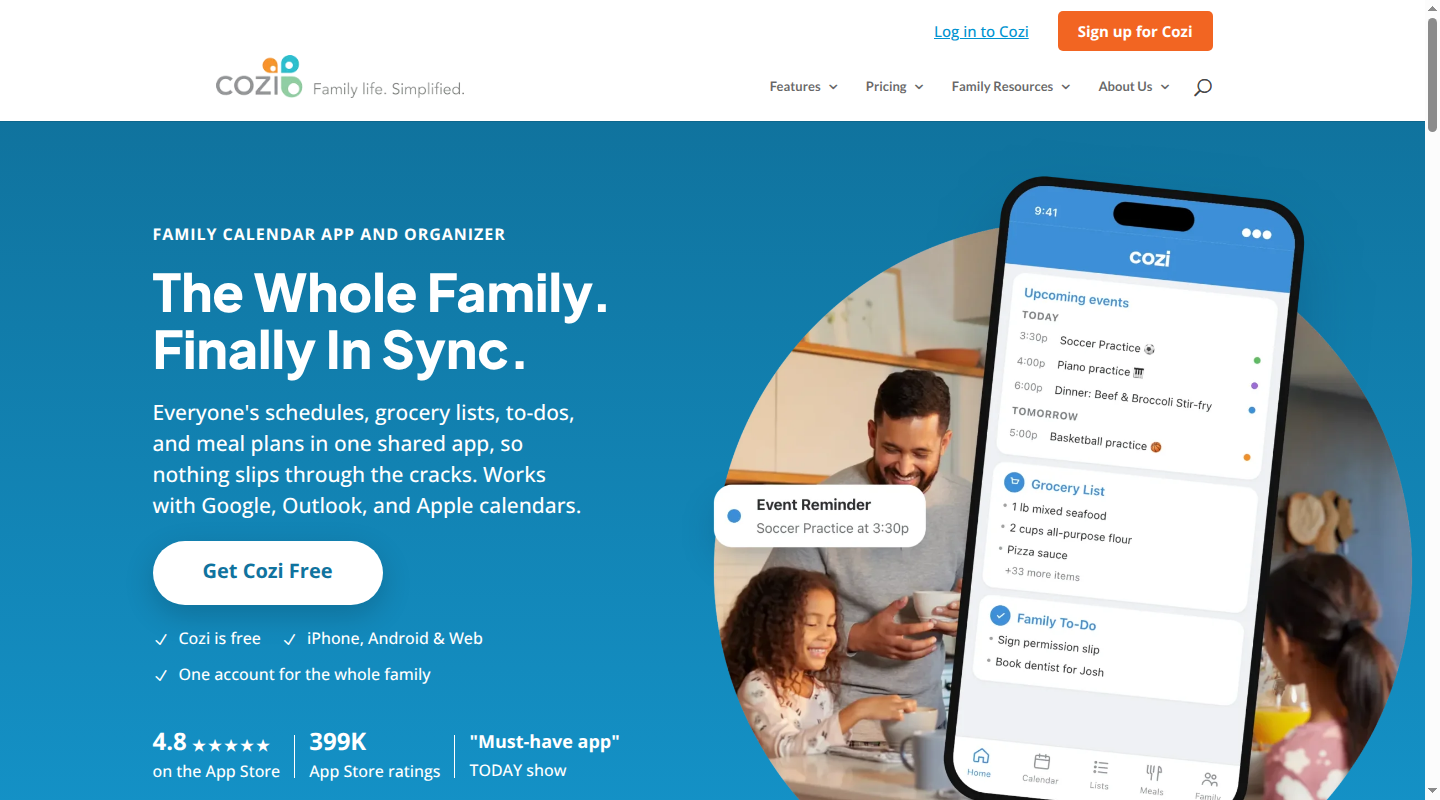
Cozi describes meals as part of its shared family organizer. Recipes can be scheduled for a date and mealtime and appear on the family calendar, so dinner can sit beside the events affecting when people will be home.
Its account model is unusually important to this choice. Members sign in with their own included email addresses and one shared family password. Cozi’s documentation says everyone with account access can view, add, edit and delete any account data. It does not offer restricted member access.
A person invited to help with dinner therefore also gets access to the broader organizer. That can be useful for a household already running its calendar and lists in Cozi. It is a much larger invitation than access to a meal plan alone. Our comparison of Cozi and FamilyWall covers that wider organizer decision.
Cozi’s Recipe Box accepts a pasted recipe URL or a manually entered recipe. Open a saved recipe to schedule it for a meal. To build the grocery list, use the recipe’s shopping-cart control and select a new or existing list. Scheduling the meal and adding its ingredients are separate actions.
Shopping lists are automatically shared with everyone in the Cozi account. Cozi says additions and checked-off items sync across devices. For a grocery pickup by someone outside the account, the mobile app can send the list by email or the phone’s sharing options. That gives the recipient a copy without granting access to the family organizer, though later edits remain in Cozi.
Cozi runs on iOS, Android and the web. Cozi documents the dedicated Meal Planner tab for its mobile apps; on the website, meals can be scheduled through Calendar → Add → Plan a Meal. Its free, ad-supported plan includes recipes and basic calendar meal planning alongside the calendar and lists. Gold costs $39 per family per year and removes ads, with extra calendar tools and Shopping Mode. The free plan is enough to schedule saved recipes and share the shopping list.
What the providers say about data
Household access and provider data use are separate questions. The first concerns who can read or change dinner inside the app. The second concerns what the company collects and how it describes using that information.
AnyList’s privacy policy describes collecting account details, device information and usage activity, including shopping-list additions and viewed recipes. It permits sharing with service vendors and analytics providers, and says it does not share personally identifiable information with other companies for marketing. After account deletion, it says it removes identifying details and preferences but may retain other data indefinitely.
Plan to Eat’s privacy policy describes account and purchase information, website activity, service providers and aggregate-data sharing. It also describes sharing contact and demographic information with third-party offer providers when a user chooses to view those offers. Separately, Plan to Eat says its subscription-funded service does not sell user data or show ads. That claim does not mean the service collects no information.
Cozi’s privacy statement describes account information, device and advertising identifiers, service-provider sharing, and analytics through Google Analytics and Firebase. It says personal data is retained until it is no longer necessary to provide the service or the account is deleted. Gold removes ads; an ad-free subscription should not be read as a promise that all analytics or provider data collection stops.
These are the providers’ descriptions of their practices. They do not establish that one app is more secure than another. For the household decision, AnyList’s list-specific sharing, Plan to Eat’s common login and Cozi’s full-account access remain the clearest differences in who receives your information.
Where Babs fits beside a meal-planning app
The meal planner holds dinner. The school and activity schedule helps explain which evenings need an early meal, who will be out, and when the household will be home.
Babs is a family operating system. Babs connects to Gmail and surfaces relevant events, changes and to-dos from school and activity messages for parent review. A parent can add an approved event to Google Calendar in one tap or accept a to-do in Babs. Two parents have separate logins and shared visibility into events, to-dos and the Lineup, which previews the week ahead.
That gives the adults planning meals a clearer picture of the commitments around dinner. The meal-planning app remains where your menu, saved recipes and grocery list live. For a broader household setup, our guide to family organization apps separates those roles.
Babs is free in private beta on iOS. Join the Babs waitlist for shared visibility into the school and activity week. Dinner can remain its own decision. Finding the practice-time change needn’t be another one.
Related articles

Family organization · Babs
Best carpool app for parents: apps and shared sign-ups
Compare GoKid, Carpool Kids, Carpoolio and CarpoolConnect with Google Sheets and Forms, including driver slots, calendar sync, access and costs.

Family organization · Babs
The best AI for travel planning depends on your family’s trip
Compare Mindtrip, Layla and Wanderlog for family trips, including shared editing, children’s needs, pricing and what happens when a reservation changes.