Cozi vs Google Calendar: Which one fits your family?
By Babs Team · · Updated · 11 min read
When Tuesday's practice moves to 5:30, the family calendar has one job: put the right version of the plan in front of the right people. Cozi and Google Calendar can both hold the week, but they organize family access, invitations, lists, and outside schedules very differently. Here is how to choose the one your household can keep using.
Cozi vs Google Calendar: the short answer
Choose Cozi if your family wants a shared calendar, grocery list, to-dos, recipes, and meal plan in one organizer. Its member colors make the week quick to scan, and young children can have named profiles without managing their own accounts. Everyone who signs in shares full access to the family account.
Choose Google Calendar if invitations already arrive there, family members need separate accounts, or a co-parent, grandparent, or caregiver needs limited access. It is also the more flexible choice as children get their own accounts and begin managing invitations.
Google Calendar is free for personal use. Cozi has an ad-supported free plan. Cozi's plan comparison lists Gold at $39 per family per year and Max at $79 per family per year.
| What matters | Cozi | Google Calendar |
|---|---|---|
| Main purpose | Family organizer with a shared calendar, lists, recipes, and meal planning | General calendar for personal, family, school, and work schedules |
| Family setup | Up to 12 named people in one family account | Up to six people in a Google family group, each with a separate account |
| Access | Each included person can use their own email address, but everyone shares one password and full access | Family members can edit Family calendar events and manage sharing; other people can receive narrower permissions |
| Family colors | A lasting color for each person; one event can include several people | Colors belong to calendars or individual events, so families need separate calendars or a consistent system for person-based colors |
| Lists and meals | Shared shopping and to-do lists, recipes, and meal planning | Keep handles shared lists and Tasks handles personal to-dos; Calendar has no meal planner |
| Outside invitations | Built around people already included in the family account | Invite any email address to one event, collect RSVPs, and send updates |
| Notifications | One reminder per attendee on Free; up to three reminders and calendar-change notifications on Gold and Max | Each person controls upcoming-event notifications; Family calendar members do not get an alert just because someone creates, edits, or deletes an event |
| Email import | Max turns a forwarded email, PDF, or flyer photo into a Cozi event | Gmail adds supported reservations and ticket confirmations; most school newsletters and coach emails still need another step |
| Outside calendar sync | Read-only iCal feeds in and out | Google events stay editable in Google; subscribed outside feeds are read-only |
Babs finds what Google Calendar is missing
Cozi and Google Calendar are where the family schedule actually lives. Babs is the family operating system for modern households. For families that use Google Calendar or Apple Calendar, Babs becomes the central household repository for what is going on around that schedule: suggested events that need a decision, to-dos that need attention, and a preview of the week ahead.
A parent connects their Gmail inbox or a shared family Gmail account, then confirms context about their children, schools, and activities. Babs proactively scans those messages and uses that household context to find possible events, deadlines, schedule changes, and to-dos. It does not wait for someone to notice and forward each message. Parents review the events and to-dos Babs finds, then decide which events to add to Google Calendar or Apple Calendar. Less of the work depends on reading every school newsletter and activity email, pulling out the useful details, and entering them by hand.
The same flow helps after an event reaches the calendar. If a coach's Wednesday email moves practice from 5 p.m. to 6 p.m., or a tutor cancels Thursday's session, Babs flags the new details for parent review. The parent decides whether to make the change, and the family calendar stays current without Babs silently editing it.
Babs is built for the household. Each parent gets their own login, and both can see suggested events, to-dos, and the Lineup for their family. The Lineup previews the week ahead so both parents have a shared view of who needs to be where and when. Babs is free, currently available on iOS, and connects to Gmail. Access is waitlist-based.
Cozi keeps the family calendar and lists together
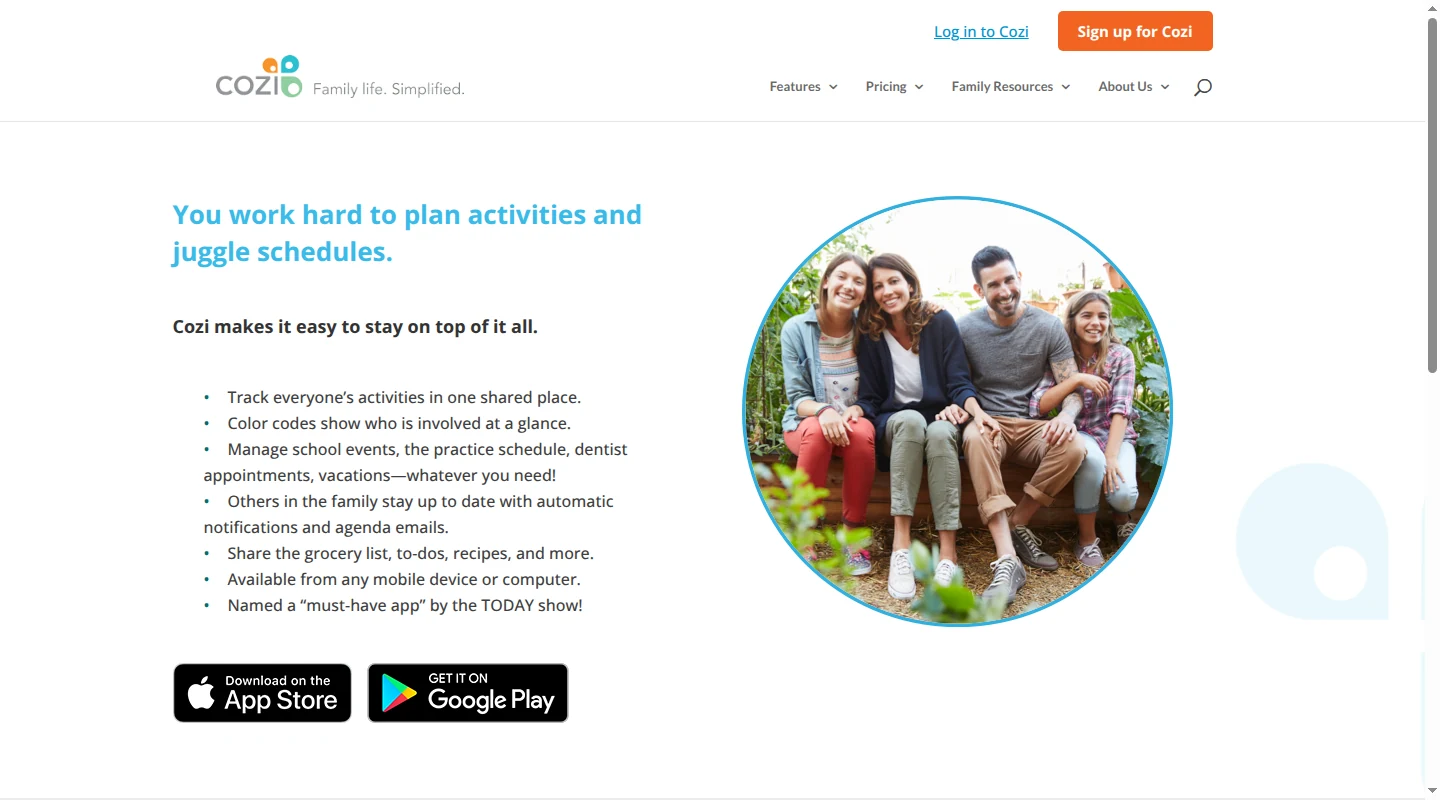
Cozi starts with the household as one shared account. Each family member gets a color, and an event can belong to one person, several people, or everyone. You can filter the calendar by person without building a separate calendar for each child. For families with younger children, that is a tidy setup: a child can have a name and color on the schedule without needing an email address or login.
The free plan includes the shared calendar, shopping and to-do lists, recipes, one reminder per attendee, and daily or weekly agenda emails. It works on iOS, Android, and the web. Free users can enter events from Agenda view only within the next 30 days, and the plan includes ads.
Gold removes the 30-day entry limit and ads. The Gold plan also adds mobile month view, calendar search, up to three reminders per attendee, calendar-change notifications, and priority support. One $39 annual subscription covers the family account. Those additions matter if you plan school breaks and camp weeks months ahead or often need to find an old appointment.
Max includes Gold plus AI Event Import, an AI Recipe Creator, and an AI Meal Planner. For event import, a family member forwards an email, PDF, or photo of a paper flyer to their unique Cozi email address. Cozi creates an event with the sender as the attendee, and the family can edit it afterward. The forwarding step still begins with someone noticing the message or paper and choosing to send it.
Cozi makes the strongest case when the rest of the organizer will get used too. The person planning dinner can look at the week, add ingredients to the shopping list, and keep the recipe in the same app. If your household only needs a shared calendar, those extra tabs may sit untouched. If lists and meals already shape the week, they are a good reason to choose Cozi.
Cozi gives every signed-in person full access
Cozi supports up to 12 people in one family account. Each included person can sign in with their own email address, but the account uses one shared password. Everyone has the same ability to view, add, edit, and delete family data.
There is no viewer-only or editor role. Adding a nanny, grandparent, or other caregiver to the account gives that person full access. You can still add someone as a named family member without an email address, which is useful for a young child who appears on the schedule but never signs in.
Cozi also handles outside calendars as read-only feeds. A Google Calendar event can appear inside Cozi, but it still belongs to Google and has to be changed there. The same goes for a school or sports calendar added through an iCal link. This works well for visibility. It becomes less convenient when much of the week arrives as invitations that need RSVPs or later edits.
Google Calendar handles invitations and separate accounts
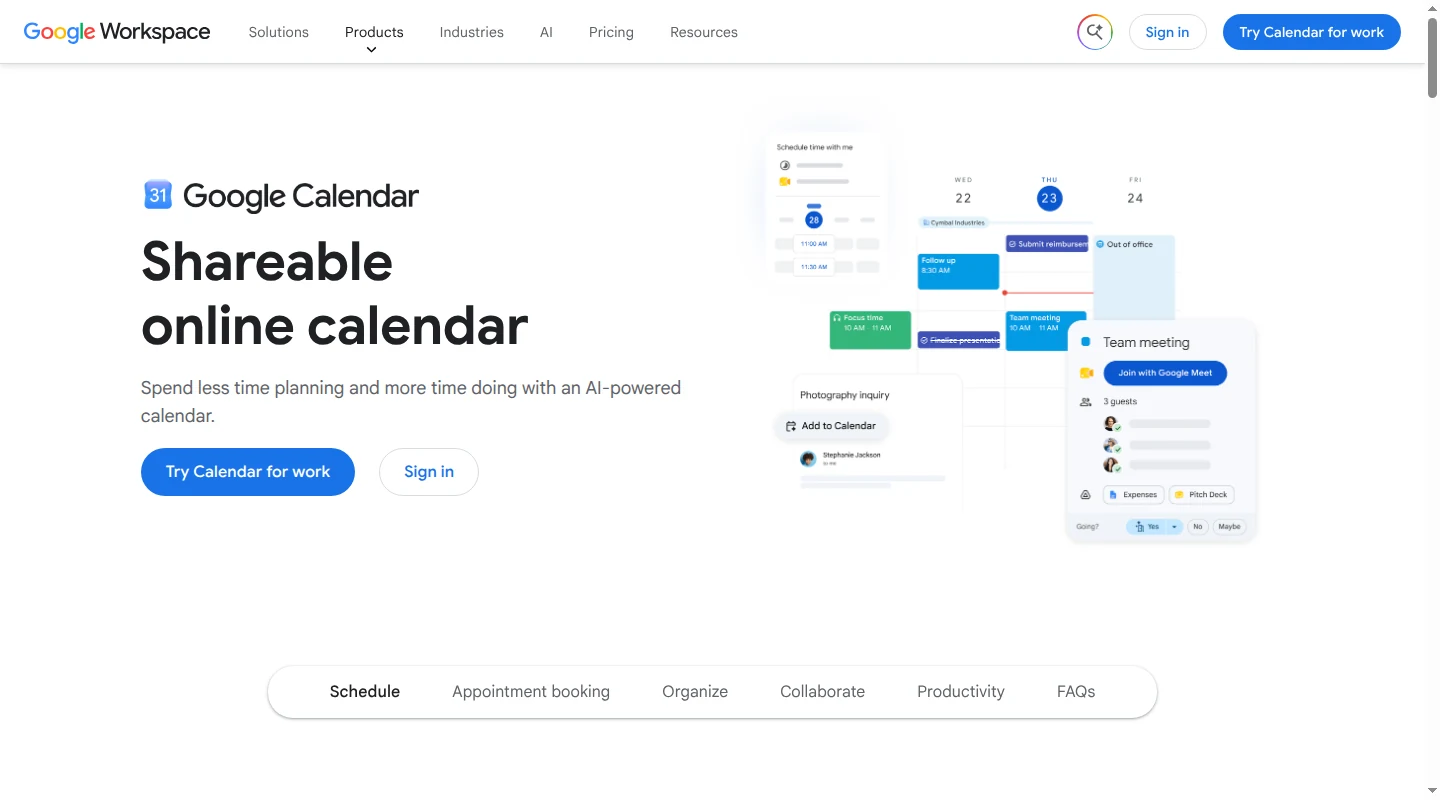
Google Calendar starts with each person's account and adds a shared family layer. When you create a Google family group, Google creates a calendar called Family. The family manager and up to five other members use their own personal Google accounts, and everyone in the group can create and edit Family calendar events.
Separate accounts make Google more useful when the schedule extends beyond the household. You can invite anyone with an email address to one event, including someone who does not use Google Calendar. A grandparent can RSVP to a pickup and receive a later time change without seeing the rest of the family's plans.
The Family calendar can also be shared with someone outside the Google family group. Google's sharing permissions range from free/busy visibility to full control over events and sharing. Google gives an outside person event-editing access by default when they are added to a Family calendar, so choose a lower permission when a caregiver only needs to see the schedule.
Google family groups do have boundaries. Work and school accounts cannot join one. Older children and adults need their own personal Google accounts, while supervised child accounts can be managed through Google's family tools.
Google is flexible, with more setup around the calendar
Google Calendar does not give each person a lasting color within one Family calendar. You can color an individual event, but that choice has to be made again on the next event. One calendar per person creates consistent colors and better filtering, though it also creates more calendars to share and maintain.
The surrounding household work lives in other Google apps. A shared Keep list can hold the groceries. Google Tasks puts assigned tasks from shared Chat spaces or Docs into each person's personal task list, and Calendar has no recipe box or meal plan. Families that already use those tools may prefer the separation. Families looking for one household app will find Cozi more complete out of the box.
Notifications also work differently. Each person can set reminders for upcoming Family calendar events. Google does not send a separate notification just because another family member creates, edits, or deletes an event, so a changed pickup may be visible on the calendar without producing a change alert.
Gmail events cover flights, train and bus reservations, hotels, restaurants, and registrations or tickets. Those events also link back to their source email. A school newsletter with three dates or a coach's plain-text time change falls outside that narrow set, which leaves a parent to read the message and decide what belongs on the family calendar.
Does Cozi sync with Google Calendar?
Yes. The connection is read-only in both directions. Cozi can display Google Calendar events, and Google Calendar can display Cozi events. Each event still has one place where it can be edited.
Showing Google Calendar events in Cozi
Add a Google calendar's private iCal address under Connected Calendars in Cozi, then choose which Cozi family members should see it. Google remains the owner of those events. Cozi checks incoming iCal feeds about once an hour, or the next time someone opens and refreshes Cozi after that hour.
This setup also works for school, sports, and other services that publish an iCal or ICS link. Any correction has to happen in the calendar that published the event.
Showing Cozi events in Google Calendar
Cozi can create an outbound calendar feed for one family member or for everyone. Add that URL under Other calendars in Google Calendar. Cozi makes its changes available to the feed immediately, while Google decides when to check for updates. The connection guide says Google Calendar can take up to 48 hours to show changes from an incoming iCal feed.
Google will show the Cozi appointments without becoming their editor. Cozi shopping lists, to-dos, recipes, and meal plans stay in Cozi.
If you use both calendars, give every event one home. Edit a Google invitation in Google and a family appointment created in Cozi in Cozi. Creating a second copy makes it possible for one version to miss the next update.
Which calendar fits your family?
Choose Cozi when:
- You want the calendar, shopping list, to-dos, recipes, and meal plan in one app.
- Younger children need a clear place on the schedule without their own accounts.
- Per-person colors matter more than outside invitations.
- Everyone who signs in can safely have full access to the household account.
Choose Google Calendar when:
- School, work, appointments, and activities already arrive as calendar invitations.
- Family members need separate accounts.
- A caregiver needs access to one event or a limited view of a calendar.
- You want a free calendar that works across phones and browsers without an extra family-organizer app.
Using both can work when the read-only feeds are there for visibility and the family knows where each event is edited. Cozi can be the household view while Google owns outside invitations. Google can be the main calendar while selected Cozi events appear as a subscribed feed. The delay on subscribed feeds makes this setup a weaker fit for schedules that change at the last minute.
Choose the calendar that matches how your family's plans already arrive. Cozi is the clearer fit when the household wants one home for the calendar, lists, and meal plan. Google Calendar asks for a little more setup, but it gives separate accounts, outside invitations, and finer sharing controls. Whichever you choose, keep each event editable in one place so the next change reaches the whole family.
If Google Calendar is the better home for your schedule, join the Babs waitlist. Babs finds the events, changes, and to-dos the calendar is missing, then gives both parents a shared view of the week ahead.
Related articles
Family organization · Babs
A family meal planning app everyone can use
Compare AnyList, Plan to Eat and Cozi for shared meal plans, recipe imports, grocery handoffs, devices, household pricing and provider-described data practices.

Family organization · Babs
Best carpool app for parents: apps and shared sign-ups
Compare GoKid, Carpool Kids, Carpoolio and CarpoolConnect with Google Sheets and Forms, including driver slots, calendar sync, access and costs.