The best family photo sharing app for your family’s rules
By Babs · · 12 min read

Sharing the school-play photos should take less effort than persuading everyone to face the camera. The choice gets more interesting when grandparents want to look, both parents want to contribute, and someone wants to send the album to a cousin. FamilyAlbum, Google Photos, Apple Photos and Amazon Photos handle those permissions differently. The best way to compare the options is by access, editing permissions and storage.
Start with the kind of sharing you want
A shared album holds pictures chosen for an audience. A shared library is an ongoing collection whose members may have broader editing and deletion rights.
With Google One or iCloud+, family members can share one paid storage plan while keeping separate photo collections. Using the same storage plan does not give them access to one another’s pictures.
Two parents building a photo collection together may want equal editing and deletion rights. Grandparents who only want to see the birthday pictures need viewing access without those permissions.
| Your family’s situation | The relevant option and trade-off |
|---|---|
| Parents want to control invitations and whether relatives contribute | FamilyAlbum has parent-admin roles and an album-member upload switch. Browser relatives can view, save and comment, without uploading. |
| Relatives use a mix of phones and already have Google accounts | Google Photos shared albums work across iOS, Android and the web. Contribution is an album-wide setting, and members can invite others. |
| You use Apple Photos and want selected albums or an ongoing collection | Apple Shared Albums have album permissions; iCloud Shared Photo Library gives every participant editing and deletion rights. They are separate choices. |
| You already pay for Prime and want group sharing alongside photo storage | Amazon Photos has Shared Groups for selected pictures and a separate Family Vault for up to six people. Unlimited photo storage does not include unlimited video storage. |
The prices below are standard U.S. prices in dollars, excluding any applicable taxes or promotions.
FamilyAlbum: parent-run albums for relatives
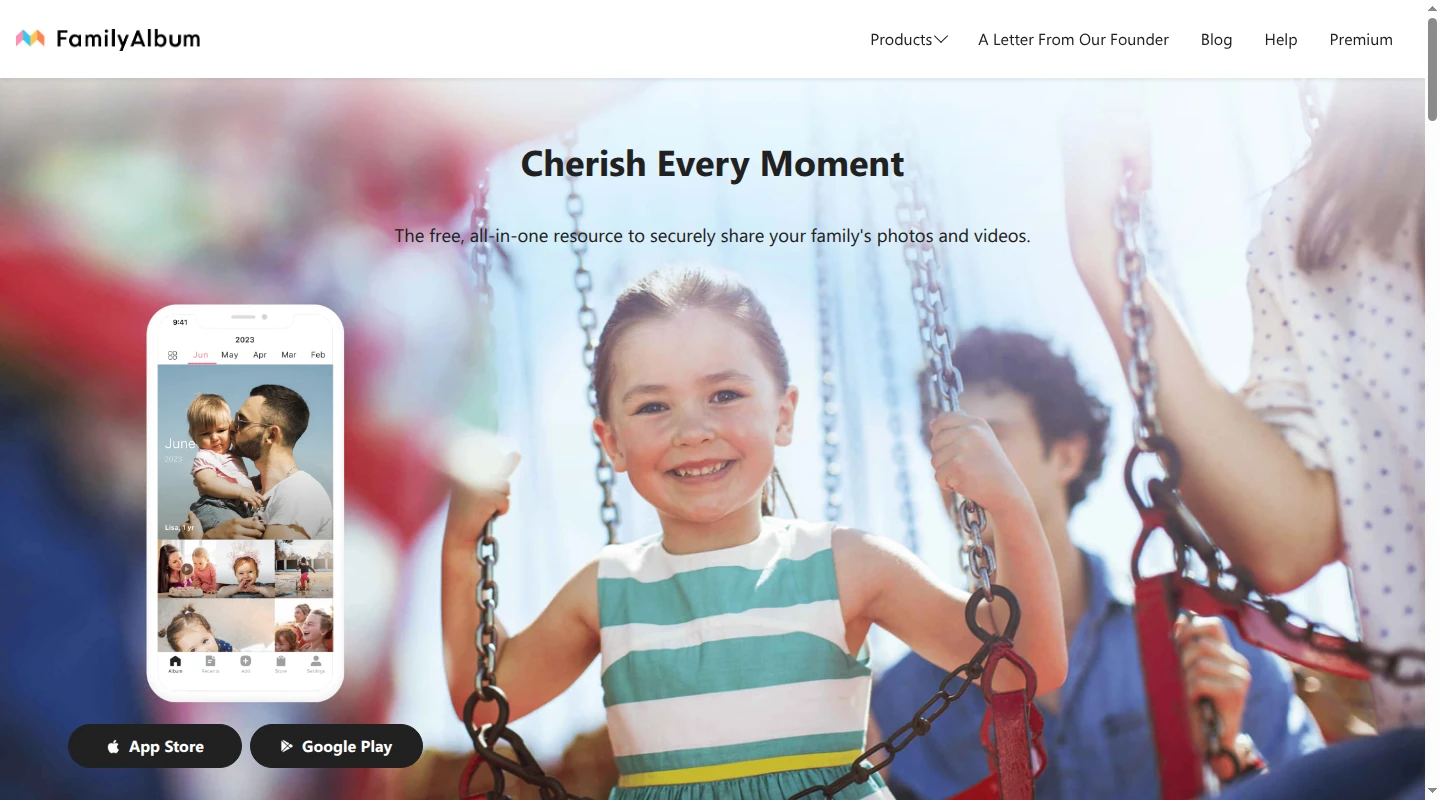
FamilyAlbum puts parents in charge of the invitation list. Only Album Admins, its name for parent members, can invite people. Other relatives cannot invite another branch of the family themselves.
Parents use the iOS or Android app. Relatives can use the app or receive a separate browser-version invitation. That browser invitation contains a unique access link, and the relative sets a password on first use. It is different from an unrestricted public album link.
Who can view, add and remove pictures?
An upload shared with the family is visible to all invited members, including people invited later. Parents can instead choose Admins Only. Premium Family and Family Pro add custom Share Groups for more selective audiences; only admins change visibility settings.
Relatives using the app can upload when a parent enables Allow Album Member Uploads in the Settings tab. Browser-version relatives can view, save and comment, but cannot upload. That makes the browser invitation useful for a grandparent who wants to enjoy the photos without joining the contribution pool.
Admins can delete album photos. Grandparents and other relatives can delete only their own uploads, and deletion happens through the app. Giving a relative upload access therefore does not give them permission to remove a parent’s pictures.
Storage and price
The free version has unlimited photo and video uploads, with a two-minute limit per video. FamilyAlbum resizes uploads, so unlimited storage is not the same as keeping an original-quality archive.
The paid plans are:
- Premium One: $2.99 a month, covering the subscriber’s benefits rather than the whole album.
- Premium Family: $5.99 a month or $59 a year, covering all album members. It adds ten-minute videos, computer uploads and custom sharing groups.
- Premium Family Pro: $10.99 a month or $109 a year, covering all album members. It adds features including higher-quality video uploads and bulk downloading, subject to download permissions.
The free plan already handles the basic parent-and-relatives album. The family subscription becomes relevant when different relatives should see different pictures, or the videos run past two minutes.
Google Photos: shared albums across phones
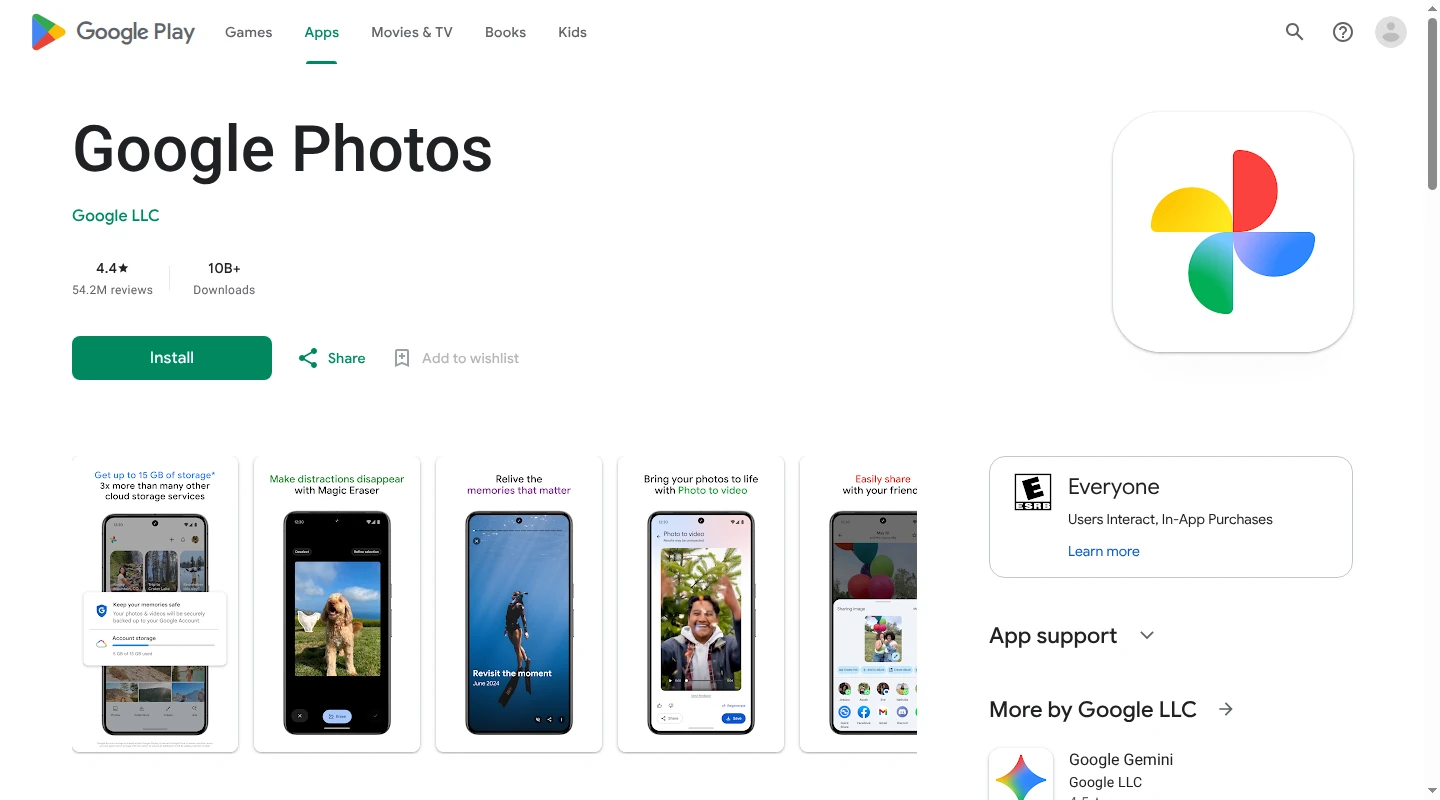
Google Photos runs on iOS, Android and the web. A relative can view a link-shared album without a Google account. Google’s Android app instructions require signing in to add photos to an album. Its shared-link guidance does not specify whether contributing through a link requires an account. Sending invitations to specific accounts avoids making a viewable album link the entry point, though members can still add other people.
Who can view, add and remove pictures?
The owner controls link sharing and can remove members. With link sharing on, anyone who receives the link can view the album. Removing a person from the member list does not block their link access while that link remains active.
Contribution is a separate control. Collaborate allows others to add pictures; turning it off stops everyone else from adding. Google does not offer a separate add-photos permission for each individual album member. A parent cannot leave one grandparent’s upload access on and another’s off within the same album.
The owner can remove photos from the album. Contributors can withdraw their contributions; leaving the album also removes their photos and comments. These album actions are different from deleting the underlying originals from someone’s library.
For an invitation-based family album, the owner can open it on the web, choose More → Options, turn off Link sharing, and turn off Collaborate when relatives should only view. The member list remains important because people with album access can invite others.
Storage and price
A Google account includes 15 GB shared across Google Photos, Gmail and Drive. Google One Basic provides 100 GB total storage for $1.99 a month. Album sharing does not give each relative a separate paid storage allowance. Saving a shared picture to your own library generally uses space in your account, with an exception for qualifying Partner Sharing copies.
Two adjacent features do different jobs:
- Partner Sharing automatically shares selected backed-up photos with one other Google account. Selection can use a starting date or particular people where available. Face matching can include mistakes, so this is a broader sharing decision than manually choosing an album.
- Google One family sharing lets up to five other family members use the storage included in one paid plan. Each person keeps their own photo collection, which other family members cannot see unless it is shared with them.
Google Photos suits a family already comfortable with Google accounts and shared albums. The compromise is that viewing, adding photos and inviting more people are not a finely divided set of family roles.
Apple Photos: choose between Shared Albums and Shared Photo Library
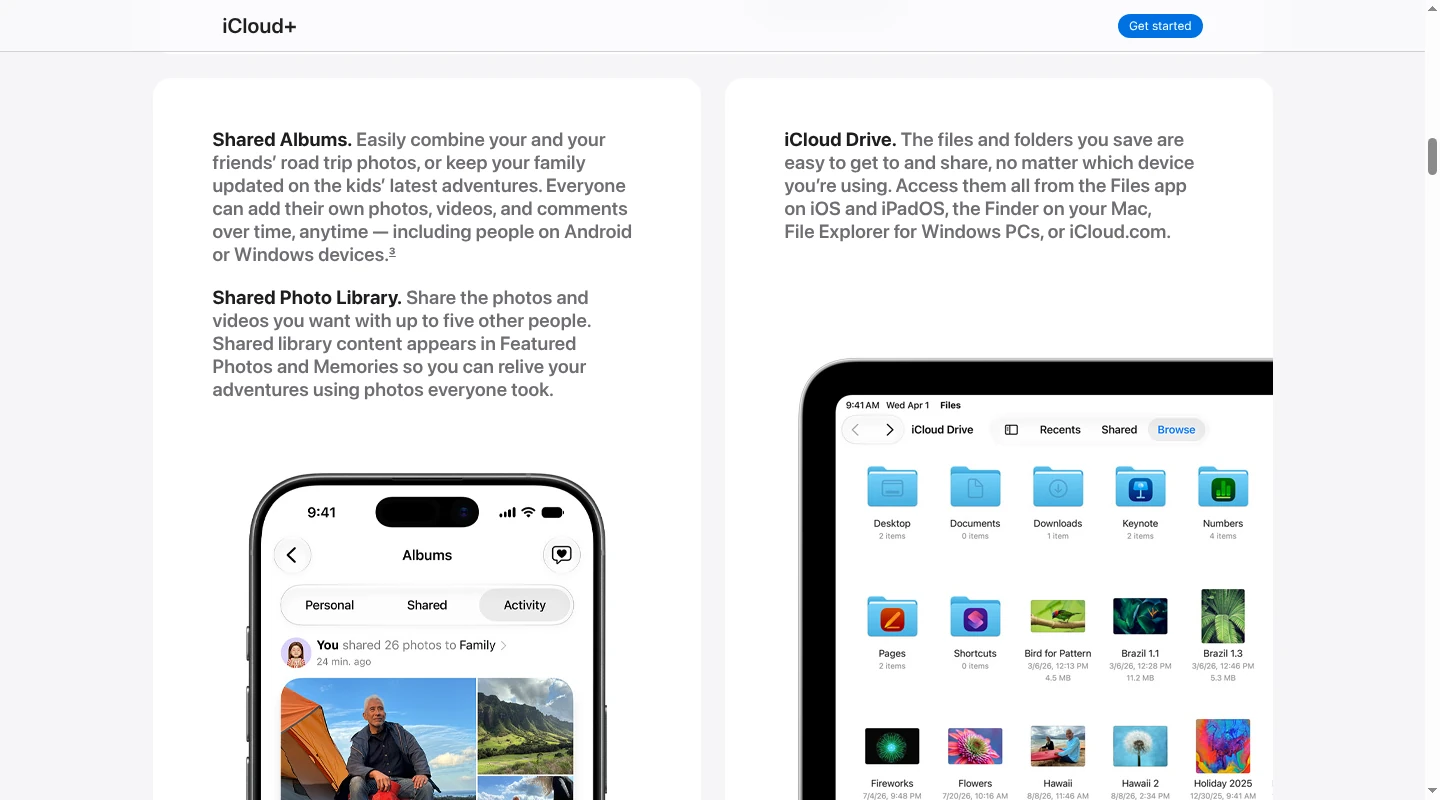
Apple’s two photo-sharing features have different permission and storage rules. Shared Albums also changed with version 27 of Apple’s software, so an older album can behave differently from a new one on the same phone.
Shared Albums for a chosen set of pictures
The owner uses an Apple Account. On current iPhone and iPad software, permanent albums also require iCloud Photos. Albums created in iOS 27, iPadOS 27 or macOS 27, or on iCloud.com, support full-resolution sharing. Relatives can join and contribute on the web without an Apple Account or Apple device. Older Apple devices need updated software or the web version to use these albums.
The owner chooses whether access is limited to invited or approved people, or whether anyone with the link can join. In an album’s Sharing Options, invitation or approval requirements give the owner a gate before another person enters.
The owner can grant a participant Can Add Photos permission. The owner and anyone with Can Manage Album and Photos permission can remove other people’s pictures; other participants can remove only their own contributions. This is a more selective arrangement than a Shared Photo Library, where everyone can delete shared content.
For new permanent albums, all contributions use the album owner’s iCloud storage. The limit is available storage, with up to 100 participants including the owner. Existing albums made in version 26 or earlier keep the older rules unless upgraded: a 5,000-item limit, reduced image and video resolution, and no charge against iCloud storage. Their optional Public Website setting makes the album viewable in a browser by anyone with access to that website.
Upgrading an older album changes the rules for new additions: newly added items use the owner’s storage at original resolution; existing items do not start counting against that quota. A family with years of older albums should not assume a newly created album has the same storage treatment.
iCloud Shared Photo Library for an ongoing collection
Shared Photo Library has one creator and up to five other participants. Everyone can view, add, edit and delete shared content. There is no view-only grandparent role. When someone contributes a picture, it moves out of their Personal Library into the Shared Library.
Participants need an Apple Account, iCloud Photos enabled, and a supported device to set up or join: iOS 16.1, iPadOS 16.1 or macOS Ventura or later. The collection is also accessible on iCloud.com. The creator supplies storage for the whole library.
For two parents who want to maintain a collection together, those equal permissions can be useful. For relatives who should only receive selected pictures, Shared Albums offer a different level of control.
Storage price and Family Sharing
iCloud includes 5 GB free. U.S. iCloud+ plans include 50 GB for $0.99 a month, 200 GB for $2.99 a month and 2 TB for $9.99 a month.
Sharing an iCloud+ plan through Family Sharing lets relatives store their own photos and files using one plan’s storage. Each person keeps a separate personal photo library. Shared Albums and Shared Photo Library determine which pictures other people can see and what they can change.
Amazon Photos: Shared Groups and Prime storage
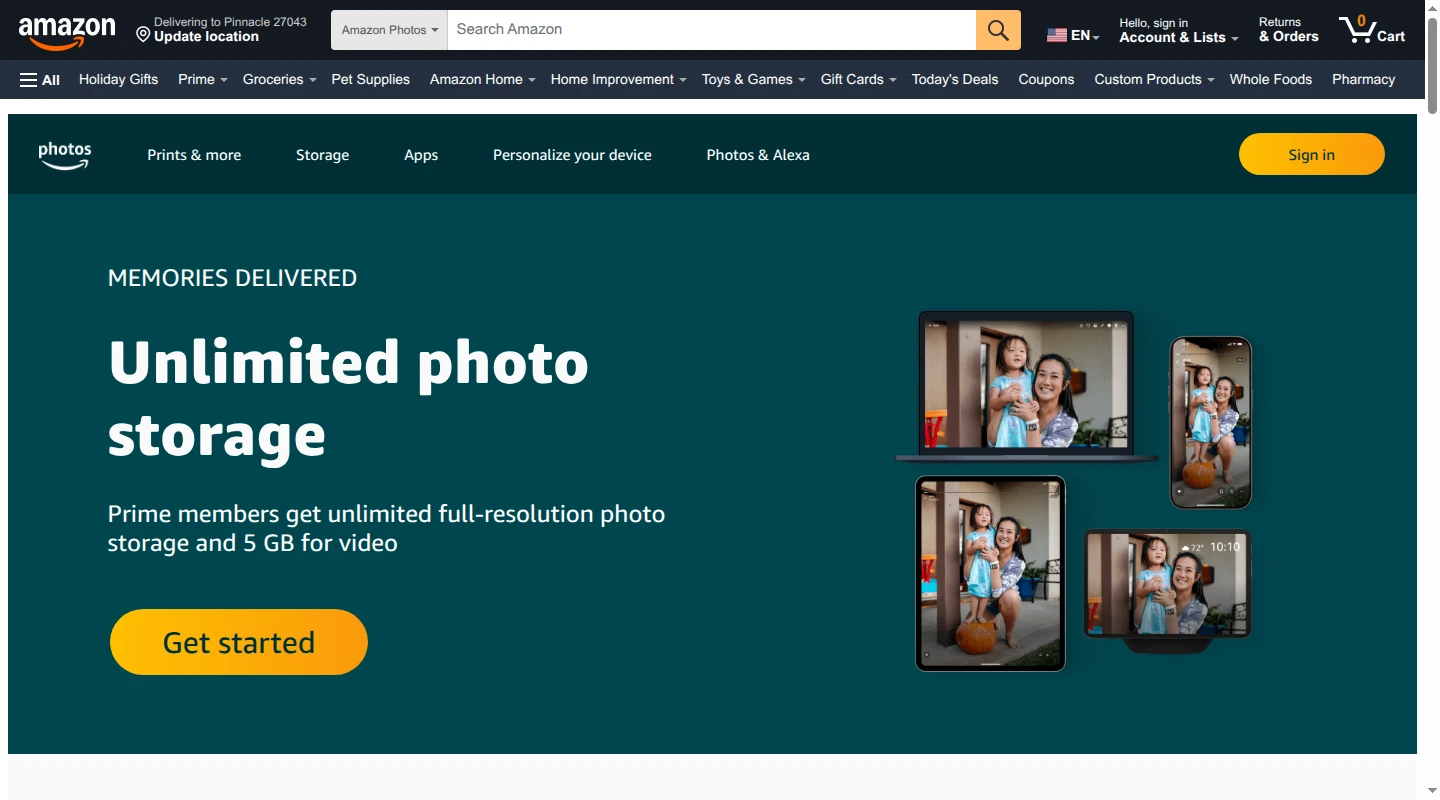
Amazon Photos works through iOS and Android apps and a web browser. Creating and contributing to groups uses an Amazon account. Its group help does not specify whether link viewers need to sign in. Its Shared Groups bring selected photos together, with members able to contribute, react and comment.
Who can view, add and remove pictures?
The group owner manages membership and is the only person who can remove or block members. Link sharing is a separate setting: switching it off limits photo access to the owner and invited people.
On the web, the owner can open Sharing, choose the group, open Settings, then switch off Link sharing in the Privacy tab. That closes the link route without removing invited members.
Amazon documents add, remove and comment permissions for the owner and invited members. Its current group help does not spell out which other people’s uploads a member can remove, so it does not establish an owner-only photo-removal role. The clear owner-only control is removing people from the group.
Storage, price and Family Vault
All Amazon customers get 5 GB of photo and video storage free. U.S. Prime membership costs $14.99 a month or $139 a year and includes unlimited full-resolution photo storage, plus 5 GB for videos and other files. A collection of long videos can still outgrow that allowance.
Family Vault is separate from a Shared Group. The Prime owner can include up to five other people, each with their own Amazon Photos account and the included photo-storage benefit. Members choose content to add to the vault. A Shared Group is the relevant feature for a selected audience or occasion; Family Vault is the ongoing shared archive and storage arrangement.
Amazon’s appeal is the photo storage included in an existing Prime subscription. It is less suited to a family whose deciding requirement is a clearly documented, per-person view-only or photo-moderator role.
What the providers say about photo data
An invitation setting controls the audience inside the service. It does not describe everything the provider processes. The policies also differ between basic photo features and optional connected features.
| Provider | Stated data practices that affect this choice |
|---|---|
| FamilyAlbum | FamilyAlbum operator MIXI’s policy describes processing uploaded media, photo metadata and derived image or face attributes. It also covers advertising, analytics and disclosures to service providers and advertising-related partners. Paid plans remove third-party ads for covered members; that does not mean the service stops processing photo data. |
| Google Photos | Google says Photos does not sell photos, videos or personal information. Its advertising statement has an exception when you choose to make Photos data available to other Google services that support ads, such as connecting Photos to Personal Intelligence in Search. Face grouping can be turned off. |
| Apple Photos | Apple says Shared Albums do not support end-to-end encryption, including when Advanced Data Protection is on. Shared Photo Library can retain end-to-end encryption when every participant has Advanced Data Protection enabled. Those are different protections within the same Photos app. |
| Amazon Photos | Amazon’s terms describe image recognition that analyzes photos and videos and applies tags. Account settings let users enable or disable the tagging features. This processing is separate from the group’s invitation list. |
No app setting can stop a relative taking a screenshot or keeping a downloaded copy. Google and Apple explicitly say saved copies can remain after sharing stops. Removing access and recalling every copy are different things.
The choice of audience also belongs alongside the choice of picture. UNICEF’s guidance on sharing includes considering a child’s views, avoiding overly personal images, and limiting identifying details such as locations or school logos. An invitation-only album does not make every picture appropriate to share.
Babs handles the plans behind the pictures
A photo album holds the pictures after the school play. Getting the performance time and emailed schedule change in front of the household is a separate job.
Babs is a family operating system. It reads school and activity emails in connected Gmail, finds relevant events and to-dos, and brings them into a shared household view. A parent reviews suggested events before adding them to Google Calendar in one tap. Two parents can use separate logins and share events, to-dos and the Lineup. The calendar remains the schedule’s home; our family calendar comparison explains those choices.
Babs is free in private beta on iOS. It does not store or share the family photo collection. Keep the album for the encore pictures, and join the Babs waitlist for help getting everyone to the performance.
Related articles

Family life · Babs
An Ollie alternative for your family's school-and-activity week
Ollie closes November 6, 2026. Keep Google Calendar events in place, handle Ollie-only reminders separately, and learn Babs's setup and sharing limits.

Family life · Babs
Dinner ideas for sports nights: early, later or on the go
Find recipes from Caroline Chambers, What's Gaby Cooking, The Defined Dish and Smitten Kitchen for early, make-ahead and portable sports-night dinners.