10 Apps Like Cozi, and How to Choose One Your Family Will Use
By Babs Team · · Updated · 15 min read
At 4:12, an email says soccer practice has moved from 5 p.m. to 6 p.m. One parent is planning pickup around the old time, the other has not seen the message, and the calendar still says 5 p.m. This is usually when you find out whether your family's organizing setup is working. If Cozi no longer fits, choose its replacement based on where your own week gets stuck, whether that is the inbox, family access, meal planning, or a schedule the kids never see.
Choose an app by the problem you want to solve
Changing family apps means asking everyone to learn a new place for the schedule. That work is worthwhile when the new setup fixes a problem your family feels every week. Start there, rather than comparing the longest feature lists.
| Where your week gets stuck | Start with | Cost | The tradeoff |
|---|---|---|---|
| Events, changes, and to-dos stay buried in Gmail | Babs | Free | Google Calendar remains the home of the family schedule. Babs proactively finds events the calendar is missing, plus to-dos still buried in Gmail, and becomes the household's central place for what is going on. Each parent gets a separate login and can see suggested events, to-dos, and the Lineup, which previews the week ahead. Parents review events before adding them to Google Calendar. Groceries, recipes, and meals stay elsewhere. |
| Children, grandparents, or caregivers need their own access | FamilyWall | Free; Premium is $44.99/year | Separate accounts and a broad set of family tools. Meals and connected calendars require Premium. |
| A caregiver needs selected calendars and lists, rather than the whole family view | Jam | $120/year or $15.99/month after a 30-day trial | iPhone, Android, and web access for up to 12 family members. Parents choose caregiver access and children's roles. Synced outside events are read-only. |
| Your family wants Cozi's calendar, lists, recipes, and meals in a similar package | FamCal | Free download; paid prices vary by app store | The mix feels familiar, and the family still shares one account password. |
| School, sports, home, or co-parenting plans need separate calendars | TimeTree | Free; Premium is $44.99/year per account | Multiple shared calendars and event comments, with groceries and meals handled elsewhere. |
| Private family plans and files are the priority | OurCal | $9.99/month for up to six people | End-to-end encryption for events and related details, in a calendar-focused app. |
| Cozi has become a calendar and little else | Google Calendar | Free | Familiar access across iPhone, Android, and the web. Lists live separately in Google Keep. |
| Everyone already uses Apple devices | Apple Calendar + Reminders | Included with Apple devices | Shared calendars and lists are already on the family's devices. Android access is the sticking point. |
| The children need to see the week without opening an app | Skylight Calendar | Calendar 2 is $299.99; Plus is $79/year | A wall display brings the plan into the room, with a hardware bill attached. |
| You want calendar, lists, recipes, and meals in an app, with a display as an optional extra | Nori | Free; AI Plus is $59.90/year per family | Core organizing tools include 10 AI uses. Ongoing AI access costs extra, and a Family Hub is a separate purchase. |
When plans get buried in Gmail: Babs
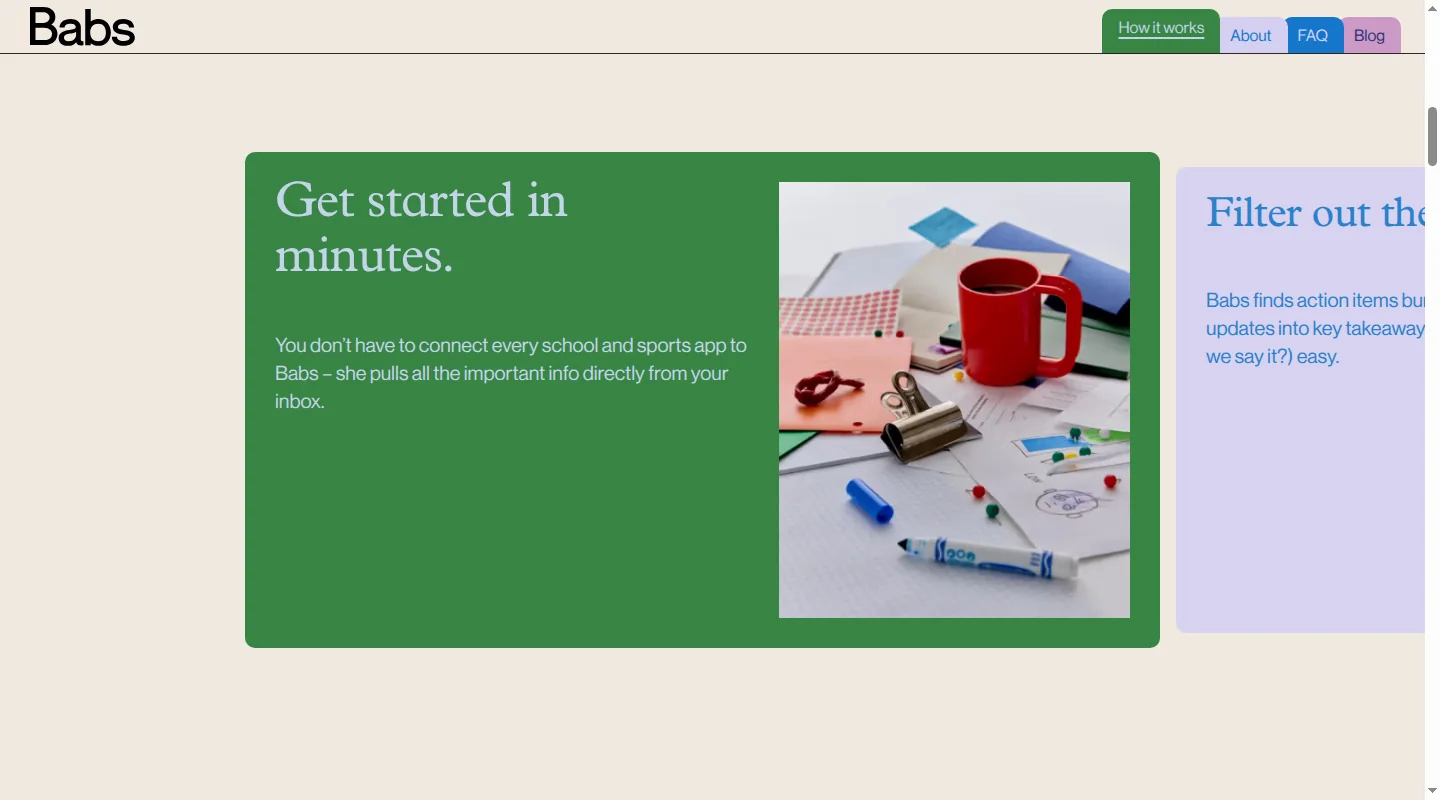
A new calendar cannot rescue the 4:12 practice change while it is still buried in Gmail. School newsletters and camp emails create the same problem. The plan exists, but someone has to spot it, work out what it means, and move it somewhere the household can see it.
Babs is the family operating system for modern households. Google Calendar is where the family's schedule lives, while Babs proactively finds what that calendar is missing. A parent connects their Gmail, and Babs scans messages for relevant events and to-dos related to their children's schools and activities. The parent confirms context about the household's children, schools, and activities, which helps Babs learn what matters to the family. Babs then gathers possible events, deadlines, schedule changes, and to-dos for review, reducing the manual work of finding and adding them.
Parents review what Babs finds and decide what to add. After parent approval, an event can be added to Google Calendar in one tap. If the Apple Calendar app displays that Google account, the event appears there too. Babs does not write directly to iCloud calendars. It also checks suggested events against the current calendar to reduce suggestions for events that are already there. If a later email says soccer practice moved from 5 p.m. to 6 p.m., or that the tutor cancelled, Babs flags the change for a parent to review so the calendar stays current.
Babs is built for the household and becomes its central place for what is going on. Each parent gets their own login and can see suggested events, to-dos, and the Lineup. Together, those two parent accounts give the household shared visibility. The Lineup previews the week ahead and helps the household know who needs to be where and when. Babs is free, in private beta, and available on iOS. Babs fits a household that wants school and activity details to reach both parents before they are missed. If Cozi's grocery list, recipes, and meal planner carry a lot of the week, keep those where they already work.
When more people need access: FamilyWall

Grandma handles Wednesday pickup, a teenager wants the weekend schedule, and the babysitter needs Saturday night's address. FamilyWall gives each person separate sign-in details, and children can have accounts without their own email addresses. Its free plan includes a shared calendar, shopping and to-do lists, messages, and contacts.
Premium costs $44.99 a year and adds meals, documents, outside calendar connections, and Magic Import. Any family member can forward an email to the family's Circle address, and FamilyWall creates an event from the message or a supported attachment. That helps once someone spots the message and sends it along.
FamilyWall's separate accounts matter most when several children, relatives, or caregivers need their own access. Families that mainly want help getting details out of Gmail may find the broader setup more than they need.
When a caregiver needs only part of the plan: Jam
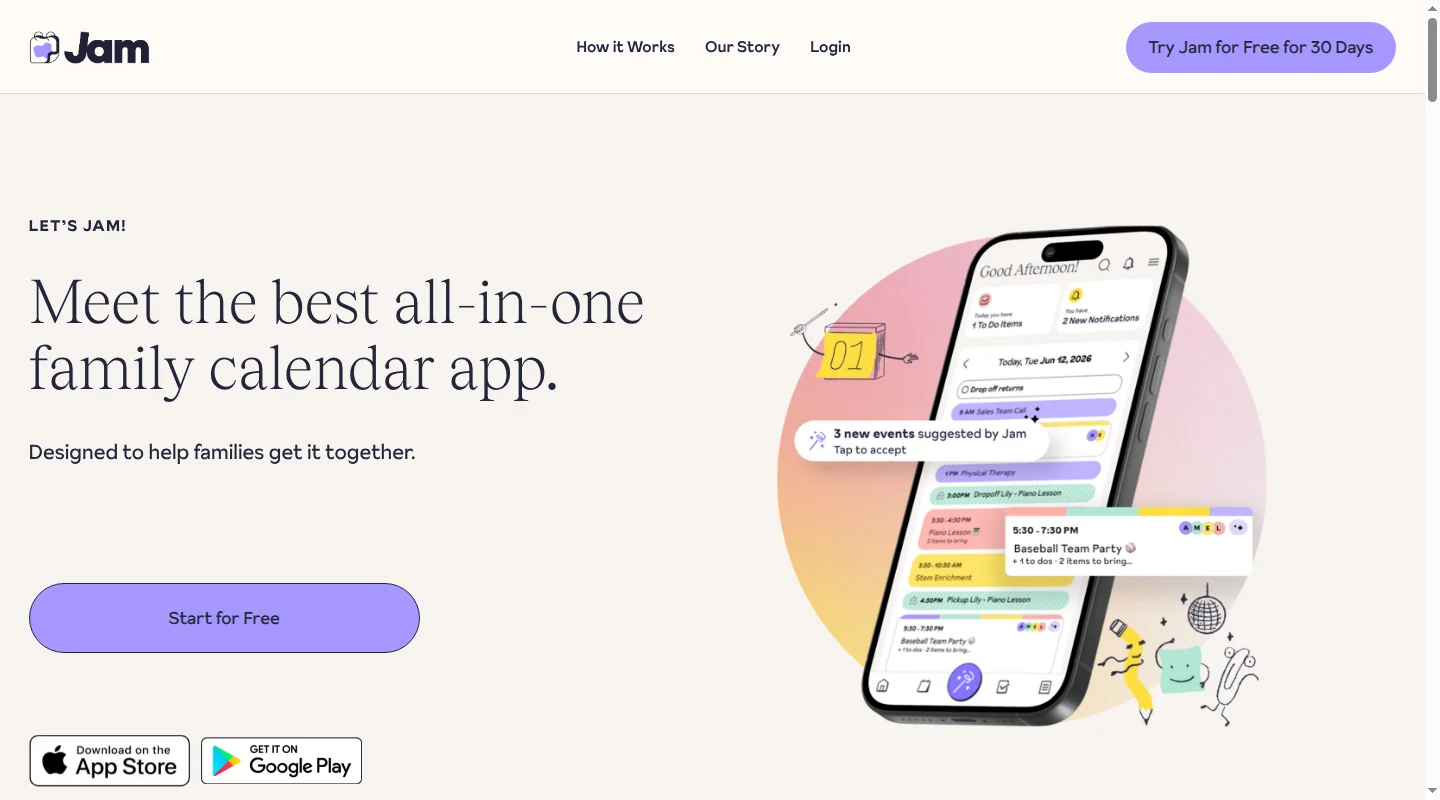
A babysitter may need pickup times and the children's packing list without seeing every family plan. Jam lets parents choose which calendars, to-do lists, and shopping lists a caregiver can access. Children can have Little Kid, Big Kid, or Teen roles with different viewing and editing access. Even teens cannot delete events, to-dos, or shopping-list items created by adults.
Jam combines shared calendars, to-dos, and shopping lists on iPhone, Android, tablets, and the web. One subscription covers up to 12 family members for $120 a year or $15.99 a month. The 30-day trial requires a payment method and becomes paid unless canceled.
Jam On It extracts events from forwarded emails and makes them available for review, so someone still needs to spot and forward the message. Outside calendars also involve a choice: Import creates editable copies in Jam; Sync shows read-only events that update from the original calendar, usually within about an hour. A synced event still has to be edited in its original calendar. Jam's particular draw is choosing how much of the schedule and lists each child or caregiver can use.
When you want Cozi's familiar bundle: FamCal
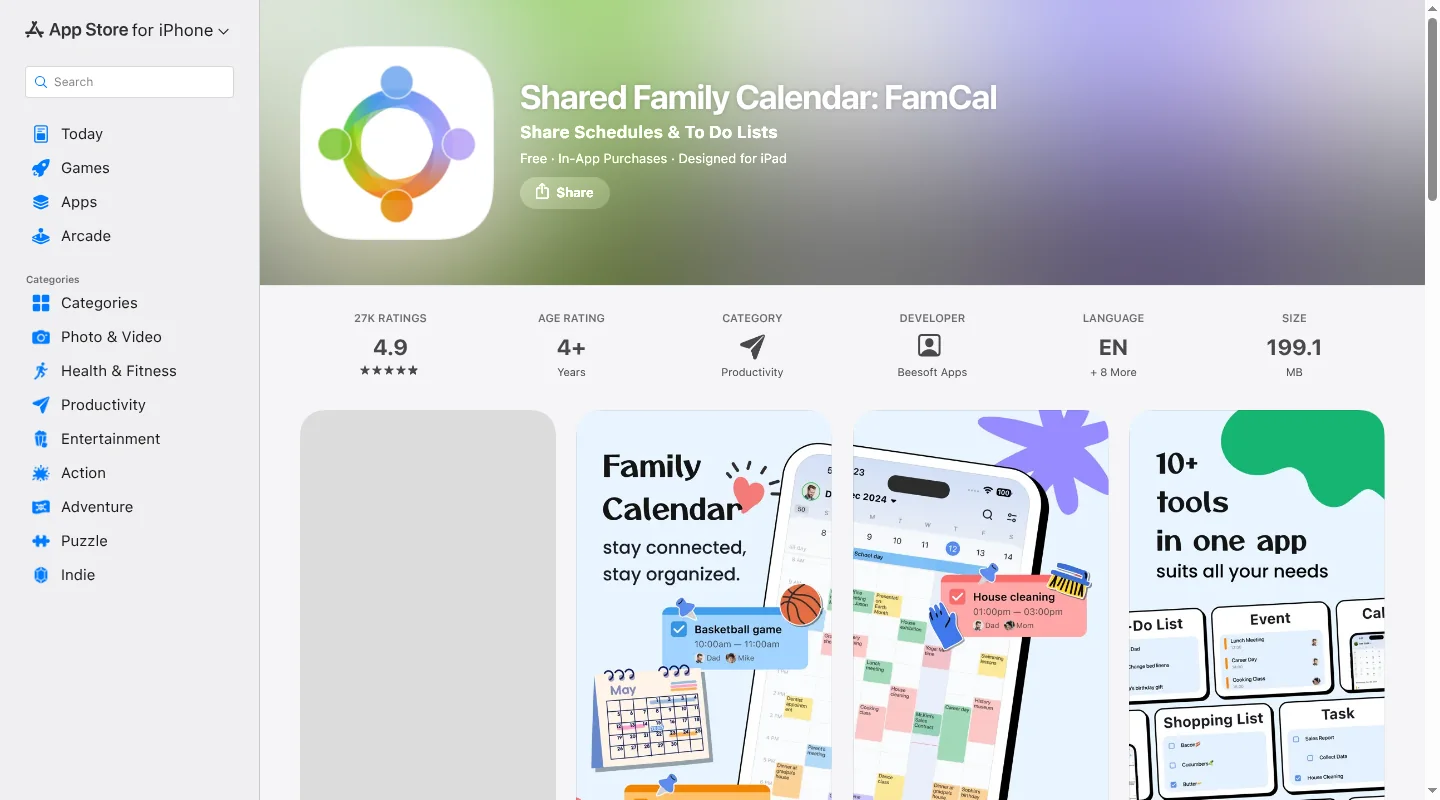
Some households really do use the color-coded calendar, shopping list, recipes, and meal plan together. FamCal keeps that familiar mix, which can make the move feel less like a household software launch.
FamCal combines a family calendar with assigned tasks, shopping lists, memos, recipes, meals, and trip expenses. Lists can be private, shared with the family, or shared with selected people. That is handy for the birthday list you do not want the birthday child editing. FamCal is a free download, and paid weekly and annual prices vary by app store.
The app is mobile-first, and the household uses one FamCal account with a shared password. That will feel familiar to many Cozi users. It also means FamCal does not solve the shared-password problem if that is why you are leaving.
When different groups need different calendars: TimeTree
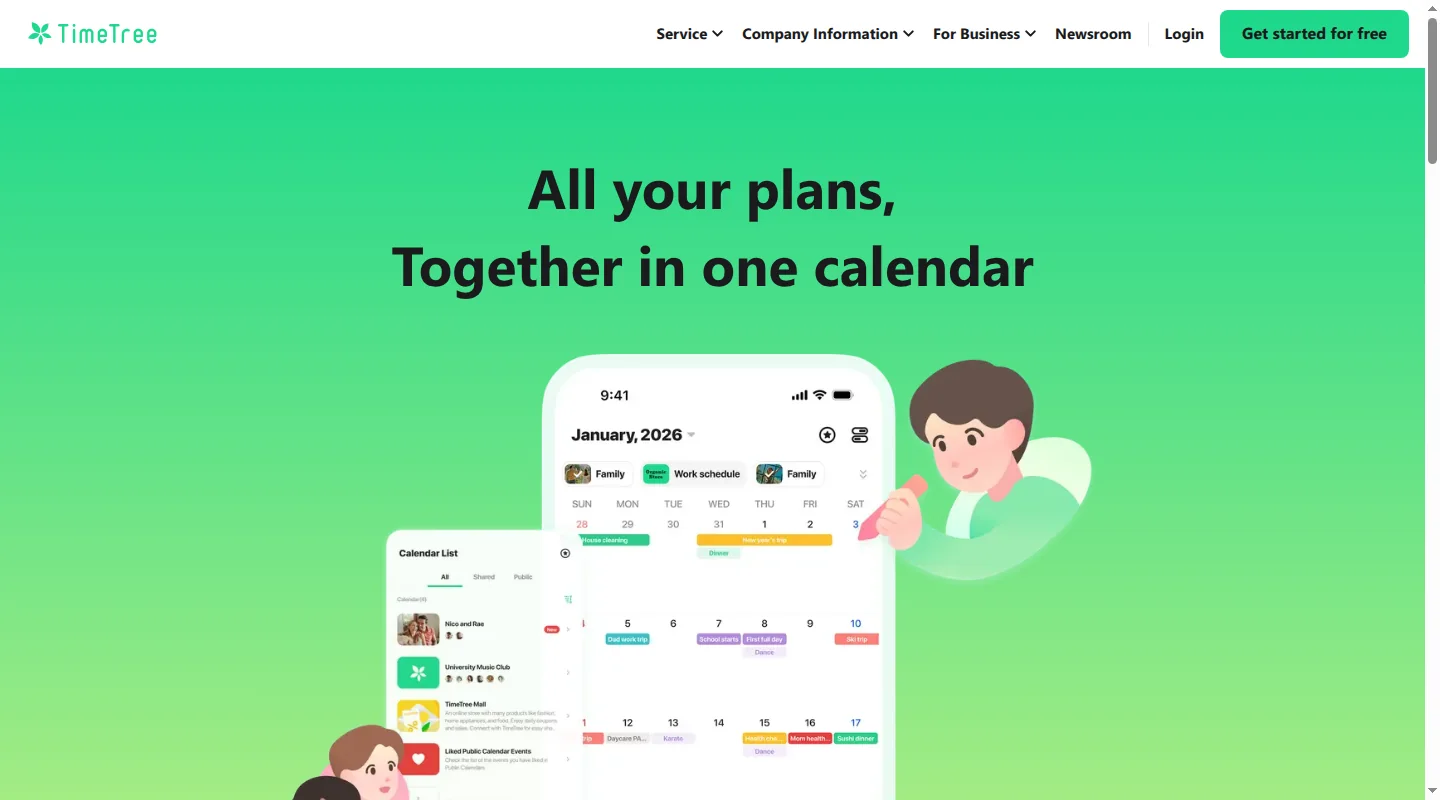
TimeTree works well when the family schedule makes more sense as a few separate calendars. You might have one for home, one for a sports team, and one for a co-parenting schedule. Each person has an account, and family members can comment on an event when pickup still needs sorting out. The main app is free. Premium costs $44.99 a year for each account that upgrades.
Families coming from Google Calendar or Apple Calendar need to know how the import works. TimeTree copies those events into the app. A later change to the original event will not change the copy, so you have to import the calendar again. Repeating the import can also create duplicates.
TimeTree is a good fit when separate group calendars make the week clearer. Grocery lists, recipes, and meal planning will need another home.
When private event details matter most: OurCal
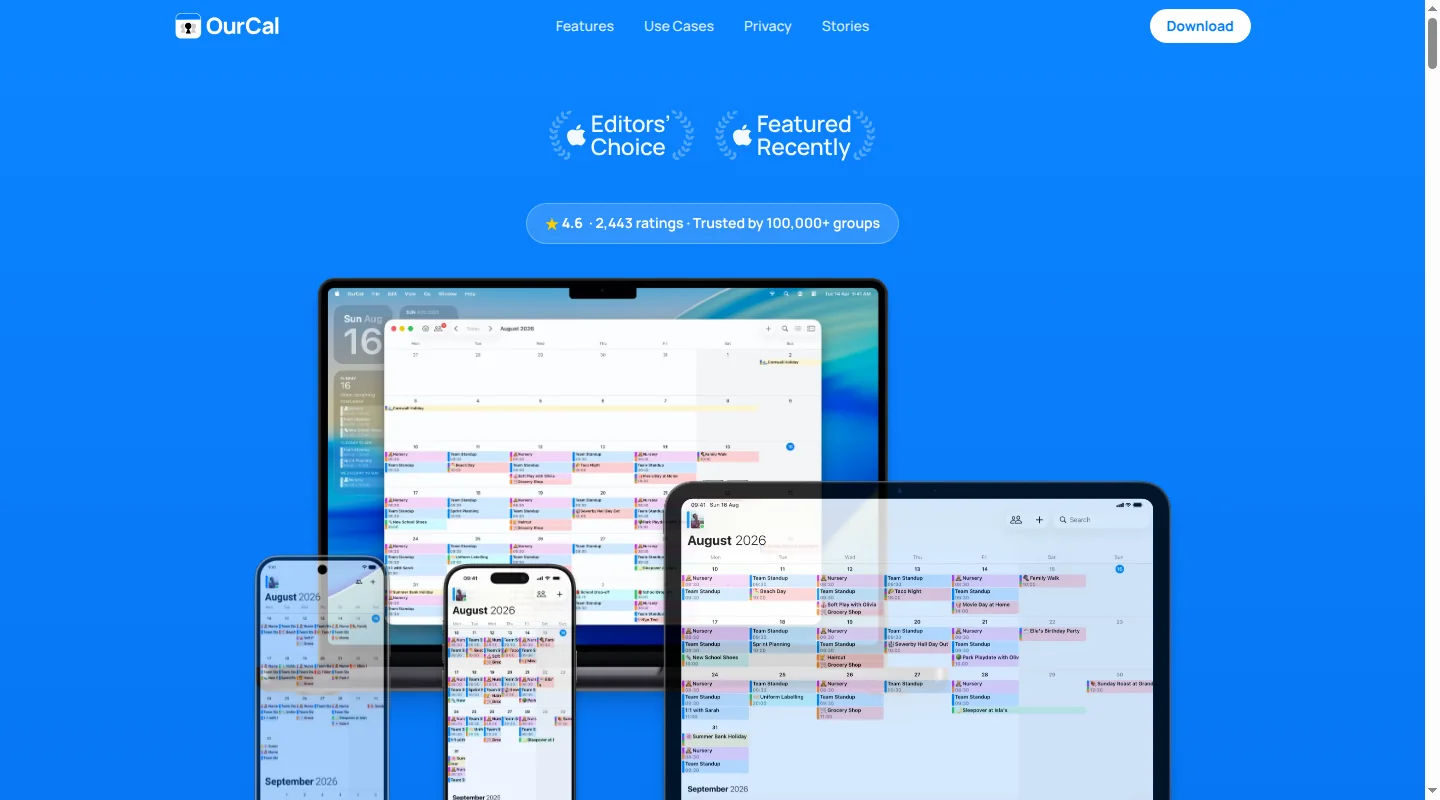
A family calendar holds sensitive details: where the children will be, when the house is empty, and which caregiver is collecting them. OurCal protects profiles, calendars, events, messages, photos, and files with end-to-end encryption.
An event can include notes, attachments, messages, and change history. Google, Apple, and Outlook calendars can also appear alongside the family's OurCal schedule. The family subscription costs $9.99 a month for up to six people.
OurCal suits a household that wants private event planning and discussion in one place. It has a narrower job than Cozi, so recipes, groceries, and meal planning still need somewhere to live.
When Cozi is mostly a calendar: Google or Apple
If your family opens Cozi for dates and ignores most of the other tabs, the next setup may already be on everyone's phone. Google Calendar often fits a mixed-device household. Apple Calendar and Reminders make sense when everyone uses Apple devices.
Google Calendar for a mixed-device household
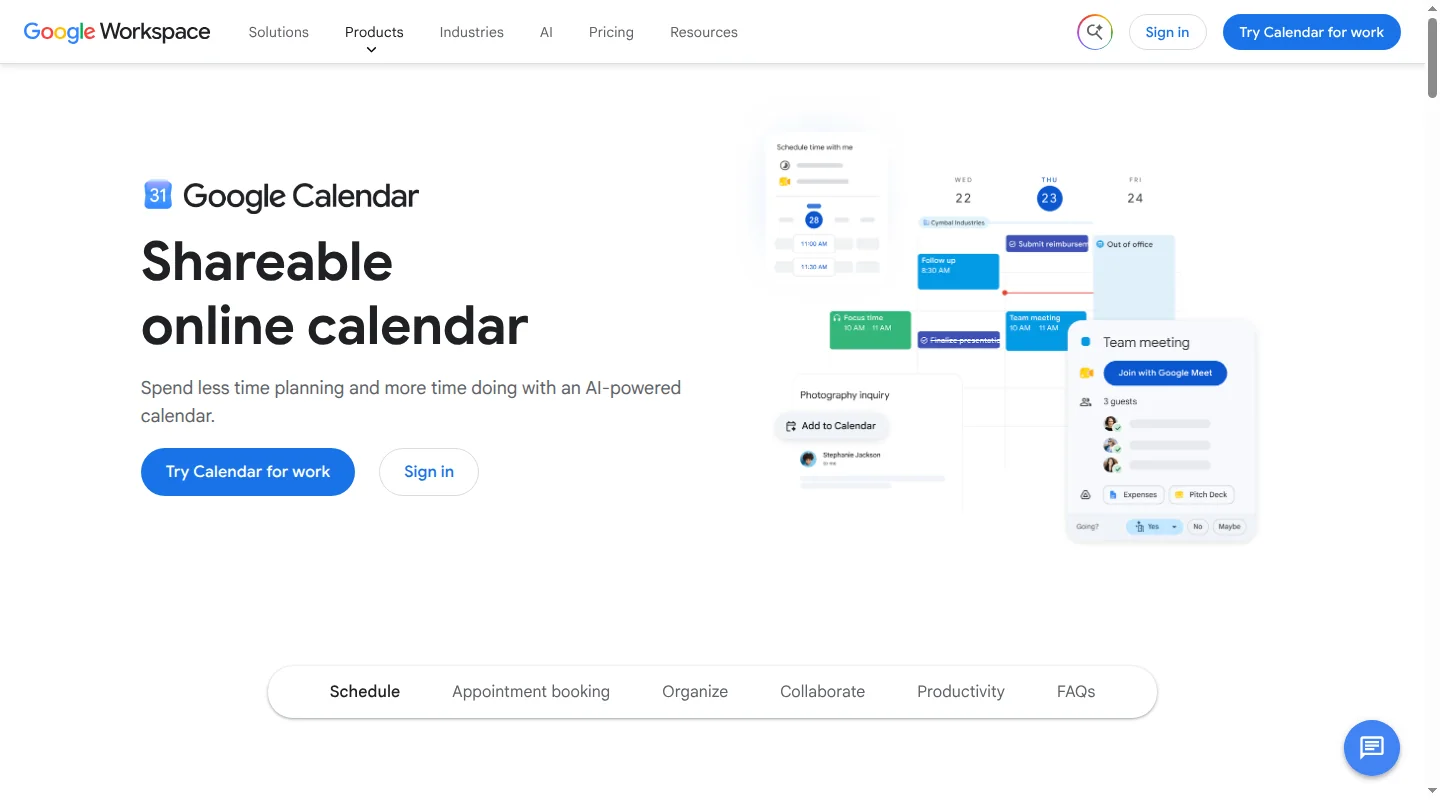
Creating a Google family group automatically creates a free Family calendar. Up to six people use their own Google accounts, and everyone can add or edit events. It works on iPhone, Android, and the web, which helps when the household does not share a phone brand.
A grocery or packing list can live in a shared Google Keep note. Recipes and meal planning require another app. If you are choosing a shared calendar from scratch, the family calendar app comparison goes deeper on the options.
Apple Calendar and Reminders for an all-Apple household
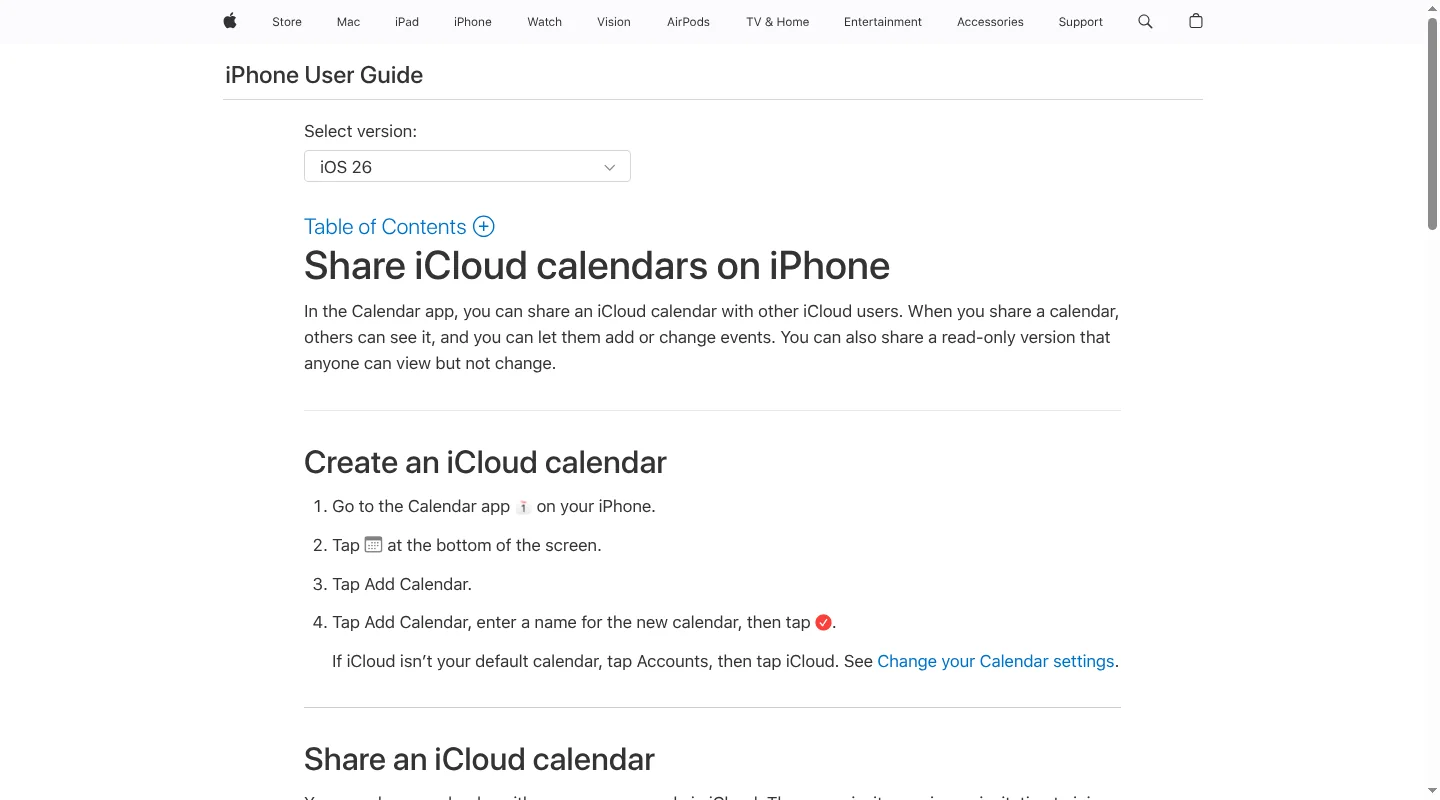
A shared iCloud calendar lets family members add and edit events. Reminders covers shared grocery, packing, and to-do lists, including assignments. Both apps are already on Apple devices, so there is very little to teach.
This pairing becomes awkward when an Android user needs to join. Recipes and meal planning also stay elsewhere. Families that care as much about lists as dates can compare the family to-do list apps guide.
Babs complements Google Calendar, including when you view that Google account in the Apple Calendar app. It proactively finds relevant events and to-dos in Gmail. If a later message says the tutor cancelled Thursday's session, Babs flags the new details for parent review so the calendar stays current. Each parent gets a separate login to see suggested events, to-dos, and the Lineup. Parents decide what to add, and approved events go to Google Calendar, where the family schedule lives.
When the children need the week on the wall: Skylight Calendar
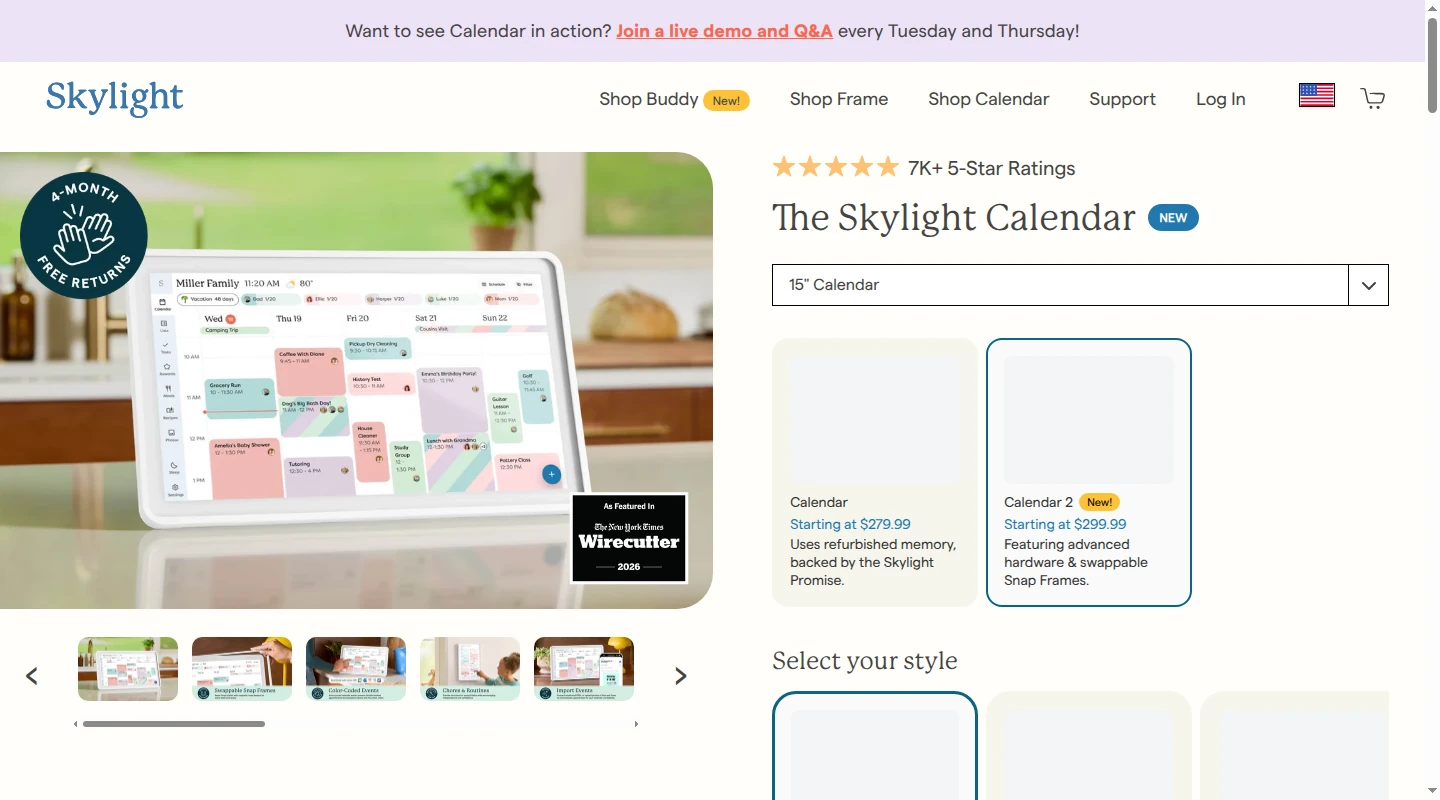
Some children will check the kitchen wall every morning and never open a scheduling app. Skylight is a 15-inch wall display built for that habit. Calendar 2 costs $299.99. Its calendar, chores, routines, and custom lists work without a subscription. Plus costs $79 a year and adds meals, recipes, rewards, and Magic Import for forwarded emails, PDFs, photos, and flyers.
How changes travel depends on the calendar connected to Skylight. Its Google and iCloud connections allow edits in both places. Cozi events can appear on Skylight and will pick up changes made in Cozi, though you still edit those events in Cozi unless you recreate them in Skylight.
Skylight puts the schedule on the wall. When Skylight displays the same Google Calendar where a parent adds events after reviewing them in Babs, those additions can appear on the wall too. Babs proactively finds relevant events and to-dos in Gmail. If an email says practice moved from 5 p.m. to 6 p.m., Babs flags the change for parent review. Each parent can see the same suggestions, to-dos, and the Lineup in Babs, while Google Calendar supplies the schedule displayed on Skylight.
When you want an app with an optional home display: Nori
Nori brings a shared calendar, tasks, shopping lists, recipes, and meal planning to iOS, Android, and the web. The app and web version work without buying a display. Families who want the plan on the wall can add the optional 15.6-inch Family Hub, which Nori currently lists at $339 device-only, or $289 with one free month of Plus followed by the $59.90 annual subscription.
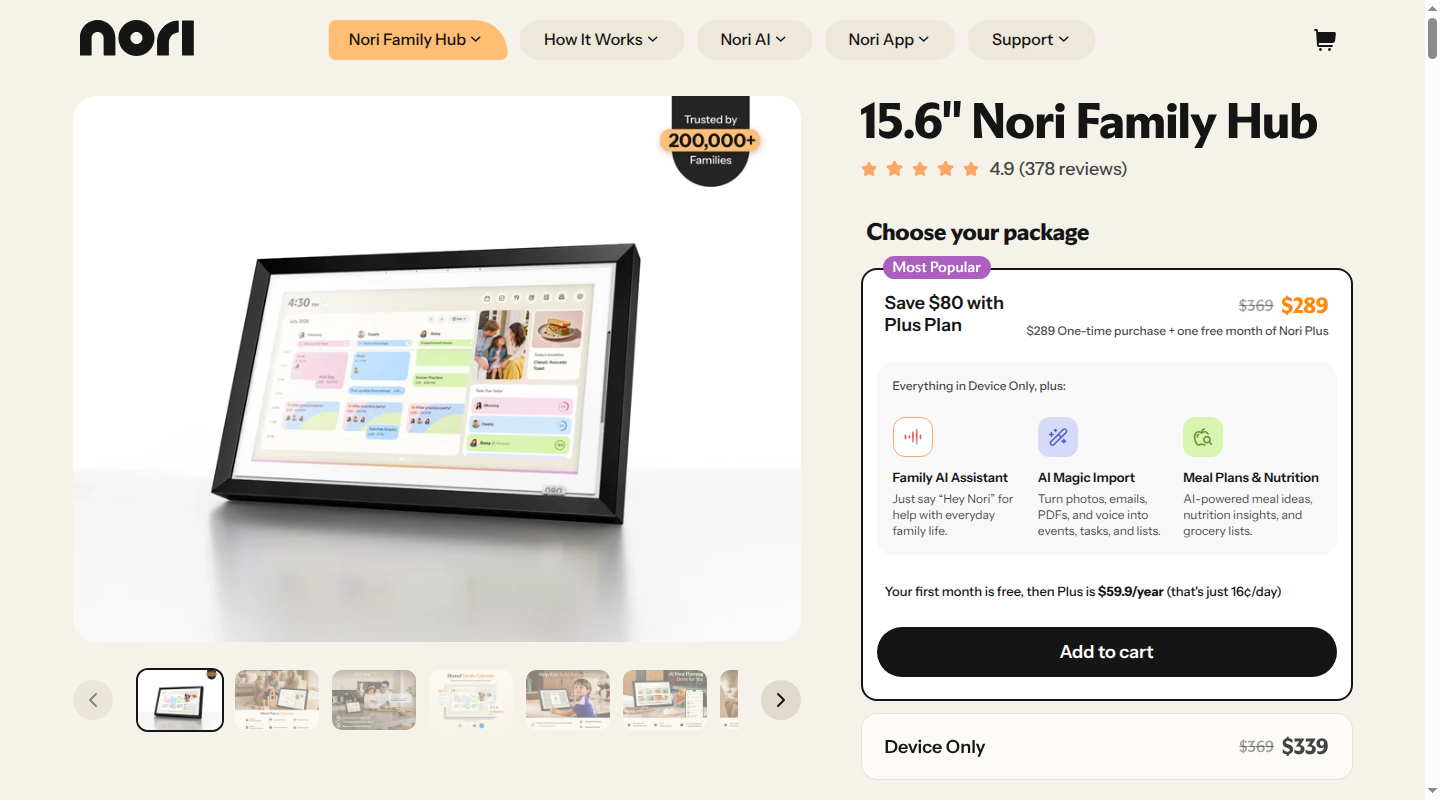
The core organizing tools are free, with 10 AI uses. Nori AI Plus costs $7.99 a month or $59.90 a year per family for ongoing AI access across the app, web, and a linked Hub. Its AI tools can turn forwarded emails, photos, and files into family items, but those actions can count toward the free plan's limit. That distinction matters when faster entry is the reason for leaving Cozi.
Invited family members use their own accounts to view and update shared information. A child or dependent can instead have a profile with no login, which puts their plans on the family schedule without giving them a separate account. External-calendar options vary by platform and app version. Nori fits families who want Cozi's broad calendar-and-meals bundle in an app, with hardware as a separate decision.
The candid case for staying with Cozi
If your family uses Cozi's calendar, shopping list, to-dos, recipes, and meal planner, leaving means rebuilding several habits to fix one annoyance. A familiar setup that people actually open has real value. Staying also makes sense when the shared family password works for your household, or when Android and browser access are important.
Cozi's paid plans may solve the exact issue that started your search. Cozi Free limits new events to the next 30 days. Gold costs $39 a year and removes that limit. Max costs about $80 a year and adds AI Event Import, plus recipe and meal-planning tools. If you want those tools in the same place, an upgrade may ask less of the family than a move.
A switch is worthwhile when it fixes a repeated problem: school details stay in Gmail, relatives need their own accounts, separate schedules are hard to read, or the kids need the plan on the wall. If everyone will do the same work in a new color palette, Cozi is allowed to stay.
How to move from Cozi without losing next Tuesday
Cozi provides a calendar link that lets another calendar show Cozi appointments. It is a window into the old schedule, rather than a full transfer. You still edit those appointments in Cozi. Changes can take time to appear in the other calendar, and Google Calendar may take up to 48 hours to refresh them.
The link carries calendar events only. Your shopping lists, family to-dos, recipes, meal plan, and member access do not travel with it. Use the link as a short bridge while the family moves:
- Pick a real start day. Sunday evening works because you can compare the coming week in both apps. After that, add new plans to the new app.
- Add the Cozi calendar link. Keep old appointments visible while everyone learns the new place. Make changes in Cozi until you have recreated the events you still need.
- Recreate the plans that change often. Start with practices, carpools, appointments, and repeating events. Check the location, repeat pattern, and alerts as you copy them.
- Move the family material you still use. Bring over active to-dos, the current grocery list, and the recipes that make regular appearances. Invite the people who need access, then check next Tuesday together before closing Cozi or canceling a paid plan.
FAQ
Which free Cozi alternative should I try?
Choose Babs when school events, deadlines, and to-dos get buried in Gmail before both parents see them. Babs is free. Google Calendar can remain the home of the family schedule, while Babs proactively finds events the calendar is missing and to-dos that still need attention. That reduces the manual work of finding and adding them. Each parent gets a separate login and can see suggested events, to-dos, and the Lineup. Parents review what Babs finds and decide what to add to Google Calendar.
Google Calendar is a free shared schedule across different devices. FamilyWall has a broader free organizer with a calendar, lists, messages, and contacts. TimeTree is free for families that want separate shared calendars for different groups.
Why is Maple missing from these Cozi alternatives?
Maple will close on December 31, 2026. After that date, accounts will be inaccessible. Maple says it will delete stored data and its connections to Google Calendar, Apple Calendar, Outlook, and TeamSnap, and they cannot be recovered. Families already using Maple need to move their information before the shutdown. It is no longer a sensible choice for anyone choosing a Cozi replacement.
If family dates and to-dos keep getting buried in Gmail, join the Babs waitlist so each parent can see suggested events, to-dos, and the Lineup before the week gets away from the household.
Related articles
Family organization · Babs
A family meal planning app everyone can use
Compare AnyList, Plan to Eat and Cozi for shared meal plans, recipe imports, grocery handoffs, devices, household pricing and provider-described data practices.

Family organization · Babs
Best carpool app for parents: apps and shared sign-ups
Compare GoKid, Carpool Kids, Carpoolio and CarpoolConnect with Google Sheets and Forms, including driver slots, calendar sync, access and costs.