Best AI calendar app for parents: five tools compared
By Babs Team · · 11 min read

When a school email includes a concert date and a permission-slip deadline, both need to reach the family plan. A changed practice time also needs to reach whoever is driving. Choosing an AI calendar app means deciding which part you want help with: finding those details, sharing them with your household, or setting aside time to finish a task. The apps handle these jobs differently.
Finding family commitments and scheduling tasks are different jobs
The school concert has a fixed time. Returning the permission slip is a to-do with a deadline. Before either can become part of the plan, someone has to read the email, find the relevant details and put them where the family can see them.
Babs handles that reading and sorting. It finds possible family events, changes and to-dos in connected Gmail messages, then presents them for parent review. We recommend starting with Babs when school and activity information is the missing part of your family's schedule. Your existing calendar remains the home for approved events.
Finding time to finish a known task is another job, often called time blocking. Motion continuously schedules individual tasks. Morgen proposes task blocks for approval. Reclaim protects flexible blocks of time and suggests tasks to work on within them. Gemini lets you request specific calendar actions in conversation. A family can use Babs for the information and a task planner for deciding when to do the work; those are complementary choices.
Match the app to your calendar and the help you want
| Your calendar setup and goal | App to consider |
|---|---|
| School and activity emails contain details your whole household needs | Babs, our pick for school updates, alongside Google Calendar |
| Your family uses Google Calendar, and you want to add or move events by asking | Google Calendar with Gemini |
| You use Google or Outlook and want to protect time for work or recurring routines | Reclaim |
| You want individual tasks placed and automatically moved around existing commitments | Motion, with Google or Outlook calendars; existing iCloud events can inform its plan |
| You use several calendar providers and want to approve a proposed task plan | Morgen, with Google, Outlook, iCloud and other supported providers |
The other four options center on an individual's calendar requests or task planning. Connecting a family calendar to a personal planner does not automatically give a partner or babysitter access to the planner, or make your private task list visible to them. The shared calendar still needs its own access settings. Our Google family calendar guide explains the difference between seeing availability and seeing event details.
Babs: our pick for school updates and a shared family plan

We built Babs for the work that comes before a usable family schedule: reading school and activity messages, finding what applies to your children and bringing the events, changes and to-dos into the household's view. Babs is a family operating system that works alongside your calendar.
Setup starts with connecting Gmail and confirming context about your children, schools and activities. Babs surfaces relevant events and to-dos without requiring you to forward each message or ask about it in a chat. When a coach emails a new practice time, Babs can surface it as a possible update for review.
You can select up to five Google calendars you have permission to edit. Babs checks every selected calendar for duplicates and conflicts. You review a suggested event, make any corrections and add it to Google Calendar in one tap. To-dos can be accepted in Babs and organized by child and deadline. That review gives you control over which details become part of the plan.
Two parents can have separate logins and see shared events, to-dos and the Lineup, which shows the week ahead. Families tell us this shared view means they stop checking every inbox and app. The benefit extends beyond getting an appointment onto one person's phone: both parents can see the commitments that affect the household.
Babs is currently free, in private beta and available on iOS. It adds approved events to Google Calendar; those events also appear in Apple Calendar when it displays that Google account. Babs does not write directly to iCloud.
Google Calendar with Gemini: calendar changes by request
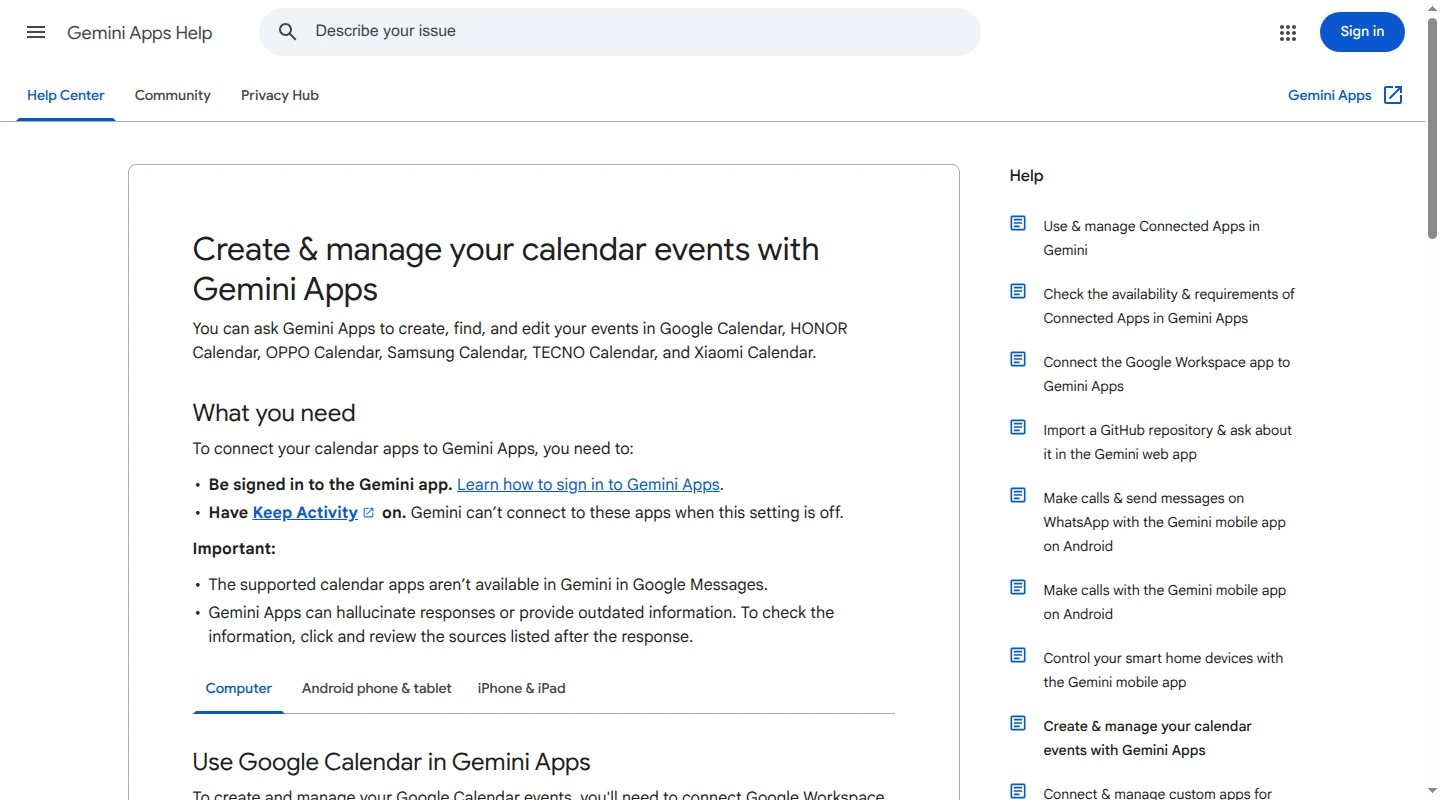
Google Calendar with Gemini handles requests such as adding a dentist appointment, finding an existing event or moving it to another day. You can ask Gemini to find a particular email and use its event details, or supply the details yourself. You initiate the request. Babs scans connected messages for family-relevant suggestions without requiring a separate prompt for each email.
For setup, sign in to Gemini with the Google account that holds the calendar and enable its Google Workspace connection, which also works with personal accounts. Keep Activity must be on. Gemini is available on the web, iOS and Android, although connected-app availability varies by account, device, language and location. Work and school accounts can have administrator restrictions.
Gemini supports secondary and shared Google calendars. It creates events on the default calendar unless you name another one. For a family event, a specific request avoids that ambiguity: “@Google Calendar, add the school concert to the Family calendar on November 12 at 6 p.m.”
Calendar actions can produce a confirmation notification with Undo. Some effects cannot be undone, including an email already sent to guests when an event changes. That distinction matters when a change affects other people's plans.
Google Calendar and Gemini both offer free personal-account versions. Optional paid Gemini plans add features and higher limits; the calendar connection has no separate paid-plan requirement.
Reclaim: protect flexible time around existing commitments
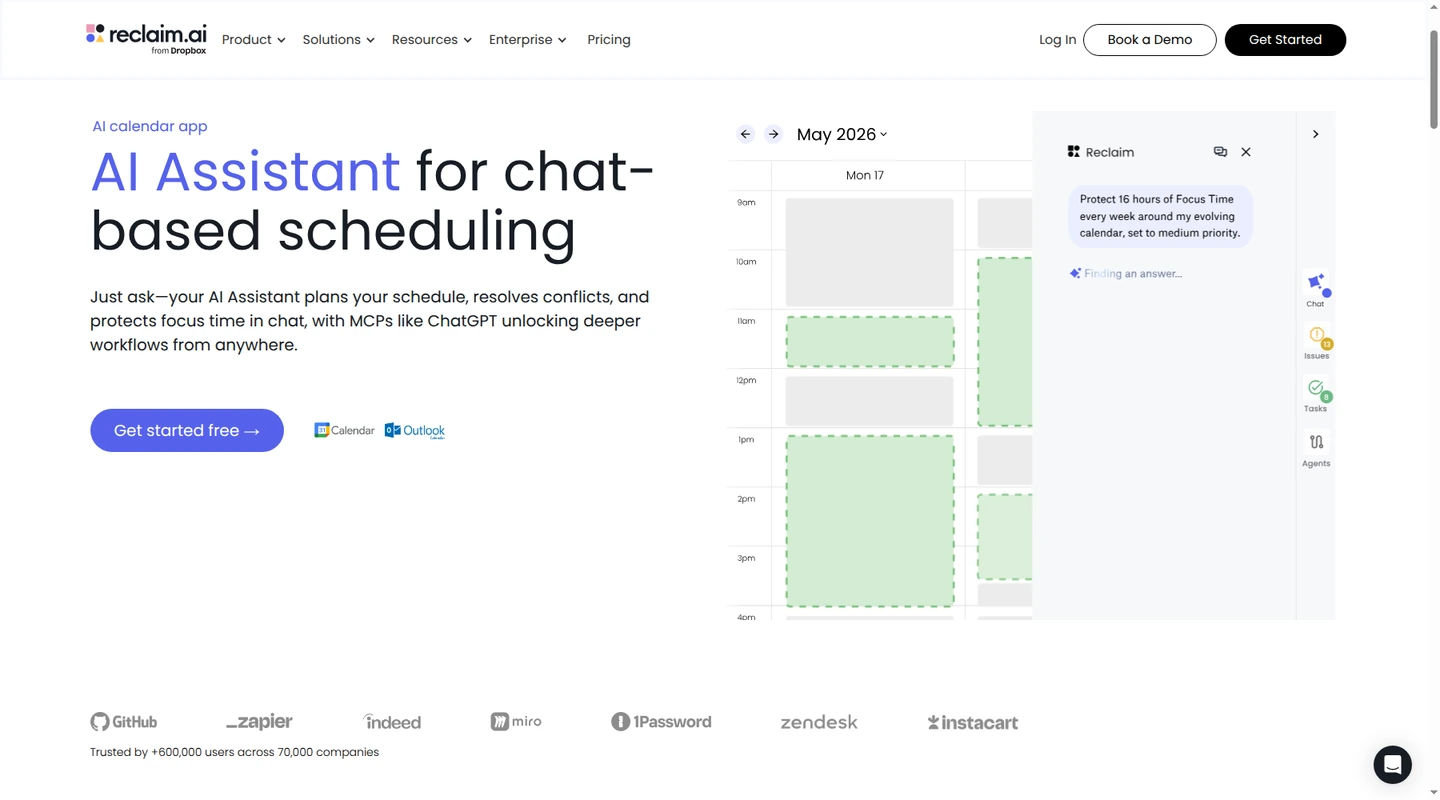
Reclaim connects to Google Calendar and Outlook. It can protect Focus Time, find room for recurring Habits such as lunch or exercise, and adjust flexible blocks when the calendar changes. Its setup centers on working hours, the amount of focus time you want and the rules for those recurring blocks.
There is an important distinction in Reclaim 2.0: individual tasks do not automatically become separate calendar events. Tasks created in Reclaim or connected from tools such as Google Tasks and Todoist can appear as suggestions during protected time. Chat can also propose a larger block for task work. A parent looking for “put every item on my list into an available slot” would be choosing a different approach with Motion or Morgen.
Reclaim has two kinds of control. Its configured background automations can move flexible blocks automatically. Changes requested through its AI Assistant go into Preview Mode, where you can review, discard or apply them. Approval of a chat request does not mean the background automations stop adjusting the schedule.
Reclaim's Calendar Sync can copy personal commitments onto a work calendar to block availability. On Starter and above, Busy for All in the sync policy's visibility settings hides the event details on the copy. That can keep a school pickup from becoming a named event on a calendar colleagues can see.
Reclaim has no native iOS or Android app; it works through a mobile-friendly web app and connected calendars. Lite is free. Starter costs $12 per seat per month, or $10 per seat per month billed yearly. It fits a parent who wants time protected without giving every task its own appointment.
Motion: automatically schedule and rearrange individual tasks
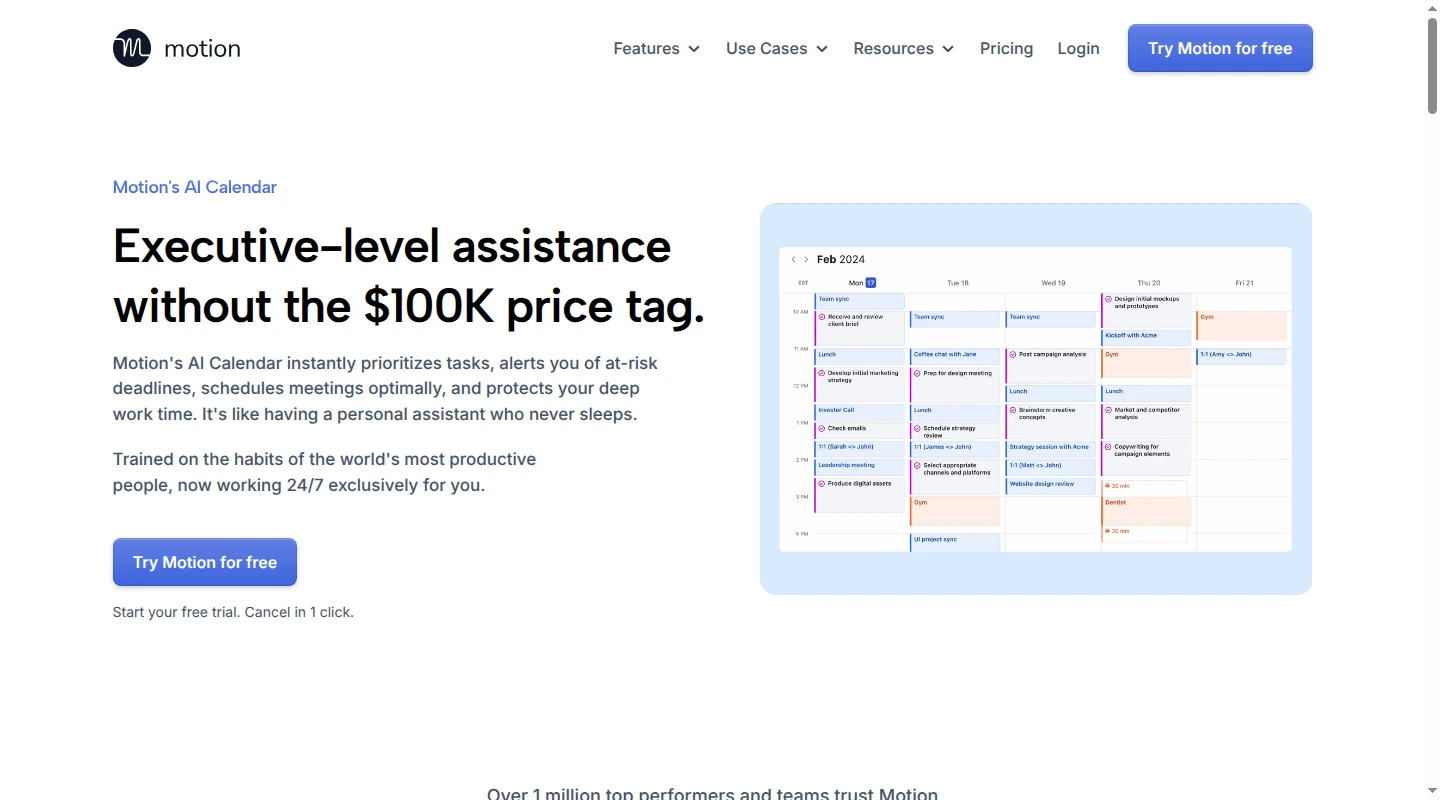
Motion brings events from Google, Outlook and iCloud into its planning view, then places task blocks in Motion around those commitments. For each task, you supply details such as duration, deadline, priority and the schedule during which it may happen. Motion automatically recalculates task timing when the day changes.
That is useful when the work is already known and the repeated job is deciding when to do it. It also means task estimates and completion status need upkeep. A three-hour task entered as thirty minutes will still be a three-hour task, however neatly it fits on the screen.
Family commitments need the right treatment. In Motion, a calendar event marked Busy blocks task scheduling; an event marked Free does not. A fixed pickup belongs in a busy event. Motion's Hard Deadline setting can schedule a task outside normal working hours to meet its deadline, so that setting has a different consequence from an ordinary due date.
Motion replans automatically rather than asking you to approve every task movement. It fits someone comfortable letting the scheduler rearrange flexible work, while fixed calendar events hold their place.
Motion has web, desktop, iOS and Android apps. Its Individual Pro AI plan costs $49 per month, or $29 per month billed annually, a $348 annual commitment. The lower team price is a different plan selection. Sharing an iCloud event calendar does not give your partner access to your Motion task list.
Morgen: approve a task plan across several calendars
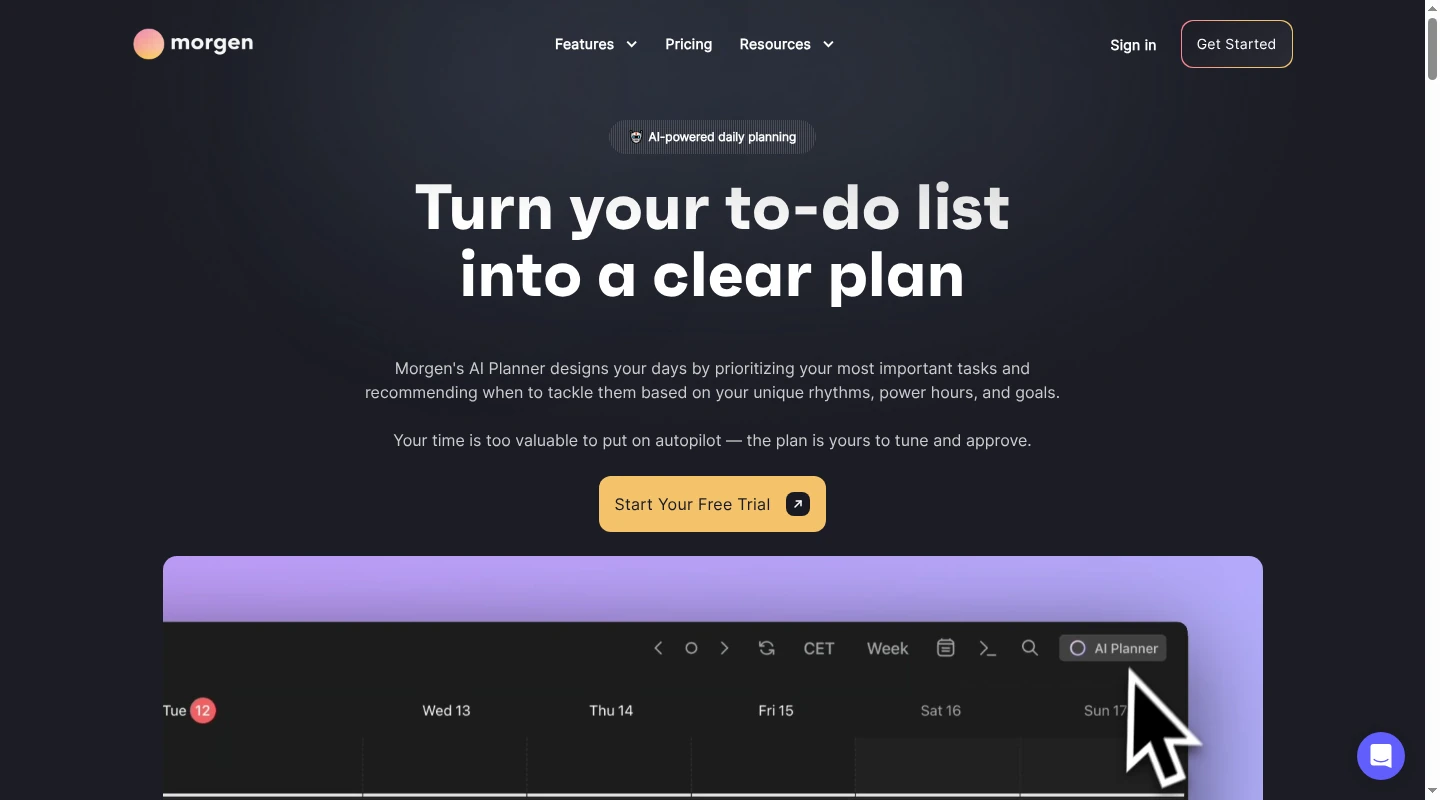
Morgen brings together Google, Outlook, iCloud, Fastmail and other supported calendar providers. Its AI Planner works with Morgen tasks and connected task apps, including Todoist, Notion, Google Tasks and Microsoft To Do. That makes it relevant to a parent whose work and family calendars live with different providers.
The AI Planner proposes when to work on tasks. You review the suggested blocks, adjust the plan and choose Schedule all to commit it. When a later event conflicts with a scheduled task, Morgen offers rescheduling options for your decision. It takes more participation than an unattended task reshuffler.
Morgen uses Frames to guide planning. A Frame is a recurring window for a type of task, with filters controlling which tasks belong there. For example, a personal-task Frame can separate those tasks from work tasks without assigning every item a fixed time yourself. Frames guide task placement; they are not a substitute for fixed family appointments.
Setup includes calendar connections, task sources and planning preferences, such as task estimates and breaks. The ongoing work is reviewing plans, handling incomplete tasks and changing the planning windows when your availability changes.
Morgen runs on Windows, macOS, Linux and the web, with iOS and Android companion apps. The AI Planner is a desktop feature, so mobile availability does not mean you can do the full AI planning job on your phone. Individual pricing is $30 per month, or $15 per month billed yearly, a $180 annual commitment. A 14-day trial requires no credit card.
Privacy depends on the connection and feature
Calendar access, inbox access and AI chat history expose different information. A calendar connection can include event titles, locations and invitees. Email access can include the messages around those commitments.
Babs processes authorized Gmail and calendar information to provide its family features. It does not use that Google data to train generalized AI models. Parent review controls what gets added to the calendar; it is separate from the inbox access Babs needs to find suggestions.
Reclaim and Motion request calendar read/write access so they can create and change events. That is broader than showing a calendar on screen. Reclaim also stores primary-calendar data in its databases. Its Calendar Sync visibility controls govern what other calendar viewers see, not whether Reclaim processes the source information.
For personal Gemini accounts, the required Keep Activity setting allows saved activity to help improve Google's services, including AI models. Google does not train models directly on raw Calendar or Workspace data. Summaries, excerpts and inferences derived from that data may be used for training, and some activity receives human review.
Disconnecting Google Workspace does not delete previously collected Gemini Apps Activity. The connection and activity history have separate controls.
Morgen distinguishes locally synchronized external calendar and task content from tasks created inside Morgen, which are stored in its cloud service. Its optional experimental AI Chat has separate processing terms and can send referenced calendar or task information to AI providers. A broad “nothing leaves your device” description would miss those distinctions.
These differences concern what each feature processes and the permission it needs to do its job. A shared-calendar visibility setting and an app's access to source information are separate controls.
Keep the family plan visible outside your personal planner
A task planner can show when you intend to finish work. Your household also needs to see the commitments that affect them. Babs keeps family events and to-dos visible to both parents in the Lineup, alongside the calendar's view of the schedule.
For an occasional caregiver, Babs event cards can be shared to messaging apps. The recipient gets the details and a link to add that one event to Google Calendar or Apple Calendar, without needing a Babs account or access to the full family calendar. Sharing a card gives someone the event information; it does not assign the ride or carry later updates.
The school performance belongs on a calendar the relevant adults can see. A private appointment may only need to show as busy elsewhere. Connecting both calendars to one planner helps that parent see conflicts; it does not decide who will attend the performance or handle pickup.
The underlying calendar provider matters more than the icon on a phone. Apple Calendar can display a Google calendar alongside an iCloud calendar, but they remain different calendar accounts. Our guide to Google and Apple Calendar explains that setup. This distinction matters when choosing an app's calendar connection, including Babs's Google Calendar connection.
For the concert dates, permission slips and practice changes still buried in school and activity emails, join the Babs waitlist. Babs gives both parents a place to see what's coming, even when only one received the email.
Related articles

Family organization · Babs
A family meal planning app everyone can use
Compare AnyList, Plan to Eat and Cozi for shared meal plans, recipe imports, grocery handoffs, devices, household pricing and provider-described data practices.

Family organization · Babs
Best carpool app for parents: apps and shared sign-ups
Compare GoKid, Carpool Kids, Carpoolio and CarpoolConnect with Google Sheets and Forms, including driver slots, calendar sync, access and costs.