Shared calendar for couples: 6 options for family life
By Babs Team · · 12 min read
Once a couple has children, a shared calendar stops being mostly about finding an open night. It becomes the family's source of truth: who has practice, when school closes early, which parent is handling pickup, and what a caregiver needs to know. Everyone gets visibility only if the right plans make it onto the calendar and stay current. The choice of calendar matters, along with the manual work that Google Calendar and Apple Calendar still leave to parents.
A couple's shared calendar should serve the whole family
The aim is simple: both parents should be able to look at one family calendar and get the same read on the week without relying on a text thread or asking the person who received the email. Children and caregivers may need parts of that view too, depending on their age and role.
That does not require a couple to combine every work appointment and personal plan. A dedicated family calendar usually gives the household a clearer source of truth. Both parents can have editing access, while their individual calendars remain private. Each person can then show the shared family calendar alongside their own schedule.
When a school concert moves from Thursday to Friday, one edit should reach everyone who uses the shared calendar. Apps handle that cleanly when both parents are editing the same calendar entry. Problems are more likely when one app copies an event from another calendar, since the copy may not receive later changes.
There is also a gap before any event appears. Google Calendar and Apple Calendar manage events well, but someone still has to read the school newsletter, spot the half day, and add it manually. Babs helps with that earlier work. The family operating system connects to Gmail, learns the context around children, schools, and activities, and surfaces relevant events and to-dos for a parent to review. A parent can add a found event to Google Calendar or Apple Calendar with one tap, so the shared family calendar stays the schedule home.
That distinction matters in family life. In a study of 322 mothers with young children, the cognitive work of anticipating and planning household needs was more unevenly distributed than the physical work of completing them. A shared calendar gives the household visibility after a plan has been added. Tools that help find the plan sooner can also keep that knowledge from sitting with one parent. The findings appear in the study of cognitive household labor.
The best shared calendars for couples with kids
For most families using a mix of devices, a dedicated Google Calendar is the best starting point. Apple Calendar is just as sensible when both parents use Apple devices. The other apps make a stronger case when a family wants conversations, lists, meals, or several existing calendars in one view.
| What your family needs | Best fit |
|---|---|
| Find school and activity events in Gmail, then add them to the calendar you already share | Babs with Google Calendar or Apple Calendar |
| A free family calendar across iPhone, Android, and the web | Google Calendar |
| A private shared calendar for an all-Apple household | Apple Calendar |
| Comments and photos attached to family events | TimeTree |
| One view across each parent's existing calendars | Cupla |
| A calendar with shopping lists, to-dos, recipes, and meal planning | Cozi |
| Profiles, messages, lists, meals, and location features for a larger family group | FamilyWall |
Google Calendar is the best cross-platform default
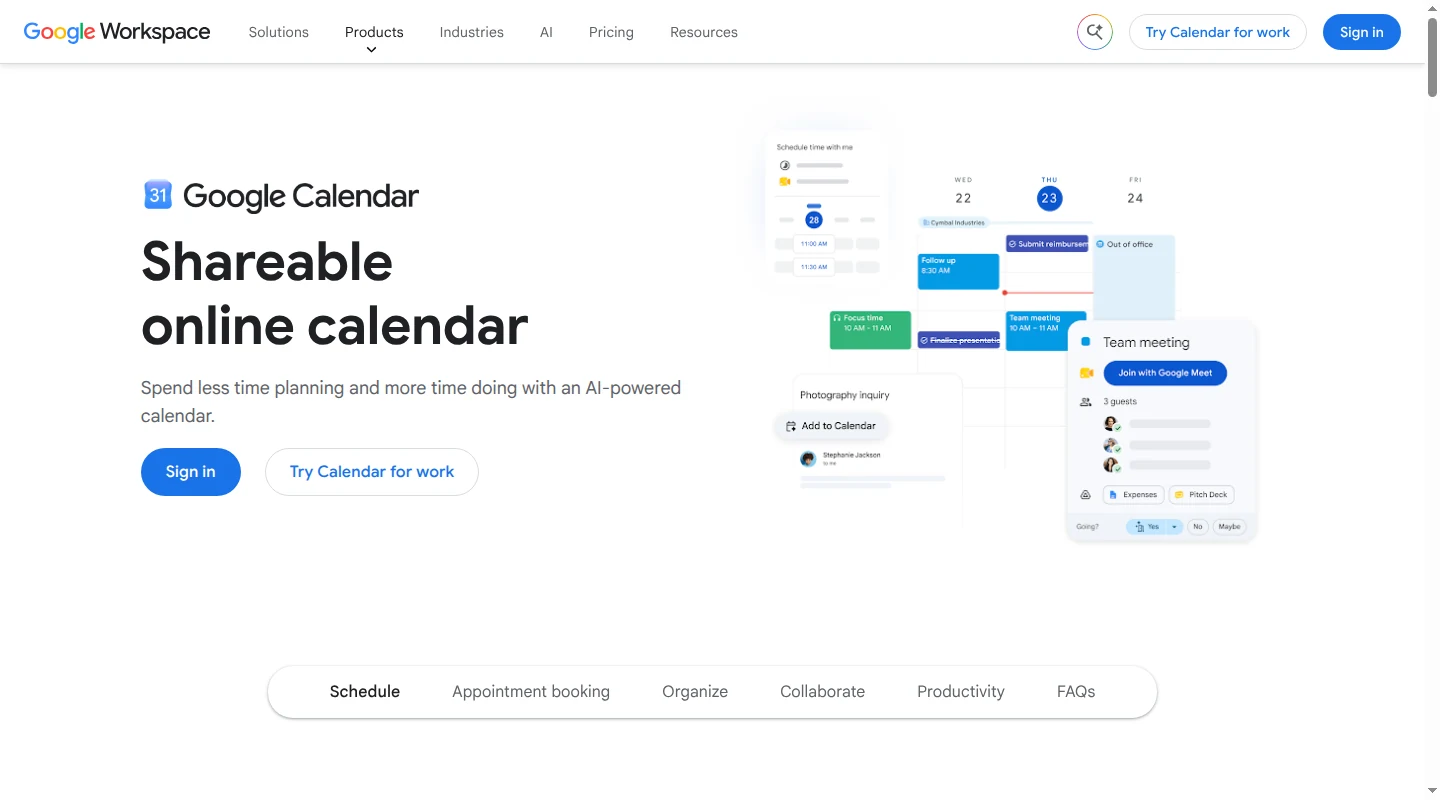
Google Calendar is free and works on iPhone, Android, and the web. Each parent keeps a separate Google account, and both can receive permission to view and edit a dedicated family calendar. Personal and work calendars stay separate, so neither person has to expose every appointment to make the household schedule visible.
Both parents edit the same calendar entry, which means a time or location change appears for everyone without a second approval step. Each person also chooses their own notifications. One parent can set an alert for school pickup without forcing the same alert on the other. Google's current calendar sharing guide explains the permission levels and owner controls.
There are two setup details worth knowing. Google requires a web browser to create a new calendar, as its setup instructions note, though its mobile apps can manage sharing after the calendar exists. A personal account is usually a more dependable owner than a work or school account because an administrator may limit outside sharing.
Google Calendar remains a manual system. It can distribute a date once someone adds it, but someone still has to read the school newsletter or coach update and put the relevant details on the calendar. Parents who want the calendar to remain familiar while Babs finds missing family events can use the setup in the Google family calendar guide.
Apple Calendar fits an all-Apple household
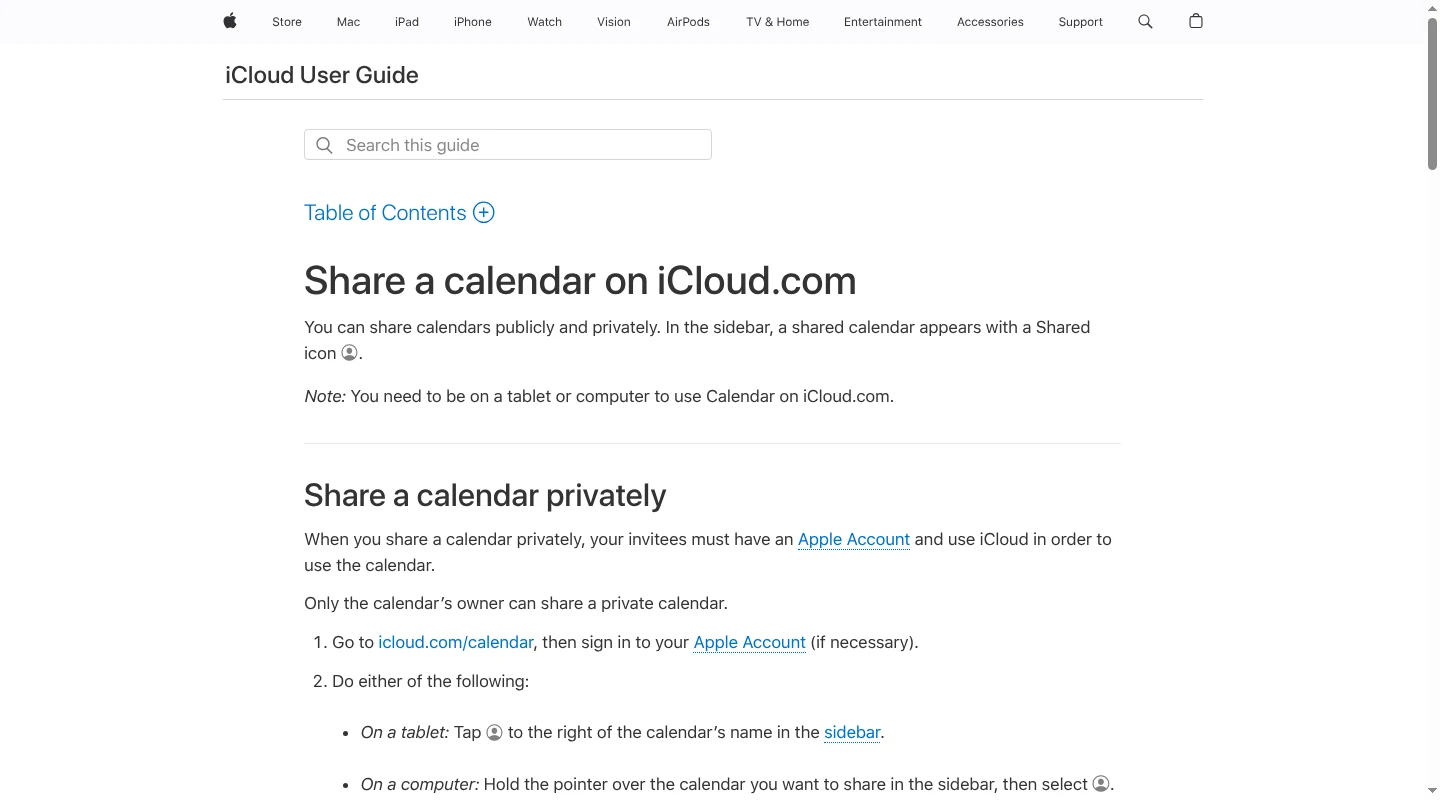
Apple Calendar is built into Apple devices and works across iPhone, iPad, Mac, and iCloud.com. Calendar sharing uses iCloud, which includes a free 5 GB tier. Each parent uses a separate Apple Account. The owner of a private iCloud calendar can give the other parent permission to view it or make changes, and edits then appear for everyone using that calendar. Apple's iCloud sharing guide covers view and editing permissions.
Private sharing is the right choice for school schedules, children's appointments, and travel. Apple also supports public calendar links, but anyone with the link can subscribe. There is little reason to make family details public when a private invitation gives both parents the access they need.
The deciding limitation is Android. Apple does not offer a native Apple Calendar app for it, so Google Calendar or one of the dedicated cross-platform apps is a better choice when the household uses both phone platforms. An all-Apple family gets a capable shared calendar without another app or subscription.
Babs finds what the family calendar is missing
Babs works alongside Google Calendar or Apple Calendar rather than asking a family to move its schedule somewhere new. It reads connected Gmail messages and surfaces possible events, deadlines, schedule changes, and to-dos from schools and children's activities. A parent reviews each suggestion and decides what belongs on the family calendar.
That review step keeps parents in control while removing much of the searching and typing. If a newsletter mentions a professional development day or a coach moves practice from 5 p.m. to 6 p.m., Babs can surface the detail before a parent thinks to look for it. The found event can then be added to Apple Calendar or Google Calendar with one tap. Babs also supports recurring events and flags possible updates for review.
Two parents can use separate Babs logins. Both accounts show the household's shared events and to-dos alongside the Lineup, which is a view of the week ahead. Once an event is added to the family's Google or Apple calendar, visibility there follows that calendar's sharing permissions. A parent can also share one Babs event card with a grandparent, sitter, or carpool driver, who can add it to their own calendar without seeing the whole family schedule.
Babs is currently free and in private beta on iOS, with Gmail as its email input. The Babs product FAQ covers its private-beta status, review flow, calendar destinations, and sharing features. Babs gives families a more proactive route from incoming school and activity information to the calendar they already trust.
TimeTree keeps family conversations with the event
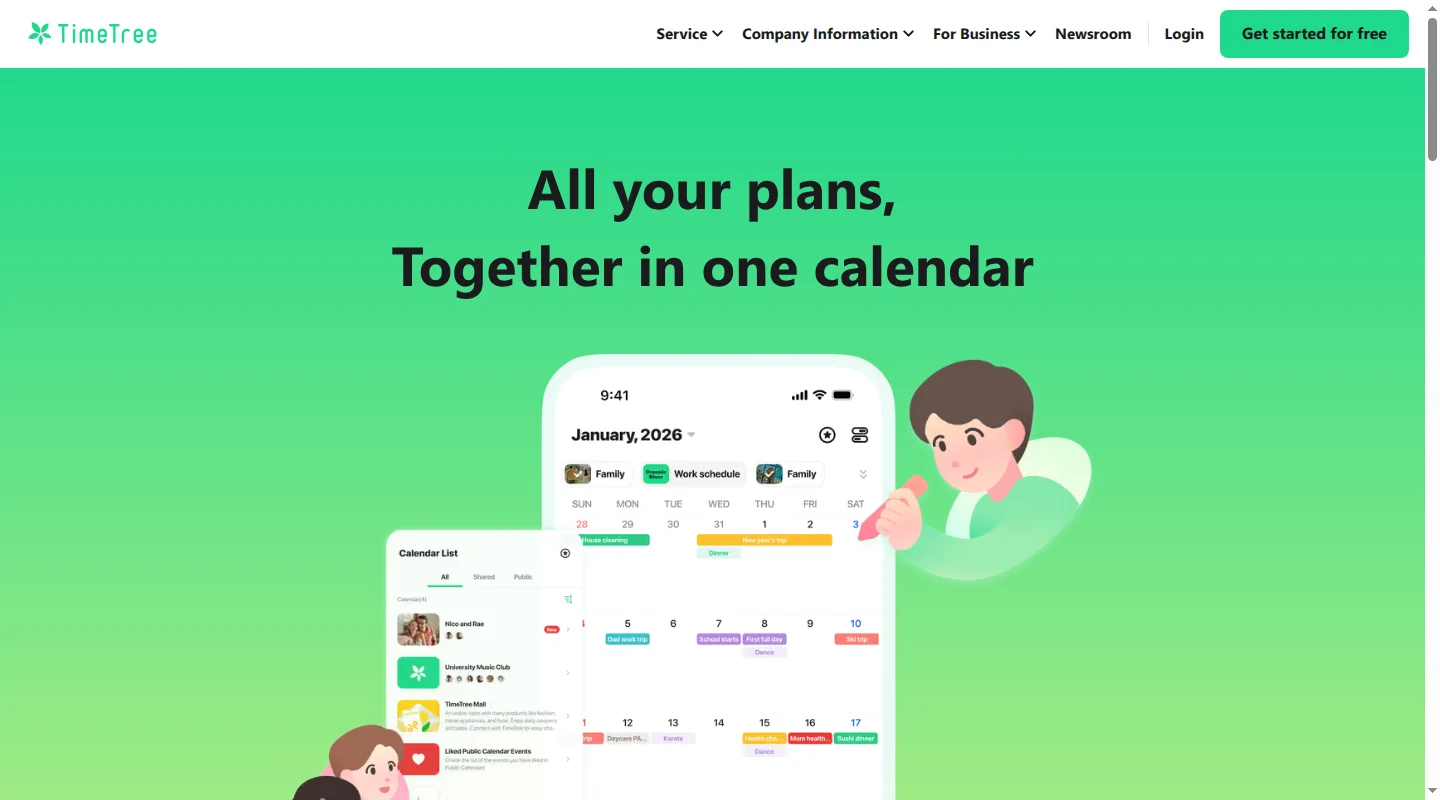
TimeTree works on iPhone, Android, and the web. Each person has a profile inside a shared calendar, and events show who added them. Comments and photos stay attached to the event, which is useful when a family needs the confirmation number, a venue discussion, or a reference image in the same place as the date.
TimeTree works most cleanly when the family creates and updates shared events inside TimeTree. Events from Google Calendar, Apple Calendar, or another device calendar can appear in one person's private Home view, but they do not automatically become visible to the other parent. TimeTree's guides explain the private Home view and the separate copy-and-import flow. A copied event does not keep receiving changes from its source, so a practice time changed in Google Calendar can leave the TimeTree entry stale.
TimeTree's free plan includes ads. In the US, the Premium plan costs $4.49 per month or $44.99 per year and adds an ad-free experience, file attachments, pinned events, and more display options; pricing varies by region and currency. TimeTree is a good fit when event-level conversation matters enough for the family to make it the main place where shared events are maintained.
Cupla combines two parents' existing calendars
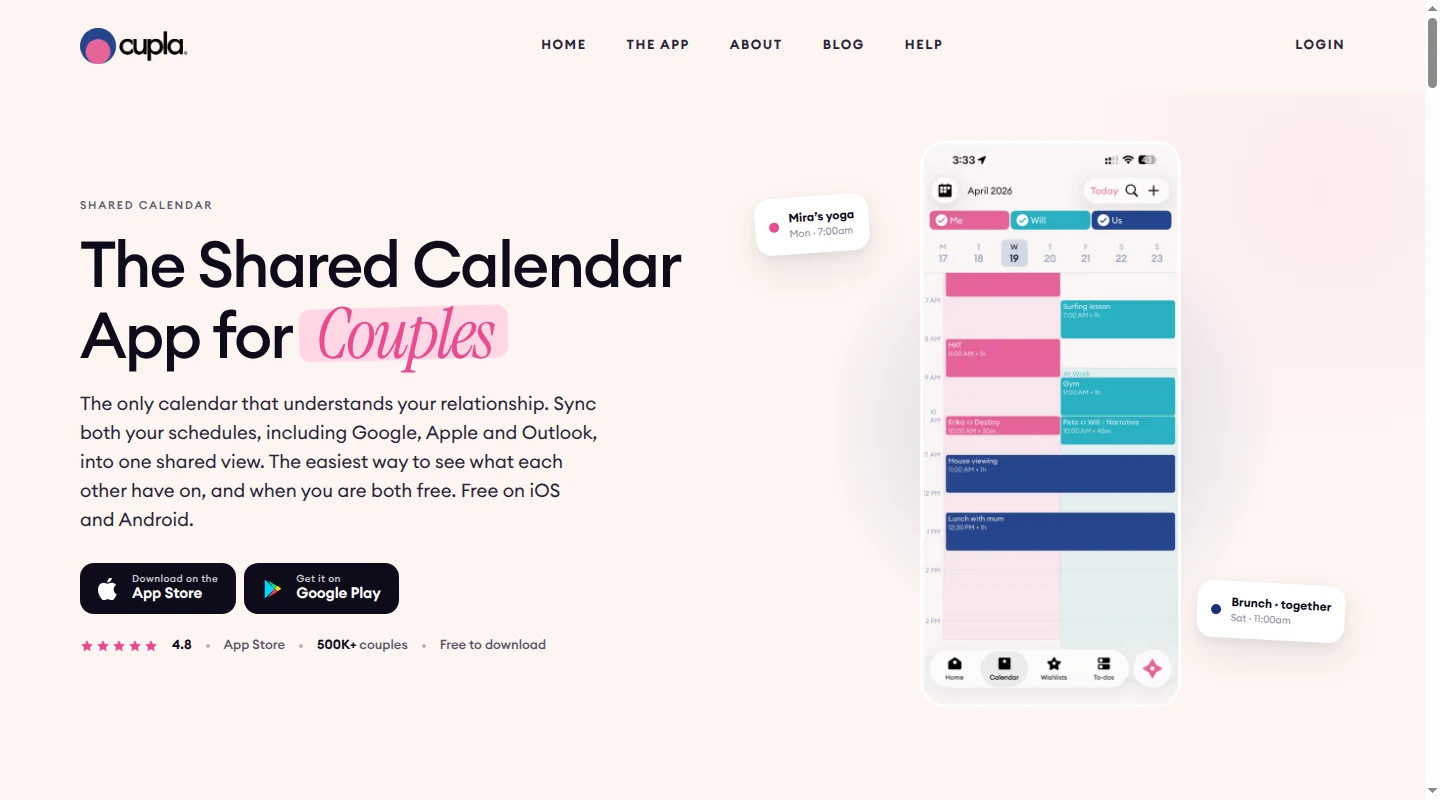
Cupla is built around two people connecting calendars they already use. It supports Google, Apple, Outlook, and device calendars, then shows both partners' schedules together on iPhone, Android, and the web. For parents with several personal and work calendars, the combined view makes it easier to see who is available for an appointment or handoff.
Each connected calendar has its own privacy setting. A parent can share full details from a personal calendar while showing only Busy for a work calendar. Cupla does not offer per-event privacy within a connected calendar, so every entry from that source follows the same setting. Its calendar sync guide explains those controls.
An imported event remains controlled by the Google, Apple, Outlook, or device calendar it came from. The parent edits it there, and Cupla shows the change after syncing. Events created in Cupla can be shared by the couple or assigned to one person. An event assigned to the other parent waits for that person to accept or decline it, as described in Cupla's shared-event guide.
The phone platform affects how central the Cupla app becomes. On iPhone, the subscribed Cupla calendar is read-only outside Cupla. On Android, Cupla can write its events to the device's default calendar. Cupla documents that split in its guide to other calendar apps. The free version limits how far into the past or future each partner can see the other's events and to-dos. Premium removes that range limit, with one subscription covering both people; monthly and annual prices vary by region and app store. The current plan boundaries appear in Cupla's free and paid comparison.
Cozi puts the calendar, lists, and meals together
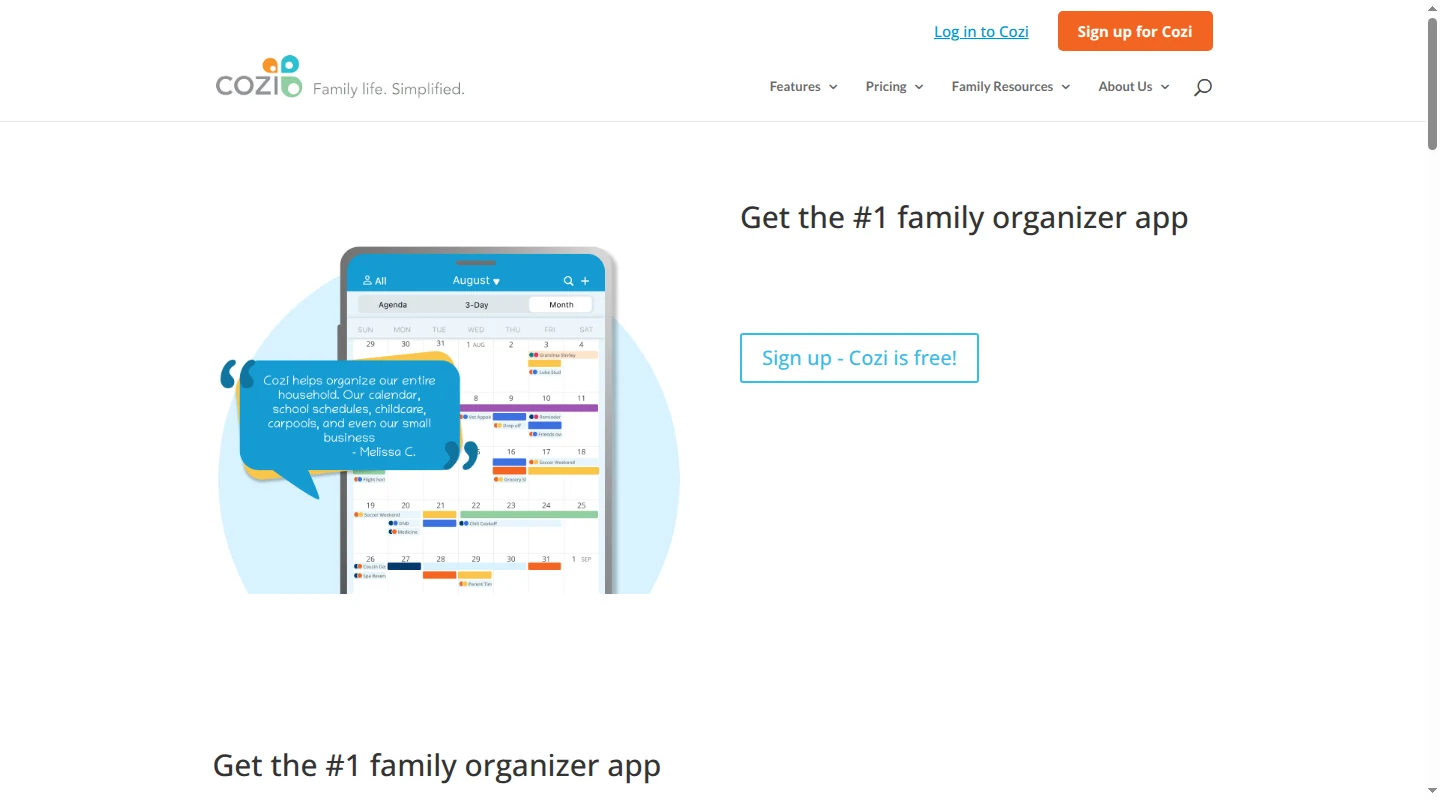
Cozi is designed for the whole family, with a shared calendar, shopping and to-do lists, recipes, and meal planning on iPhone, Android, and the web. Color coding shows which family member an event belongs to. It suits households that would rather keep these jobs in one family app than use separate calendar and list tools.
Its account model deserves attention. Family members sign in with their own email addresses and one shared household password. Everyone included in the account can view, add, edit, and delete all account data, and there is no restricted member role. That broad access may work for two parents and older children, though it is less suitable when a caregiver needs only a narrow slice of the schedule. Cozi's account FAQ documents the shared password, access model, and plan prices.
The free plan includes ads and allows event entry from the Agenda view only for the next 30 days. Cozi Gold costs $39 per year for the household and adds longer-range entry, more calendar views and reminders, and change notifications. Cozi Max costs $79.99 per year and adds AI event import.
Google, Apple, and Outlook calendars appear inside Cozi as read-only feeds. Changes need to be made in the source calendar, and incoming updates can take about an hour to appear. In the other direction, some calendar services may take up to 24 hours to refresh a Cozi feed, while Google Calendar can take up to 48 hours. Cozi lists those intervals in its calendar connection guide. Those delays matter when a pickup time or field location changes on the day.
Cozi Max can create an event after a family member forwards an email, PDF, or photo to a personal Cozi address. Cozi's event import guide explains that flow. It helps with manual entry once someone has identified the message. Babs looks across connected Gmail for relevant family information first, then asks a parent to review the event before adding it to Google Calendar or Apple Calendar.
FamilyWall works for a larger family group
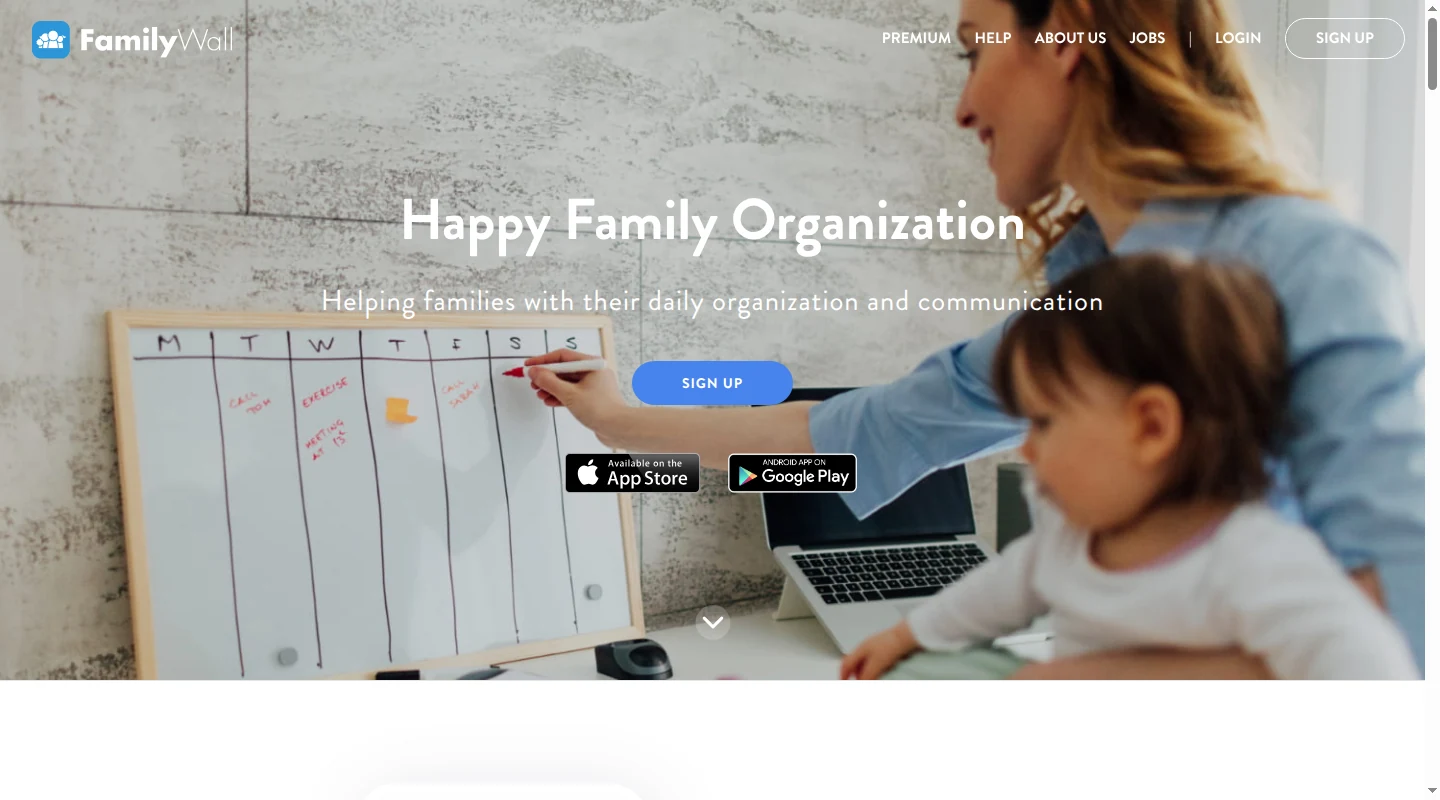
FamilyWall combines a shared calendar with lists, messaging, meal planning, location features, and other family tools. Each person has a profile and joins a family Circle by invitation. It works on iPhone, iPad, Android, and the web, making it a better fit than a two-person app when children or other family members need their own place in the system.
The shared FamilyWall calendar is visible to Circle members with access. Added Google and Outlook calendars stay private until their owner shares them with selected Circle members. An iPhone calendar imported directly into the app remains visible only to the person who imported it. FamilyWall's calendar sharing guide explains those controls.
Sharing an iCloud calendar with a Circle requires a public iCloud calendar URL, which means anyone who gets that link can subscribe. Google and Outlook imports require Premium, and the initial iCloud sync can take up to two hours. Families using Apple Calendar for private appointments should weigh that public-link requirement carefully; FamilyWall documents the process in its iCloud connection guide.
The core FamilyWall service is free. In the US, the App Store listing prices Premium at $7.99 per month, while Google Play and web pricing list $4.99 per month. All three list $44.99 per year. Pricing varies by platform or region, and one subscription covers the family.
FamilyWall Premium's Magic Import gives each Circle one shared unique family email address. After a Circle admin creates it, any Circle member can forward a message to that address from the email linked to their FamilyWall profile. FamilyWall then creates the extracted events on the shared calendar for review. The Magic Import guide covers the shared address and sender rules. Babs is the more proactive fit when the issue is finding relevant school and activity messages across Gmail before a parent knows which one to forward.
Our broader family calendar app comparison covers more options for households that want a dedicated organizer.
Choose the calendar your family will treat as the source of truth
Google Calendar is the strongest default when a family uses different devices, while Apple Calendar is an easy choice for two parents already in the Apple ecosystem. TimeTree, Cupla, Cozi, and FamilyWall add useful features, though each asks the family to make a new app or sync process part of the week.
If the calendar itself works and the missing piece is getting school and activity information out of Gmail, replacing it adds another system to maintain. Babs can find the events and to-dos, let a parent review them, and send approved events to the shared Google or Apple calendar with one tap. See how Babs works.
Related articles
Family organization · Babs
A family meal planning app everyone can use
Compare AnyList, Plan to Eat and Cozi for shared meal plans, recipe imports, grocery handoffs, devices, household pricing and provider-described data practices.

Family organization · Babs
Best carpool app for parents: apps and shared sign-ups
Compare GoKid, Carpool Kids, Carpoolio and CarpoolConnect with Google Sheets and Forms, including driver slots, calendar sync, access and costs.