7 best FamilyWall alternatives for families in 2026
By Babs Team · · 13 min read

FamilyWall works well when your household uses its calendar, lists, meals, messages, and location tools together. It starts falling short when one parent still has to copy school and activity details out of Gmail, the children need logins of their own, or the week needs to stay visible on a kitchen screen. The right alternative depends on which part no longer works for your family and how much of the current setup you want to keep.
The real reasons to leave or stay
FamilyWall covers more household jobs than most family organizers. Its free plan includes a shared calendar, shopping and to-do lists, messaging, contacts, recipes, and a family gallery. Premium adds documents, budget tracking, meal planning, timetables, location tools, and external calendar connections.
The FamilyWall website lists Premium at $4.99 per month or $44.99 per year. The US iOS listing charges $7.99 per month or $44.99 per year. Price can be a reason to leave when one paid module is doing all the useful work. It is a weaker reason when the household uses location, documents, meals, and timetables every week.
A good reason to stay is adoption. Children and caregivers already know where to look, family messages have context, and the live calendar is current. Replacing FamilyWall can scatter those jobs across a calendar app, a location service, a message thread, and cloud storage.
The case for leaving is usually more specific. FamilyWall still asks someone to notice school, camp, sports, and activity information that arrives in Gmail and enter the useful details. Another household may care more about child-owned chores, several calendar groups, an always-visible display, or keeping family data on its own server.
Access deserves as much attention as the feature list. A study of 44 families found different levels of family involvement in calendaring. A parent-only tool, a shared adult account, a child profile, and a kitchen screen create different household habits.
Migration can settle the decision. FamilyWall can generate an iCal feed for its calendar. That feed carries calendar events only. Lists, meals, messages, contacts, gallery photos, documents, budget records, and location settings need separate handling.
FamilyWall alternatives compared
| Alternative | Reason to choose it | Price and device fit | Family access | What the FamilyWall move requires |
|---|---|---|---|---|
| Babs, recommended | Google Calendar or Apple Calendar holds the schedule, while Babs proactively finds missing school and activity details and gives the household one place to see what is going on | Free; current access is waitlist-based and iOS only | Each parent has a separate login and can see suggested events, to-dos, and the family's Lineup; children and caregivers see parent-approved events through separately configured calendar sharing | Establish Google Calendar or Apple Calendar first. Meals, messaging, location, documents, and budget need another home |
| Cozi | You want a shared calendar, groceries, to-dos, recipes, and meal planning in one app | Free; Gold $39/year; Max $79 to $79.99/year; iOS, Android, and web | Named children can appear without signing in. Anyone who signs in uses a unique email with the household's shared password and receives full account access | Subscribe to the FamilyWall feed as a read-only calendar; move other active information by hand |
| TimeTree | The household coordinates separate calendars for family, school groups, teams, grandparents, or co-parents | Free; Premium $4.49/month or $44.99/year per account; iOS, Android, and web; external-calendar tools are app-only | Members join shared calendars with accounts; virtual members can represent children without logins | Keep the FamilyWall feed current in a private Home Calendar, or copy events into a shared calendar that will need future manual imports |
| Family Tools | Children need their own chores, homework, rewards, and permissions | Free; Premium $2.50/month or $25/year per family; iOS, Android, and web | Up to 12 users; younger children can have linked profiles without email; Premium adds custom permissions | Recreate future calendar events and active lists; Family Tools can later export its events to Google or Apple calendars |
| Google or Apple apps | The household wants a free calendar and list setup built around accounts and devices it already uses | Free; Google works on iOS, Android, and web; Apple works on iPhone, iPad, Mac, and iCloud.com | Each editor needs an account; managed Google accounts and Apple child accounts can participate | Subscribe to FamilyWall for one-way calendar visibility, then recreate the future events the household needs to edit |
| Skylight Calendar | Children and caregivers need the week visible without opening a phone | Calendar 2 starts at $299.99; Plus is $79/year; 15-inch display with iOS and Android apps | Adults manage the display and app; children and caregivers use the shared screen | Show the FamilyWall feed through a supported calendar; move lists and other modules separately |
| Yuvomi | A technical household wants a broad family organizer on its own server | Free, MIT-licensed software; Docker or Podman; browser PWA; server, domain, and backup costs vary | Each family member can have a user and role, including a child; permissions and per-item visibility control access | Subscribe to the FamilyWall ICS feed for continuing updates, or import editable local events once; move non-calendar modules separately |
1. Babs for proactive email-to-calendar work and shared visibility
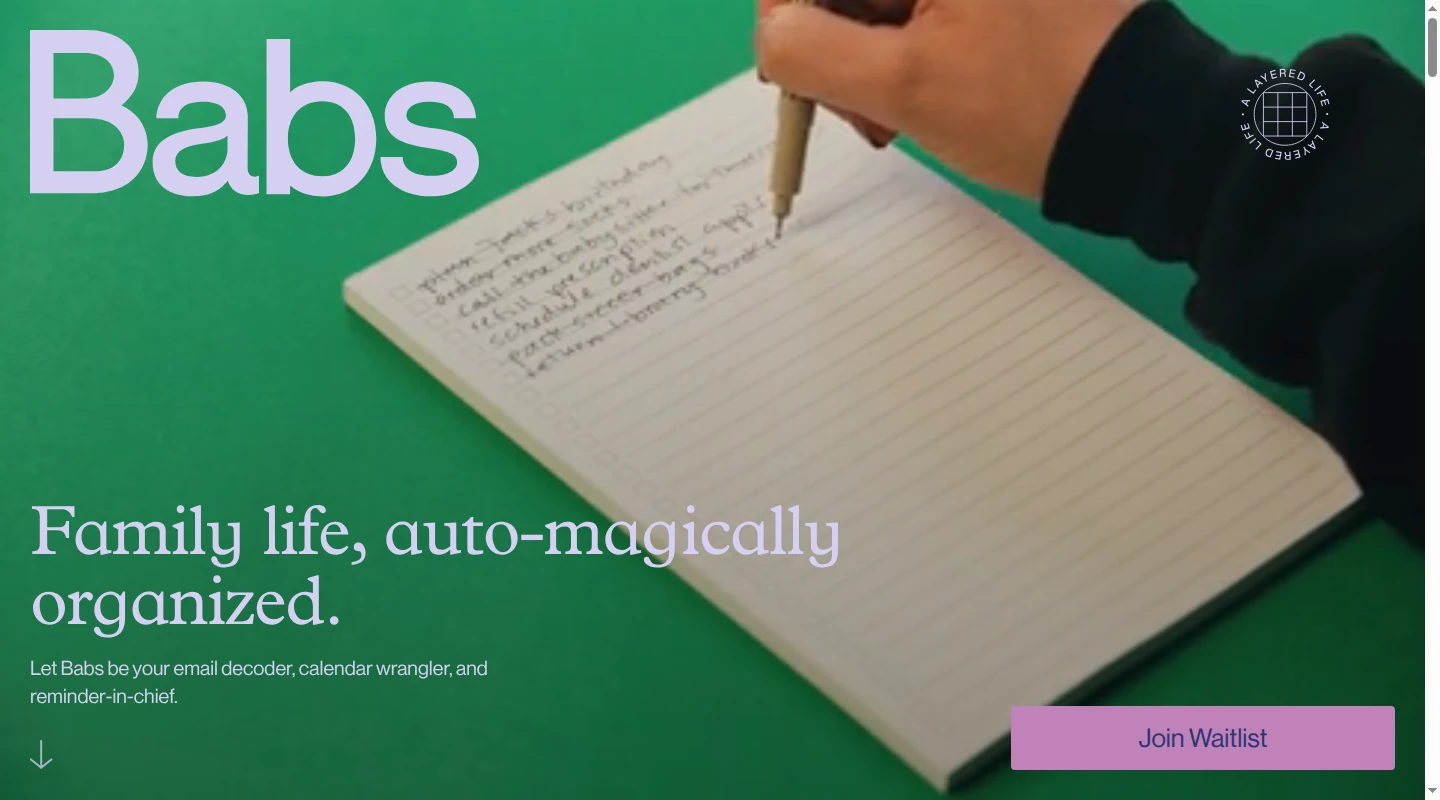
Babs is the family operating system for modern households. Google Calendar or Apple Calendar is where the family's schedule actually lives. Babs finds what that calendar is missing and becomes the household's central repository for what is going on, including suggested events, to-dos, and the week ahead.
A parent connects their Gmail or a shared family Gmail account. Babs proactively scans messages for relevant events and to-dos related to children's schools and activities. A parent confirms context about the children, schools, and activities, which helps Babs learn what matters to the household. Babs then gathers possible events and to-dos for review. The parent decides what to add, so Babs reduces the manual work of finding the details and entering them without taking control of the calendar away from the family.
Babs does not add an event to Google Calendar or Apple Calendar without parent approval. Accepted to-dos can be organized by child and deadline, with reminders for follow-through. If practice moves from 5 p.m. to 6 p.m. or a tutor cancels, Babs flags the new details for parent review so the calendar stays current.
Babs is built for the household rather than one parent's inbox. Each parent gets their own login and can see suggested events, to-dos, and the family's Lineup. The Lineup previews the week ahead, including who needs to be where and when. Babs does not provide accounts for children or caregivers. They can see parent-approved events through separately configured Google Calendar or Apple Calendar sharing, so the schedule is visible beyond the person who found the email.
Babs is currently available only as an iOS app, and access is waitlist-based. It does not import a FamilyWall calendar feed or replace FamilyWall's meals, messages, location, documents, or budget. If Google Calendar or Apple Calendar also needs to be set up, use this family calendar comparison.
2. Cozi for calendars, lists, recipes, and meals
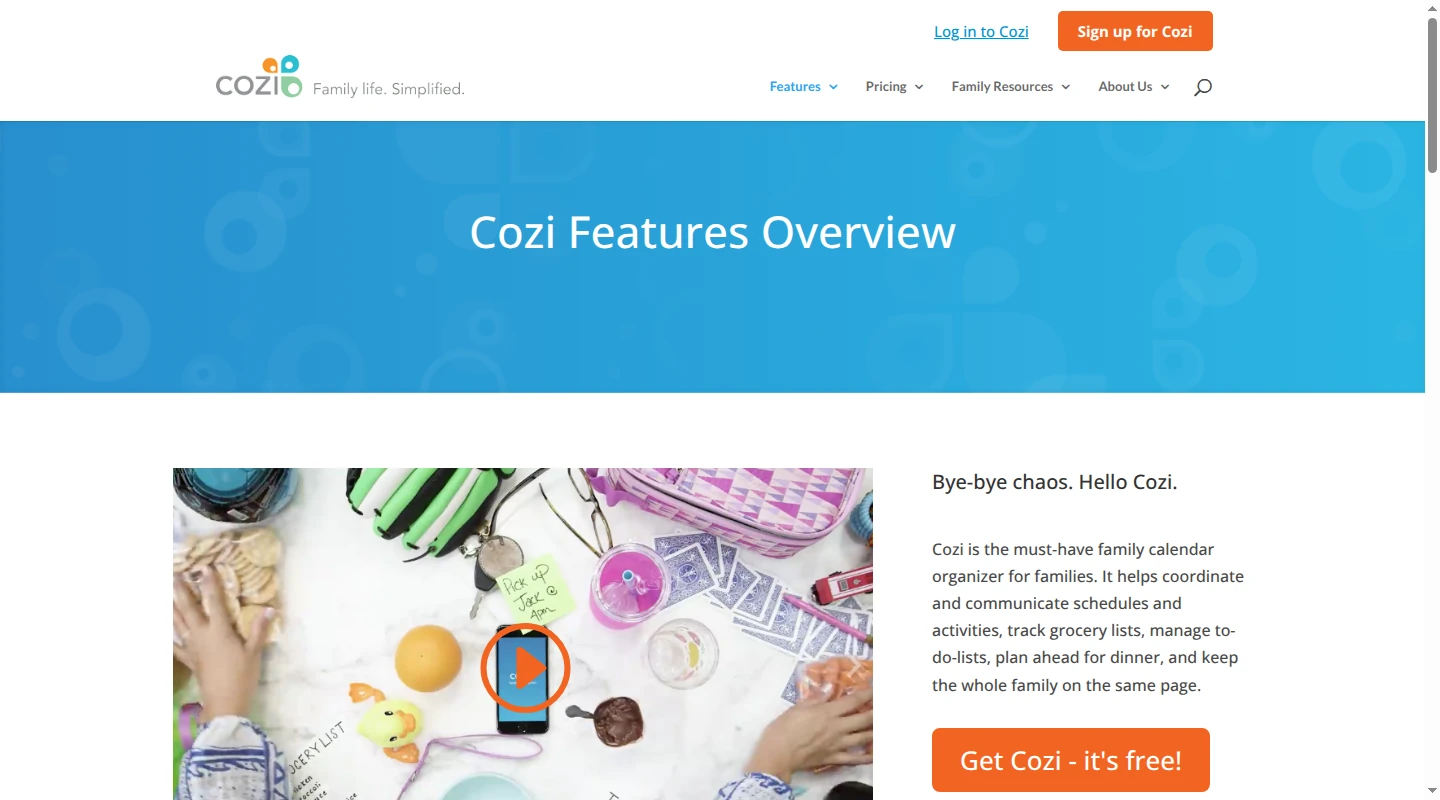
Cozi keeps several common FamilyWall habits in one place: one color-coded family calendar, grocery lists, to-do lists, recurring chore lists, recipes, and manual meal scheduling. It leaves out FamilyWall's private messenger, live location, document vault, budget, and school timetable.
Cozi Max adds an AI Meal Planner and AI Event Import. Event Import starts after a family member notices an email and forwards it to a unique Cozi address, then creates an individual event inside Cozi. Babs takes a more proactive approach while Google Calendar or Apple Calendar remains the home of the family's schedule. After a parent connects their Gmail or a shared family Gmail account, Babs scans for relevant school and activity events and to-dos, then gathers what it finds for review. That reduces the manual work of finding and adding events. Each parent has their own Babs login and can see suggested events, to-dos, and the family's Lineup, which previews the week ahead. Nothing is added to Google Calendar or Apple Calendar without parent approval.
Cozi's account model matters for older children and caregivers. A family member who signs in uses a unique email address and the shared household password, then receives access to the whole account. A younger child can remain a named person on events without logging in.
Cozi can read the FamilyWall iCal feed, and its own calendar can also be shared as a read-only feed. A subscribed FamilyWall event remains controlled at the source. Lists, meals, messages, and other FamilyWall modules need a manual move. The Cozi and FamilyWall comparison covers that narrower choice.
3. TimeTree for several shared calendar groups
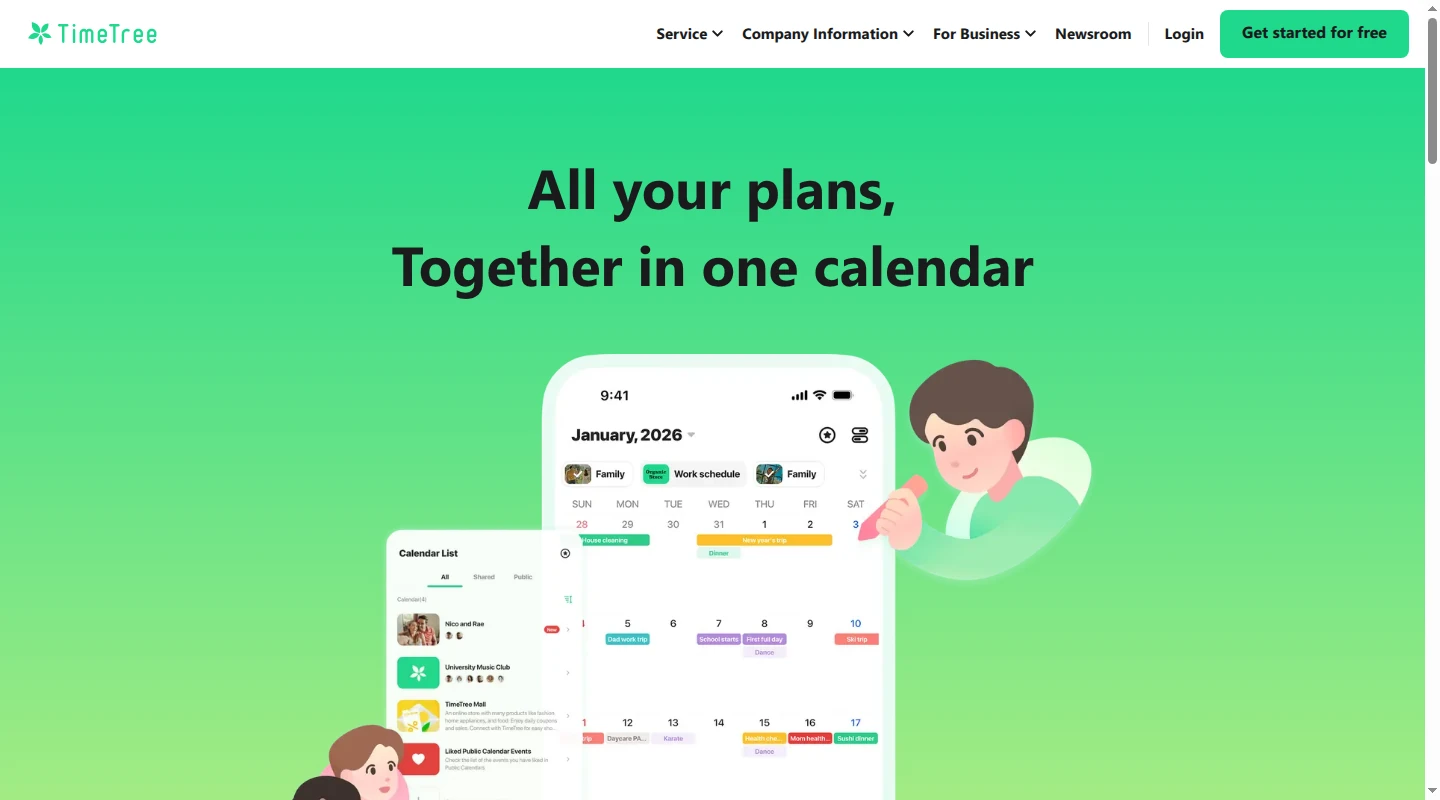
TimeTree fits a household that shares different calendars with different people. One account can join calendars for the immediate family, a team, grandparents, and a co-parenting group. Members can comment and add images on an event, so the conversation about a carpool stays beside the time and place.
Virtual members represent children without accounts. Event To-Do Lists hold work tied to one date, while Memos can hold a lightweight shopping list or general to-do list. Chores, meal planning, documents, budget, timetables, and live location need other tools.
The external-calendar rules are the deciding detail. TimeTree's private Home Calendar can display an external calendar and keep it current. To place those events in a shared TimeTree calendar, a member imports them manually. The imported copies stop following the source, and a later import can create duplicates after details change. TimeTree also has no automatic export back to the external calendar.
Choose this route when TimeTree will become the calendar people actively edit. Keeping FamilyWall as the source preserves updates only in each person's private Home Calendar.
4. Family Tools for chores and child participation
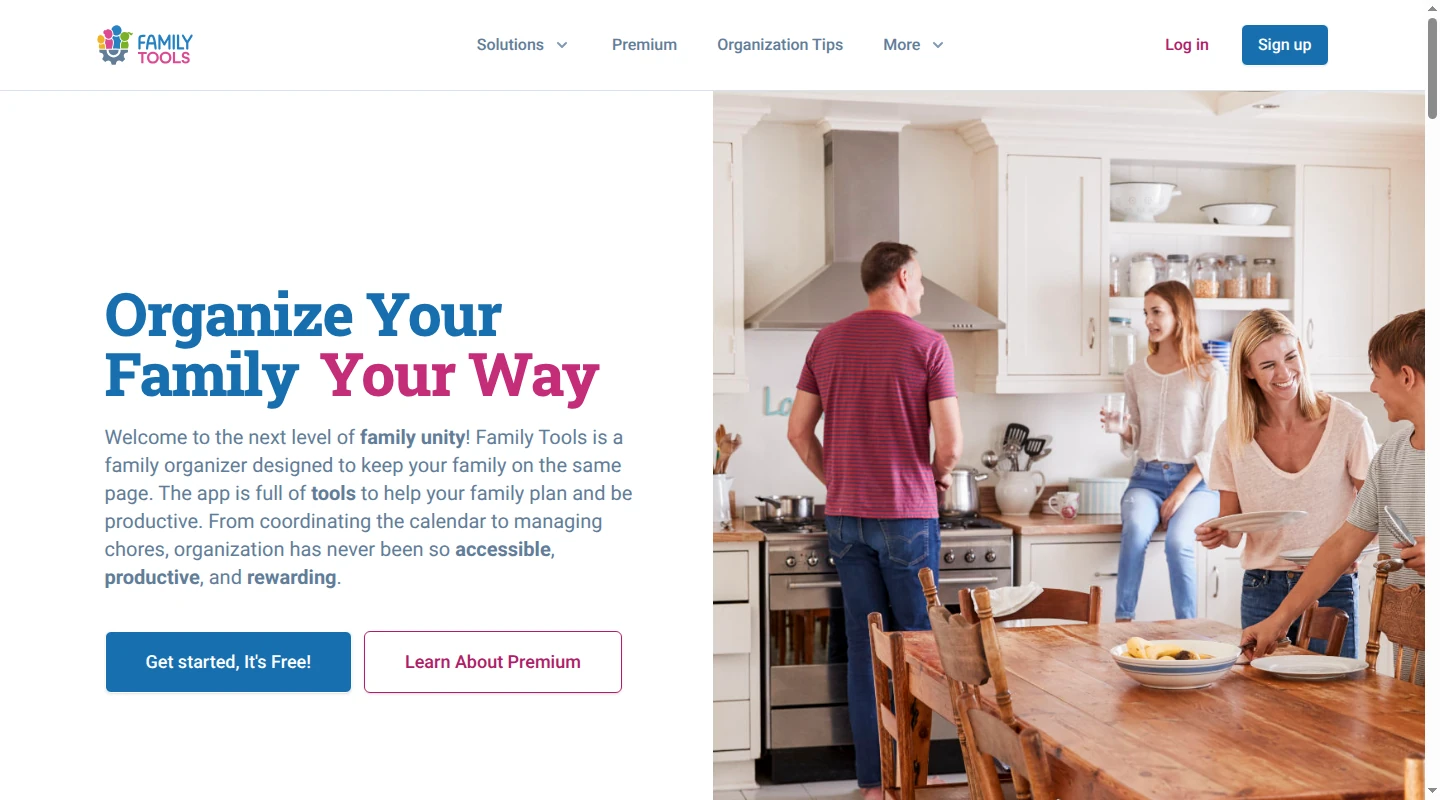
Family Tools gives children a clearer place inside the household system. A parent can create a linked profile without an email address, add an email later, and switch profiles with PINs on a shared device. Premium lets the household set custom permissions.
The free plan includes chores, repeating tasks, calendar events, rewards, up to five lists, and up to five notes. Premium adds homework, general to-dos, plans, meal planning, recipes, more notifications, and unlimited lists and notes. This is a better match when FamilyWall's family calendar is useful and the child-facing work needs more structure.
Messaging, documents, budget, school timetables, and live location remain outside Family Tools. A move starts with recreating the calendar events and active lists the household still uses. Its own events can then be exported to Google or Apple calendars. The family task comparison covers more ways to assign household work.
5. Google or Apple apps for a free baseline
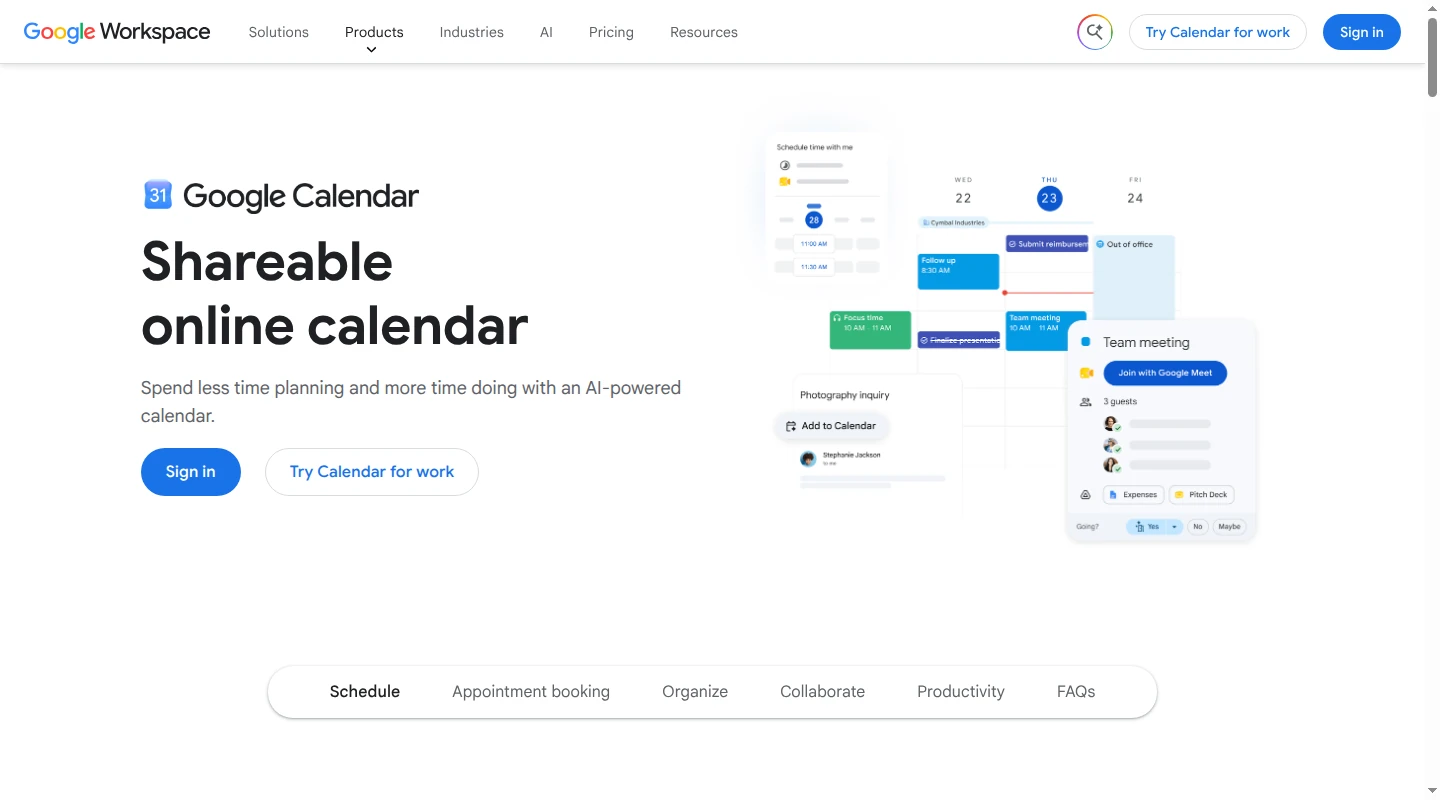
A Google family group receives a shared Family calendar. Members can add, edit, and delete events, while Google Keep can hold groceries, packing lists, notes, and photos. The same setup works across Android phones, iPhones, and browsers.
An Apple household can share an iCloud calendar and Reminders list. Reminders supports assignments, due dates, recurrence, notes, images, and location-based alerts. Apple child accounts and managed Google accounts let children participate, though every person who edits the plan still needs an account.
This route uses familiar tools and costs nothing. It also spreads the household across separate calendar, list, message, file, and location apps. There is no built-in family meal planner, school timetable, budget, or document vault.
The FamilyWall iCal feed can remain visible as a calendar subscription. It is one-way, so edits in Google or Apple leave the FamilyWall event unchanged. Recreate future events that need to become editable, then move the current lists by hand.
6. Skylight Calendar for an always-visible schedule
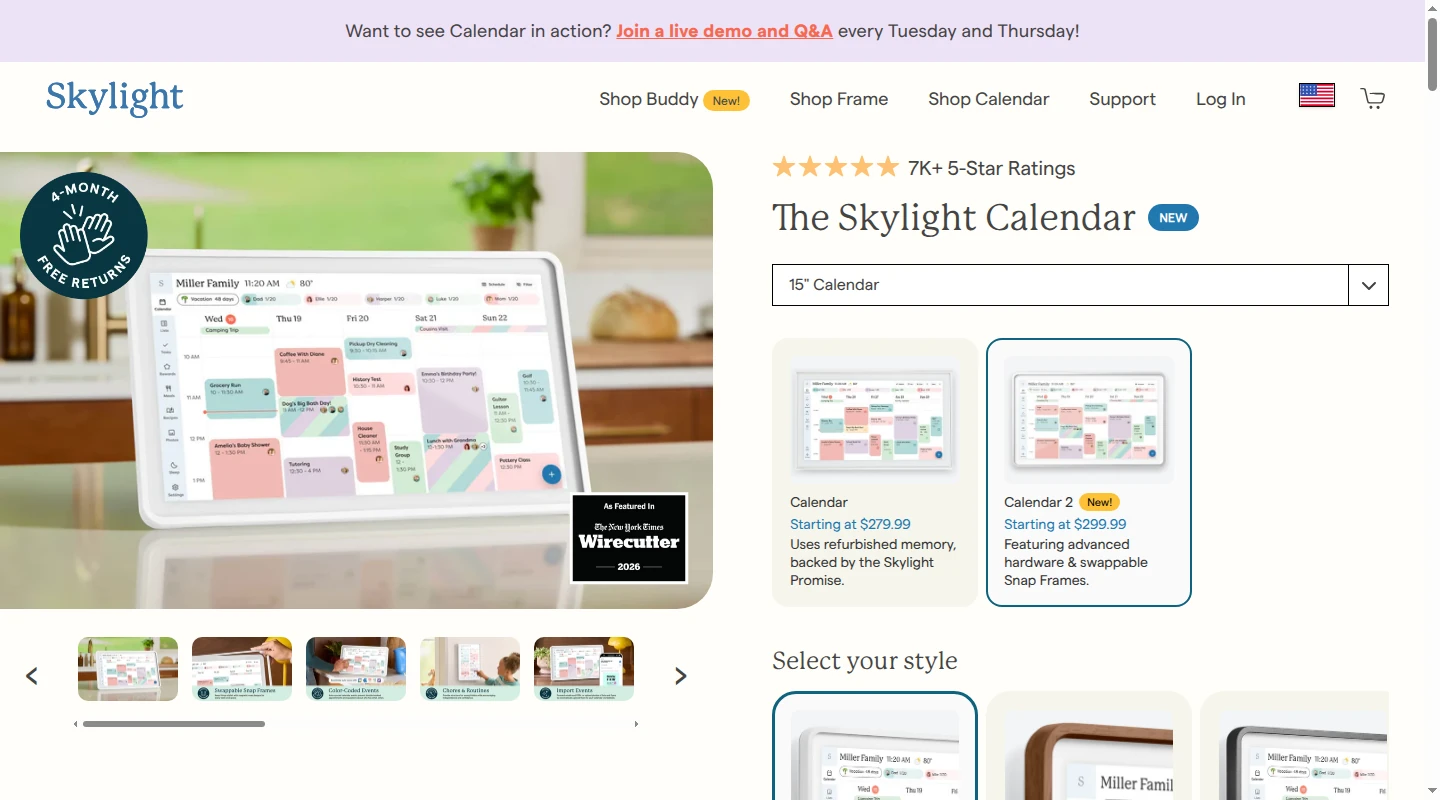
Skylight Calendar puts the schedule where a child, grandparent, or sitter can see it without another login. Calendar 2 is a 15-inch touchscreen. It syncs supported Google, Outlook, Apple, Cozi, and Yahoo calendars. Standard features include color coding, calendar views, tasks, shared lists, weather, parental lock, and a mobile app.
The optional Plus plan adds meal planning, rewards, a photo screensaver, and Magic Import. A parent can give Magic Import an email, PDF, flyer photo, or list after finding the source. The screen then makes the resulting plan visible to the household.
Messaging, documents, budget, school timetables, and live location remain separate from Skylight. A FamilyWall calendar can appear through its feed, while every other active module needs a separate move. Babs can help the Google Calendar or Apple Calendar behind the display stay current. It proactively finds relevant school and activity events, to-dos, and changes in Gmail, then brings them to a parent for review. If practice moves from 5 p.m. to 6 p.m., Babs flags the new time for parent review so the calendar, and therefore the Skylight display, stays current. The Skylight Calendar alternatives guide covers other display choices.
7. Yuvomi for a self-hosted family organizer
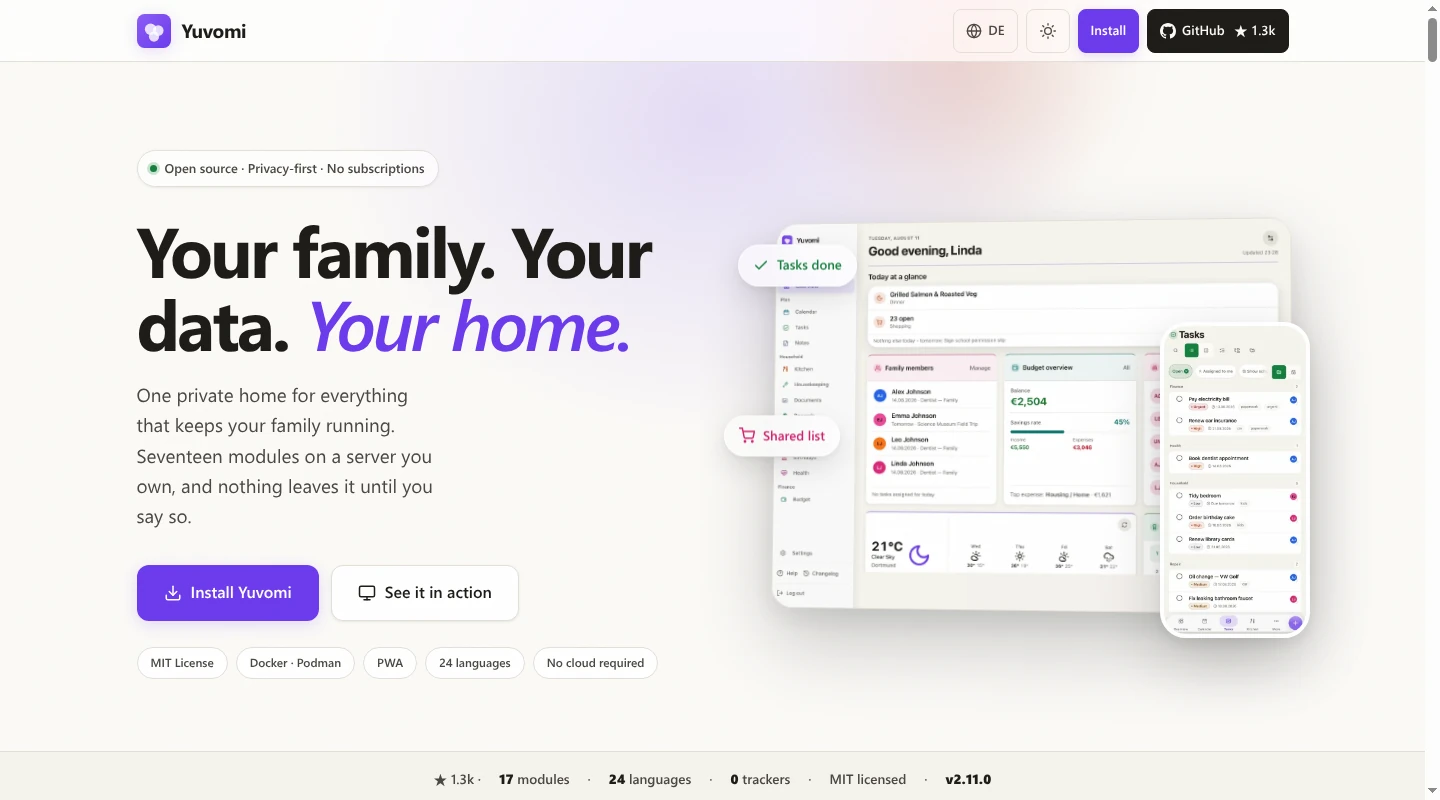
Yuvomi keeps much of FamilyWall's broad organizer on a server the household manages. It is free, MIT-licensed software that runs in Docker or Podman and installs as a browser PWA. Its modules include tasks, shopping, pantry, shared calendars, meals, recipes, documents, budget, contacts, notes, and rewards. Family members can have individual users and roles, with admin and member permissions plus per-item visibility.
Yuvomi supports two-way Google and CalDAV sync. An ICS subscription keeps pulling later FamilyWall changes while an event remains untouched. A local edit turns that event into an override, so later source changes pause until the event is reset. A one-time import creates editable local events that receive no later updates. FamilyWall's other modules still need a manual move.
OpenFamily is another single-app self-hosted route. It has parent and child accounts, calendars, tasks, shopping, recipes, meals, a household budget, weekly school and work timetables, and a Nextcloud calendar import. Yuvomi adds a searchable document module and wider calendar connections.
Home Assistant with Mealie works for a household already running both services. Home Assistant can display calendar entities and create local household to-do lists. Mealie handles recipes and meal plans. That setup keeps its existing home server useful, though the family works across more than one interface.
How to leave FamilyWall without rebuilding the whole year
FamilyWall creates a separate iCal feed URL for a calendar. Adding that URL to another calendar creates a one-way subscription. New FamilyWall events can appear in the destination, while destination edits leave the source unchanged. The subscription also depends on the shared URL remaining active.
Babs does not import the FamilyWall feed. Google Calendar or Apple Calendar is where the family's schedule lives. A household using FamilyWall as its only calendar must first subscribe, import, or recreate its events in one of those calendars. Babs can then find what the calendar is missing and give both parents shared visibility into suggested events, to-dos, and the family's Lineup.
- Add the FamilyWall feed to the new calendar first, so the household can still see current events during the move.
- Recreate the future events that need to be editable. A one-time import creates local copies that stop receiving later FamilyWall changes.
- Save messages and documents the household still needs, download useful gallery photos, and copy important contacts before closing the account.
- Move the current grocery list, open to-dos, and this week's meals. Completed lists rarely deserve the transfer time.
- Confirm each parent's access and open the new setup from every supported child or caregiver profile. For access through Google or Apple Calendar sharing, open the shared calendar from that person's account.
- Keep the FamilyWall subscription through an ordinary school-and-activity week. Remove it after the editable calendar and current lists carry the work everyone still needs.
Keep FamilyWall if it is still carrying location, messages, documents, or child participation. If its calendar is the only part left in use, finish the move and remove the subscription. When the family's schedule lives in Google Calendar or Apple Calendar, Babs becomes the central repository for what is going on around it. Babs proactively finds relevant school and activity events and to-dos in Gmail, reduces the work of getting them onto the calendar, and gives both parents shared visibility into suggested events, to-dos, and the week ahead. Join the Babs waitlist.
Related articles
Family organization · Babs
A family meal planning app everyone can use
Compare AnyList, Plan to Eat and Cozi for shared meal plans, recipe imports, grocery handoffs, devices, household pricing and provider-described data practices.

Family organization · Babs
Best carpool app for parents: apps and shared sign-ups
Compare GoKid, Carpool Kids, Carpoolio and CarpoolConnect with Google Sheets and Forms, including driver slots, calendar sync, access and costs.